WidgetDrawer - hide widgets icon

WidgetDrawer - hide widgets

0.5.1 for Android
4.0 | 5,000+ Installs | Reviews

MaxUndOtto

Description of WidgetDrawer - hide widgets

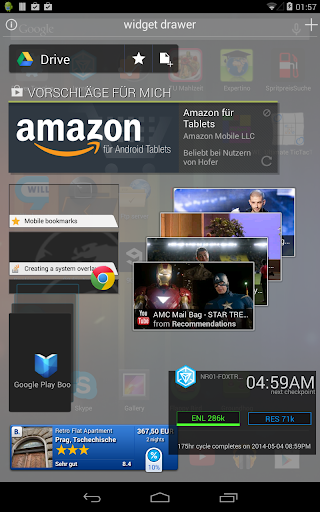
A special place for your widgets.
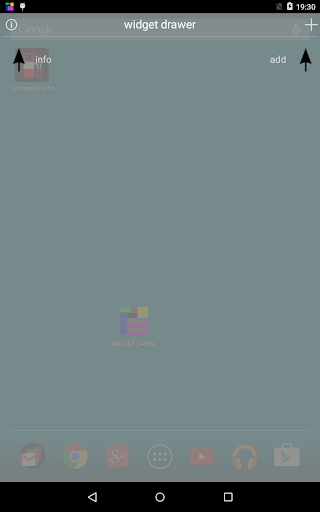
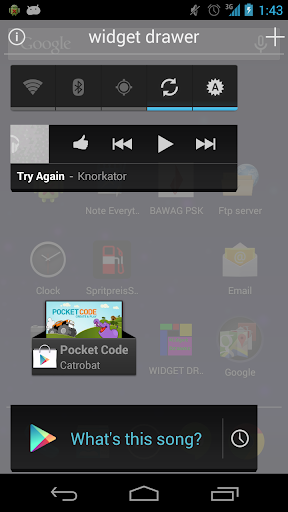
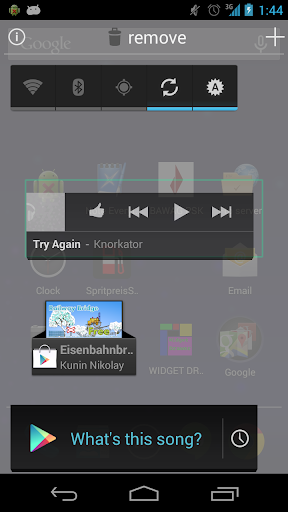
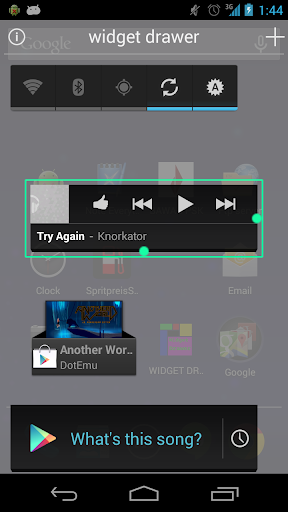
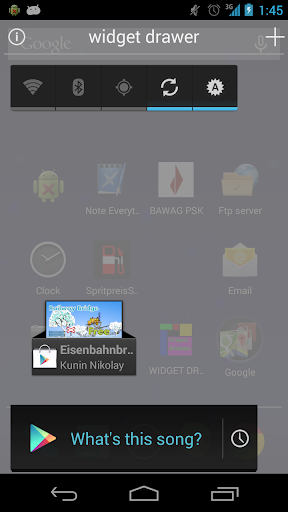
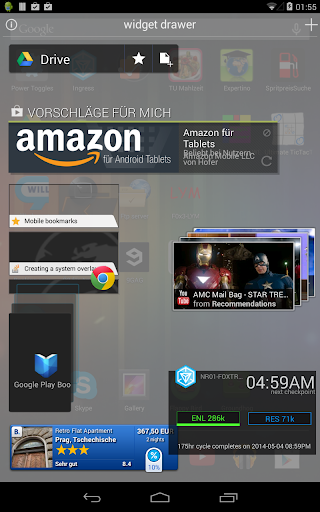
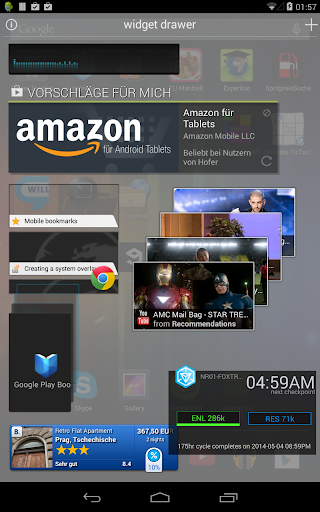
Put your favorite widgets into a full-screen overlay. Don't waste your precious homescreen on widgets. You are supposed to work with your phone, not staring at the homescreen. Have your widgets right there, even if you are busy or gaming. No need to close an app just to use a widget.
Features:
Keep your apps running while using widgets
Have your widgets organized in one place
Have more space on the Homescreen
Completely free
No ads
More features to come: Stay tuned!
For wishes/requests/questions please comment or write a mail.
Check it out!

What's New with WidgetDrawer - hide widgets 0.5.1

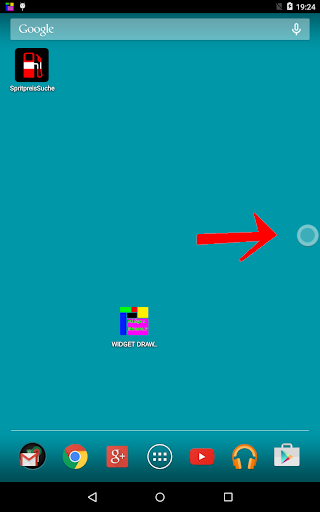
- brand new handle - now round and freely movable!
- hope it fits on smaller screens!
----- version 0.4 --------
- NEW FEATURE: Widget Drawer hides automagically
(Activity starts, Call comes in etc... )
- better positioning when adding
- fixed widget delete bug
- fixed drag&drop bugs
----- version 0.3 --------
- fixed vanishing widget bug
- fixed bug in Google Play Link
- fixed auto-unfolding bug
- fixed size of small green button for all resolutions
- fixed gridsize to multiple resolutions

Information

  • Category:
    Productivity
  • Latest Version:
    0.5.1
  • Updated:
    2015-05-11
  • File size:
    397.7KB
  • Requirements:
    Android 4.1 or later
  • Developer:
    MaxUndOtto
  • ID:
    at.maxundotto.widgetdrawer
Reviews
  • avatar
    Amazing..... one minor issue: widgets don't take full space horizantally, there is always space free at right side waiting for the resolution thanks
    2019-05-29 10:20
  • avatar
    Very handy app. Not quite perfect; it gets closed occasionally due to accessibility service switching off. I've taken all the steps to keep it running but my Chinese phone doesn't seem to like keeping accessibility on. Secondly, a suggestion, would love an option to have the drawer hide itself once a widget is clicked/opened. Or better yet, have the drawer close itself 2, 5 or 10 seconds after clicking a widget. so you don't to swipe it closed.
    2019-05-08 04:47
  • avatar
    Simple, clean and light. I have it installed on 5 Android devices, including a tablet. Two suggestions, the option of a side tab to access and the option of a black background. Otherwise, a great app, keep up the good work!
    2019-03-18 04:50
  • avatar
    evaluation
    2018-10-14 12:31
  • avatar
    Several problems with this. Do not have full control of the widget. I believe this would be best with toggle (on/off) widgets only. I was never able to figure out how to get out of the app after I was finished, it was a real mess. Best I could come up with was click the Recent Apps button, close the app, then I could get to my home page.
    2017-11-17 03:46
  • avatar
    If you add the ability to have multiple pages & custom background I'll give it 5 stars! Great idea Devs! Keep up the great work. 🌟🌟🌟🌟
    2015-11-30 05:52