

You always wanted to know the time without looking at your phone?
Thanks to Vibration Clock you can do this now! Just double click your on/off switch and the time will be signalled by a vibration pattern. So you don't have to look at your phone if you are eg. attending an important business meeting.
If your screen is off just press the on/off switch fast for two times.
Current hours, minutes and fraction of minutes will be signalled seperated by pauses. A number of 0 will be signalled by a very short vibration.
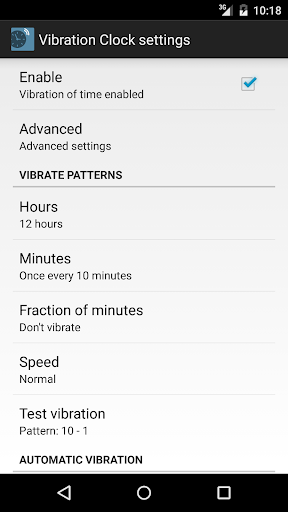
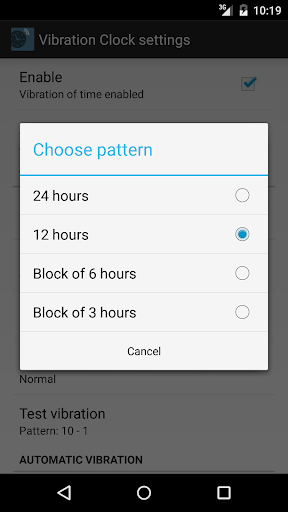
Setting for hours:
- 24 hours: at 8:23 vibrate 8 times, at 15:48 vibrate 15 times
- 12 hours: at 8:23 vibrate 8 times, at 15:48 vibrate 3 times
- Block of 6 hours: at 8:23 vibrate 2 times, at 15:48 vibrate 3 times
- Block of 3 hours: at 8:23 vibrate 2 times, at 15:48 vibrate 1 time very short
Setting for minute:
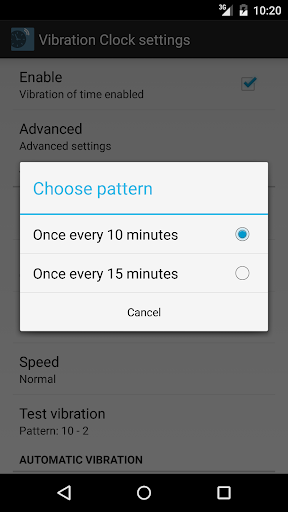
- Once every 10 minutes: at 8:23 vibrate 2 times, at 15:48 vibrate 4 times
- Once every 15 minutes: at 8:23 vibrate 1 time, at 15:48 vibrate 3 times
Setting for fraction of minute:
These are the missing minutes (0-9 or 0-14 minutes) from setting before.
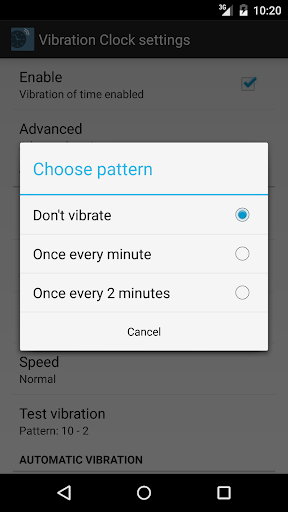
- Don't vibrate
- Once every minute Once every 10 minutes: at 8:23 vibrate 3 times, at 15:48 vibrate 8 times
- Once every minute Once every 15 minutes: at 8:23 vibrate 8 times, at 15:48 vibrate 3 times
- Once every 2 minutes Once every 10 minutes: at 8:23 vibrate 1 times, at 15:48 vibrate 3 times
- Once every 2 minutes Once every 15 minutes: at 8:23 vibrate 4 times, at 15:48 vibrate 1 times
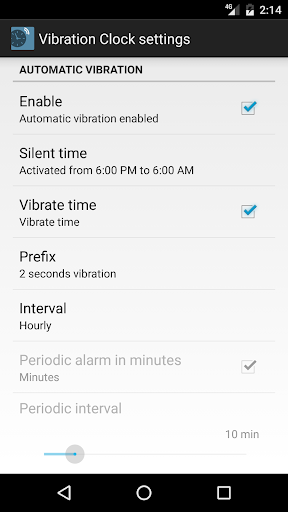
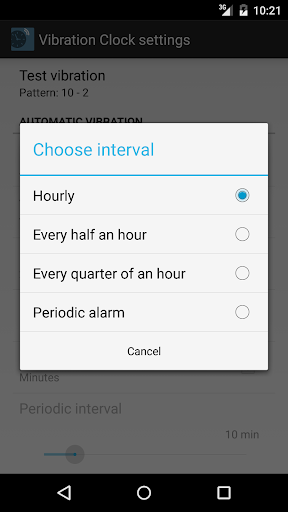
Using option "Automatic Vibration" you can enable hourly, half an hour or every quarter of an hour automatic vibration of time.
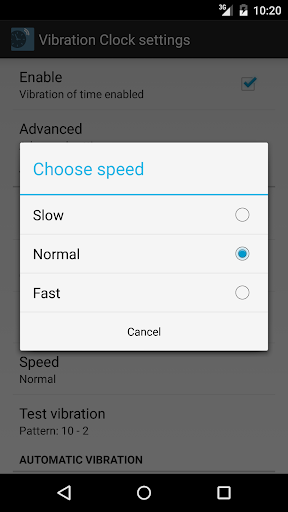
Disabling "Vibrate Time" will signal the alarm with a short vibrate. You can adjust the speed with the "Speed" setting.
Setting the interval to "Periodic alarm" you can enable a periodic alarm. This e.g. useful to vibrate every 30 seconds while holding a speech. Usually you will also disable "Vibrate time" with this option.
Vibration Clock can be used as a Locale-plugin for apps like Locale, Tasker, Llama and many more.
Morse Clock https://play.google.com/store/apps/details?id=net.idmobile.vibrationclockmorse is an amateur radio morse clock and can be used to morse time.
v1.1.2: Alarm prefix, periodic alarm and single vibration
v1.1.3: Usage as plugin for Locale, Tasker, Llama etc.
v1.1.5: Silent time for automatic vibration










9Apps 4.9













