
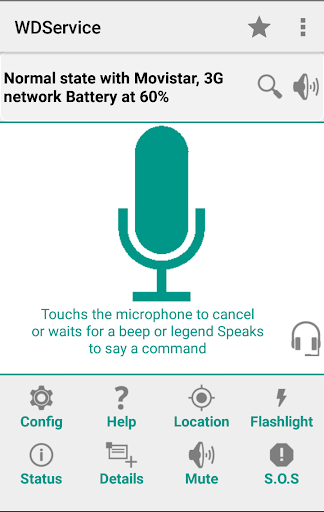
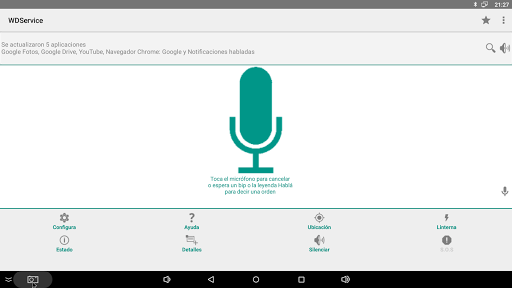
Spoken notifications let you listen to your email, whatsapp, text messages and know who's calling even with your phone locked.
Voice commands lets you control your device, make calls, and send text messages.
WARNING!
This app uses the Device Administrator permission.
You can enable it to lock device when some applications (incomming calls, clock, alarms) unlock it.
This service captures phone notifications and uses the text-to-speech tool (TTS TextToSpeech) to inform them in spoken form.(brief or detailed)
Due to Google Play Store’s restrictions on SMS / Call Log permissions
Incoming Calls, make phone calls, send SMS and Emergency may be affected
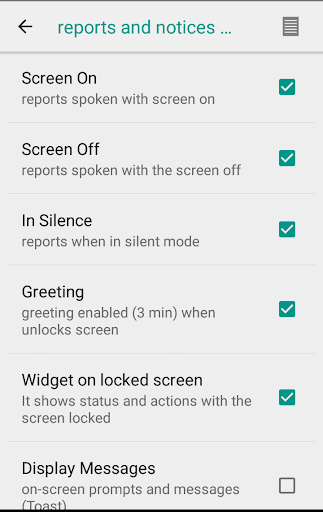
Activated battery saving can affect notifications when the screen is off (if so, it is recommended to disable it)
On some devices, the screen off disables notifications, in which case it is recommended to activate reports and notices, Notification always present
Pre-set voice commands in Spanish , English , Portuguese , Italian and French only using Android voice recognition (Google Voice Search)..
(hang up, text to , call to, hour or find in Google).
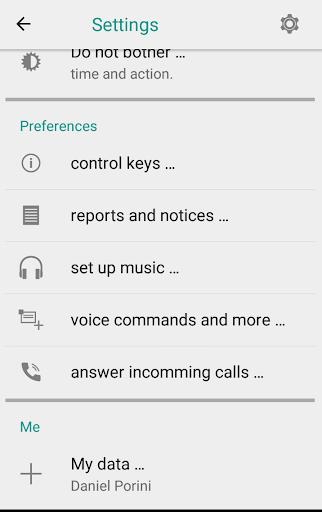
Use of power keys, volume, headset button and shake to control functionality quickly and easily.
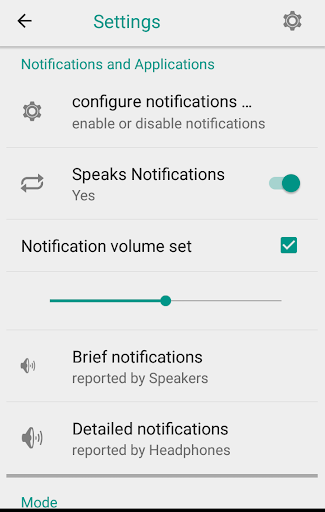
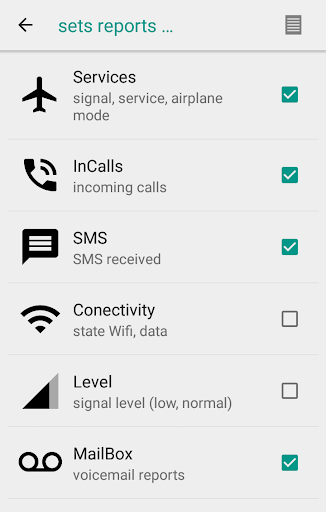
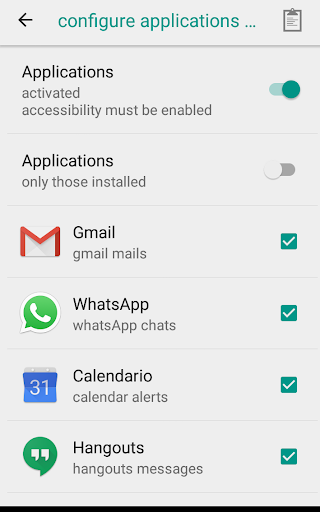
★ Use settings to enable / disable each notification.
You can also choose the audio mode where they will be spoken (headset, speakers, always or none) for short or detailed notifications.
★ Remember to activate the Notifications from the program menu or from the device configuration.
★ Remember to set the voice playback language.
(Settings->language and input->Text-to-speech output)
• Spoken notifications for incoming calls and SMS.
• Voice notifications for applications (gmail, mail, whatsapp, facebook, hangout, etc).
• Predefined voice commands.
• Notifications for signal, airplane mode, battery, location and Wi-Fi or data connection.
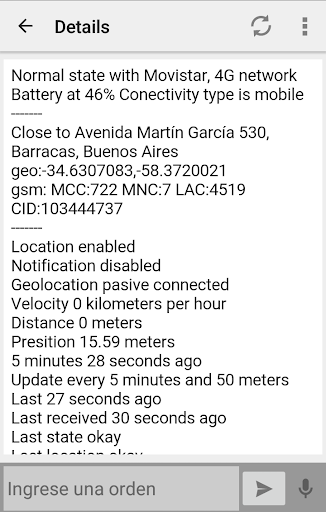
• Geo information - location.
• Emergency activation (S.O.S) by voice command (send text message with location).
• Control by orders received by SMS (only for authorized and emergency numbers).
• Answering calls and sending SMS by voice commands.
• Searches on Google when one of the voice commands is not recognized.
• Alert notifications about the status of the phone (no service, low battery, no connection, etc.).
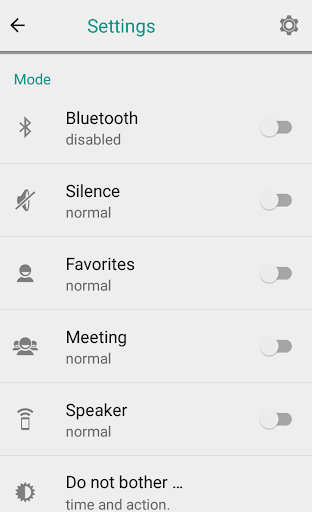
• Set notifications spoken by speakers, headsets or bluetooth.
• Notifications can be configured as brief or detailed (read a complete email or whatsapp or just your sender).
Speech Commands / Voice Command examples:
call to , hang up , wake me at , text to , date , hour , radio , music , open app, send location to , replay , phone status , ok google and more...
You can use any text-to-speech application.
Online Help http://www.wd.com.ar/Android/wdservice_en.html








9Apps 4.9