
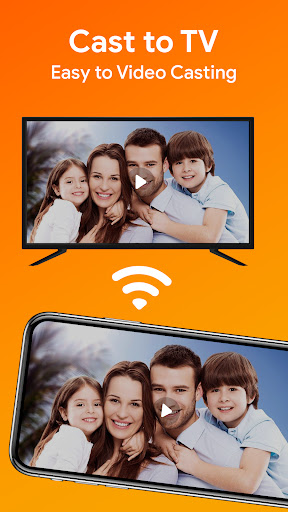
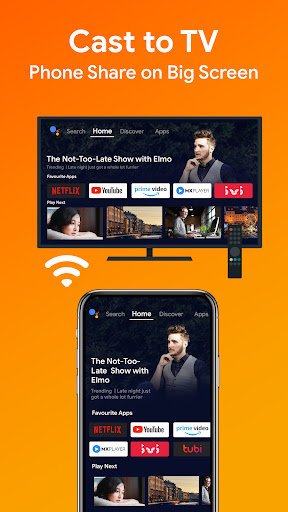
Enjoy movies on tv nowadays on Chromecast.
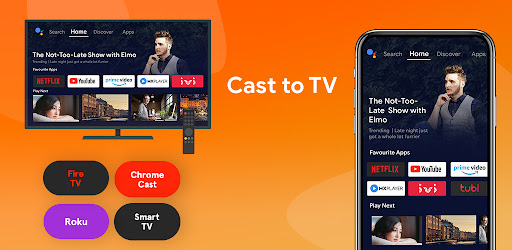
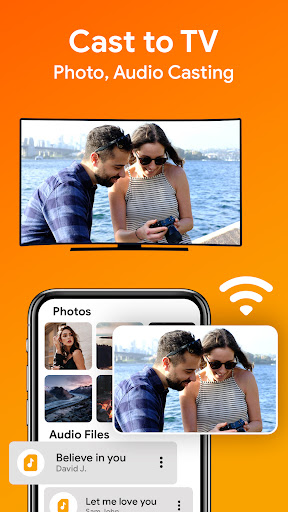
Cast to TV enables you to cast all local videos, music and images to smart tv on Chromecast, Roku, Amazon Fire Stick or Fire TV or other DLNA Devices.
Screen Mirroring helps you cast your phone to smart tv in high quality.
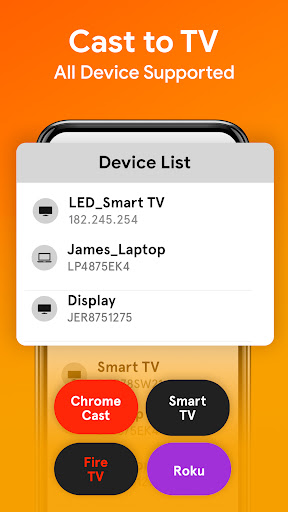
Supported Streaming Devices
Chromecast
Google Cast receivers
Fire TV or Fire Stick
Cast tv for Roku Express, Roku Streaming Stick, or Roku TV
Smart TVs like LG, Samsung, Sony, TCL, Xiaomi, Hisense, etc.
Cast to TV & Cast to Chromecast
Quickly cast with smart tv and enjoy videos on the big screen easily. You will never regret trying this cast to tv app.
Follow steps for cast phone to tv
- Easy to control TV with phone: Pause, Play, Forward/Rewind, etc.
- Local playback for videos.
- Create a playlist, and you can watch recent videos
- Fast detect all video, audio, photo files on your device & SD Card automatically.
- Play media in shuffle, loop, repeat mode.
Screen mirroring will operate on the same Wi-Fi connection between the phone and your smart TV. The streaming device supports the media format.
Before starting Cast TV for Chromecast, Roku, Ensure that VPN is turned off. Smart TV must be connected to the WI-FI network same as your phone.
![Cast Videos from Google Drive to Your TV with Chromecast [How-To] screenshot 1](https://i.ytimg.com/vi/CX_4xRUCC6E/mqdefault.jpg)
![Stream Personal Movies, Music, & Pictures to a Chromecast from Any Android Device [How-To] screenshot 2](https://i.ytimg.com/vi/5eLH5hEogKI/mqdefault.jpg)
![Cast Your Favorite Video Subreddits to Your TV - Chromecast [How-To] screenshot 3](https://i.ytimg.com/vi/FMCMSw1caR0/mqdefault.jpg)

![ChromeCast Setup to TV using SmartPhone [How To] screenshot 5](https://i.ytimg.com/vi/oIT7FB2qJNM/mqdefault.jpg)

9Apps 4.9















