

Tired of typing out long emails? Wish there was an easier way to type your blog?
Need to share a quick note to your colleagues or send a quick message to your friends for the party?
Just Speak and Share!
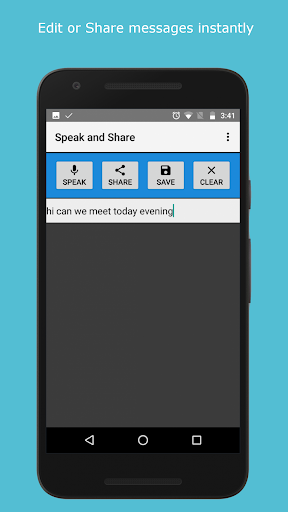
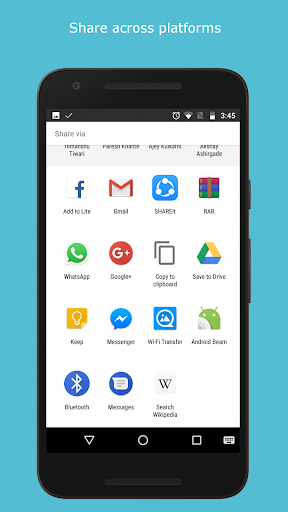
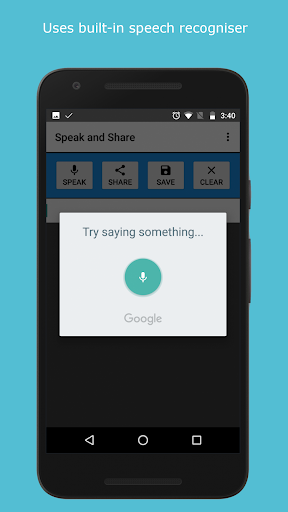
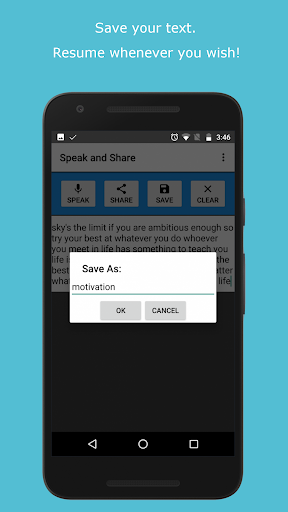
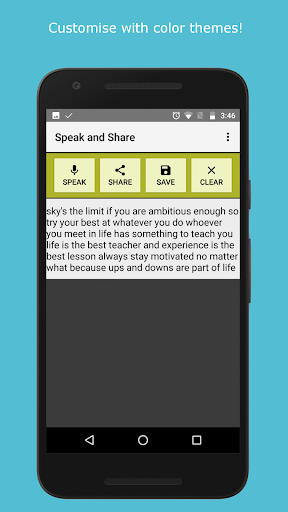
Speak and Share app lets you speak words in English and converts them to text using Google text to speech engine. With one-click share button, you can then easily share the text to any other apps like Facebook, WhatsApp, Messenger, Google etc. on your device. With the save button, you can even save the text to your memory card for later use!
Features:
* Converts speech to text
* Easily share the text with your friends
* Save the text to memory card
* Simple to use, no training required.
* Speak as long text as you wish.
* Share across various platforms easily.
* No need to copy-paste every time.
Moreover, this app is completely ad-free, no need to pay to get the ad-free experience.
Now write that long e-mail, share notes, send that quick message to someone, or write the content for your blogs.
Just Speak and Share!
Happy New Year 2018! We welcome the new year with a new major update to our app loved by you! Following is the list of changes:
Major update: introducing version 2.0
New look and features.
Much smaller APK file: just 70 kB!
Color themes introduced.
View saved files.
New menu introduced.
Clear button icon updated.







9Apps 4.9












