


VOICE READER
(read the instructions by clicking on the "i" button)
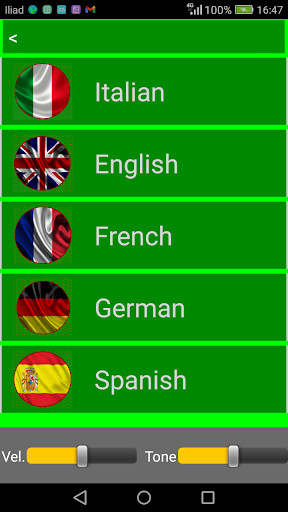
Languages provided: Italian, English, French, German, Spanish.
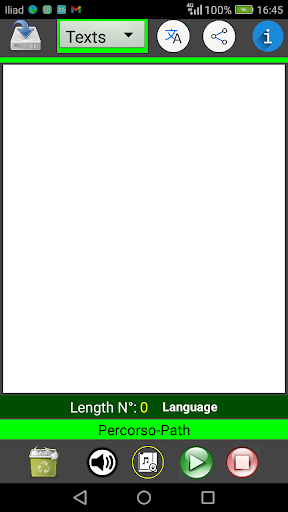
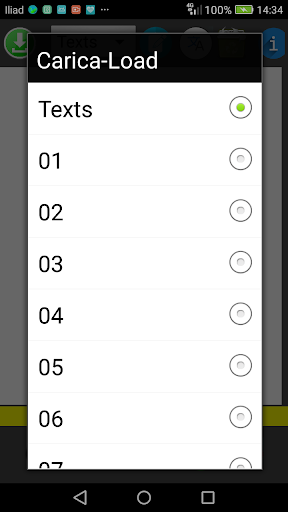
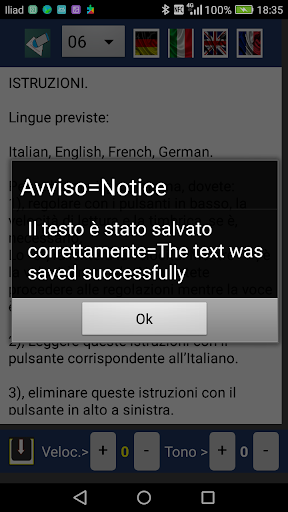
You will have the possibility to save the texts that you insert in the reading area for a total of 40 texts. 01.txt to 40.txt
You can create an audio.wav file of the text, after having listened to it with the speaker button and saved with the next button (arrow pointing downwards with the musical note), you can then listen to it again, pause it and stop it with the play buttons and stop.
You will not be able to do this once you have started reading.
It allows you to share and send it automatically with any social network.
If you share the audio file via Whatsapp, when listening it may sound like it was interrupted, but it is not, the file is complete, try to share it by E-mail.
It is not a defect of the App.
Creating the audio file and listening to the text in reading does not work on all mobile phones but in some, if you try to share it and the operation will be successful, you can listen to it anyway.
You can insert texts of any length, but once you start reading the text in the reading area, you will not be able to stop or pause it until the end of the text,
It is advisable not to exceed the reading / writing area in length when inserting the text. You will not only be able to record the entire text entered but also proceed to record the pieces of the text, and then reunite them in a single text at a later time, with various audio processing software, which you will find in your system or on the network.
Follow the instructions in the App. By clicking on (i)
Some display issues have been fixed.
Instructions for use have been made simpler.







9Apps 4.9













