
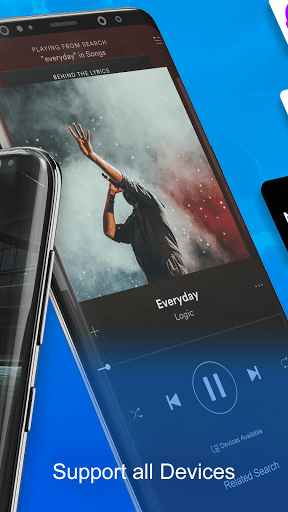
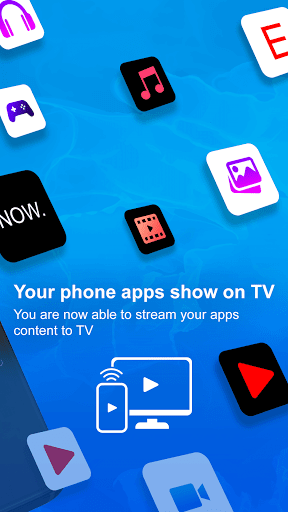
Screen Mirroring with All TV
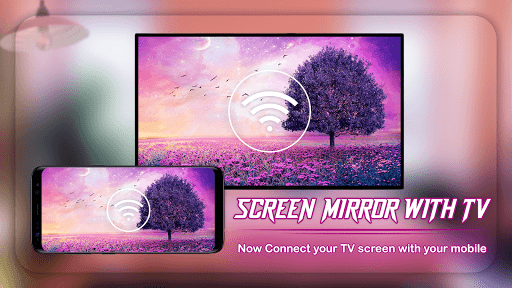
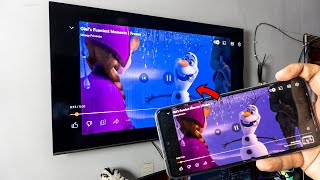
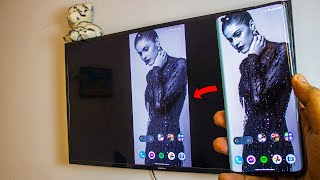
application helps you to mirror your android phone or tablet screen on your Smart TV display. Enjoy your mobile screen
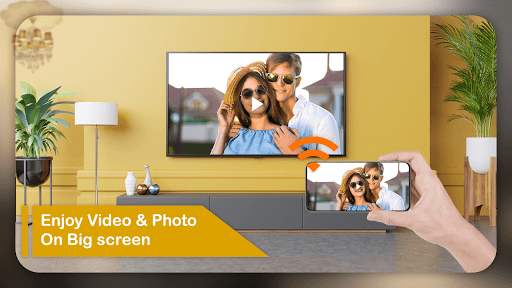
or tablet screen Video, Image, Audio etc in your smart tv screen.
Using this app you can
mirror your smartphone on the TV screen. You can easily access all of your games, photos, videos and other applications on a big screen using this Screen Stream Mirroring app.
Mirror your screen in real-time with HD quality to any device. Share your screen on any Smart TV.
Screen Mirroring with All TV, Cast To TV
will help you to share, display and mirror your android phone or tab's screen on smart TV.
Screen Mirroring is a useful TV app for mirroring and broadcasting your Android Smartphone screen and audio in real time You can Extend your mobile contents onto your Smart TV and The Frame TV.
Using
Screen Mirroring with All TV, Cast To TV
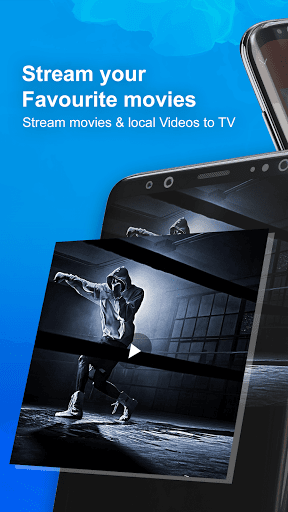
cast local video, photo slideshow, and music from phone to Chromecast easily and fast. Cast to Chromecast, Fire TV and other smart TVs with no feature limited. Cast to Chromecast, and enjoy the best experience of watching videos.
How To Use :
- Connect your TV and your Smartphone to the same wifi network
- Enable Cast Display on your TV
- Enable Wireless Display option on your phone
- Click Screen Mirroring button and choose your TV
- Cast Video, Photo, Audio etc. to your TV
Bug fixed





9Apps 4.9













