
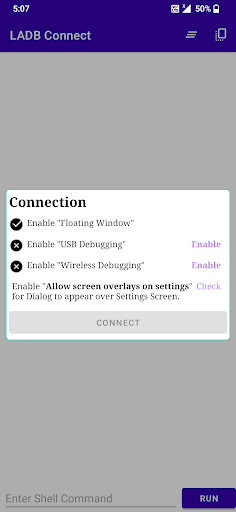
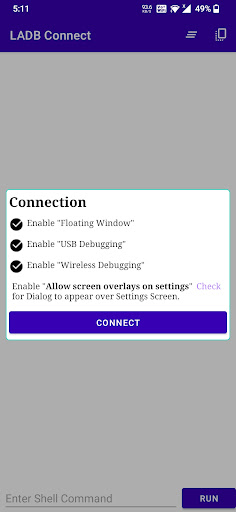
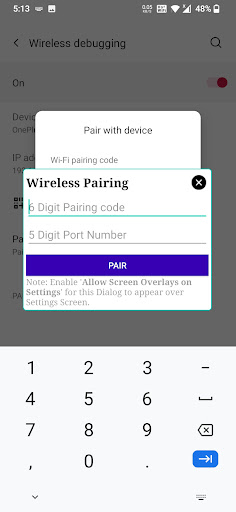
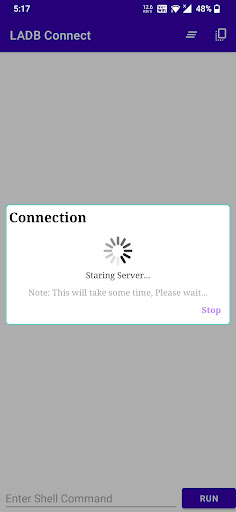
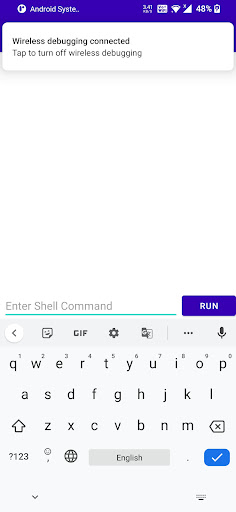
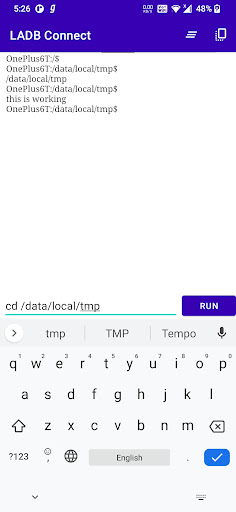
To access ADB locally and run ADB Shell Commands.
Setup Steps -
----- For Android 11
1. Enable Developer Options -> About -> Build Number -> Click 7 times
2. Developer Options -> Enable "Wireless Debugging"
3. Developer Options -> Enable "USB Debugging"
4. Developer Options -> Enable "Allow screen overlays on settings" for pairing dialog to appear over settings screen.
5. Give "Floating Window" permission to App
Click on Connect -> Enter Pairing Code and Port on Floating window (All instructions given in App to Assist)
----------- For Android 10 and Lower
1. Enable Developer Options -> About -> Build Number -> Click 7 times
2. Developer Options -> Enable "Wireless ADB Debugging"
3. Developer Options -> Enable "USB Debugging"
Click on Connect
Happy Shelling -:)
Major:
- Android 13 Support Added
- 32-bit OS Support Added
- Fix some (Server Starting) issues
Minor:
- Dark theme issue fixed
- Run button changed to Icon Button to provide more space
- Exit button added




9Apps 4.9













