

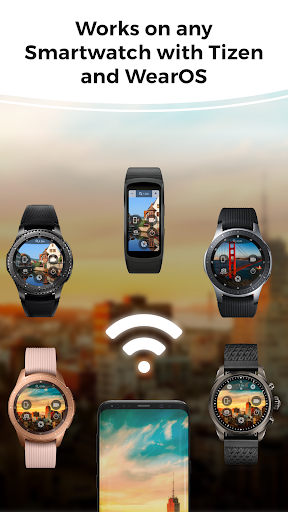
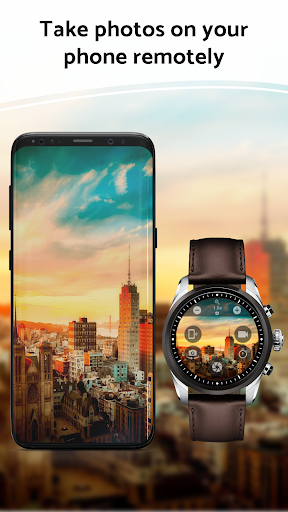

Wrist Camera App lets you control and preview your phone camera remotely from your Samsung Watch or Android Wear OS Smart Watch! (Only works on Bluetooth connection)
To be honest, this app has the least amount of features compared to other apps on the market. That being said, it is by far the easiest to use.
* May not work on Huawei and OnePlus phone due to their aggressive power saving feature.
-------------------------------------------
WRIST CAMERA FEATURES - EVERYTHING IN ONE TAP
-------------------------------------------
● Take photos and videos from your phone with your smart watch
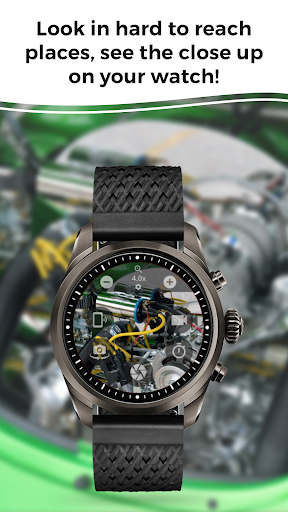
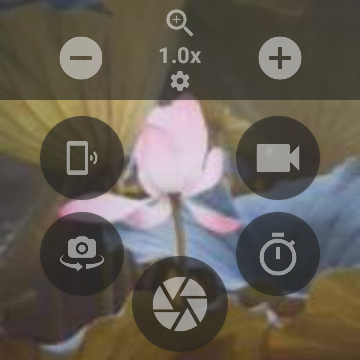
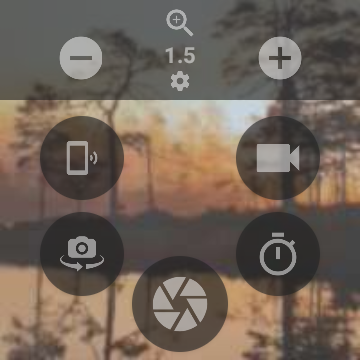
● Use your watch as the viewfinder - see what your phone camera sees on your wrist!
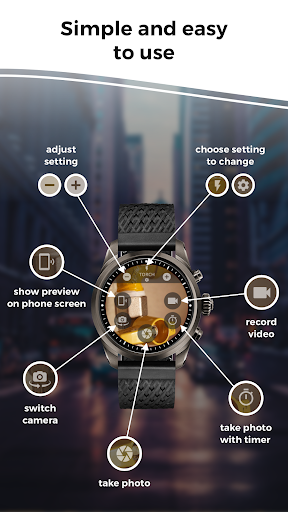
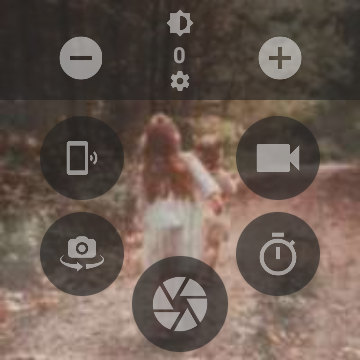
● Turn your phone into a remote control camera with your smartwatch - adjust the zoom, exposure, flash, and swap between main and selfie cameras
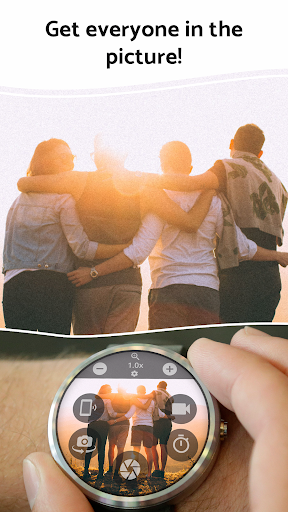
● Take a photo with a timer - perfect for group pictures!
● Take photos and videos without opening the home screen on your phone
● See in hard to reach places using your phone together with your smartwatch
● Level up your selfie game - get the perfect angle with the view finder on your Android watch
See in dark and hard to reach places
Turn on your phone's flashlight and use your smart watch to see in normally inaccessible places.
Level up your selfie game with a smart watch on your wrist
Get the perfect angle on selfies and group photos without even looking at your phone. Set a camera timer to give yourself time before the photo takes.
These devices can use the phone camera controller:
Samsung Galaxy Watch 5
Samsung Galaxy Watch 4
Samsung Gear S3 Frontier
Samsung Gear S3 Classic
Samsung Gear Sport
Starting from version 1.4.4 onward, this app can be used on Android Watch / Wear OS devices.
* These devices have not been tested but will likely be compatible. Download the app for free and try it on your watch:
Asus ZenWatch
Asus ZenWatch 2
Asus ZenWatch 3
Casio WSD-F20
Casio WSD-F10
Fossil Sport
Fossil Q Wander / Marshal / Founder 2.0
Fossil Q Bradshaw / Dylan
Fossil Wear
Huawei Watch
Huawei Watch 2
LG Watch Style / Urbane / Sport
Louis Vuitton Tambour Horizon
TicWatch Pro
TicWatch C2
TicWatch S
TicWatch E
Montblanc Summit
TAG Heuer Connected
TAG Heuer Connected Modular
ZTE Quartz
This app will need these permissions to work properly:
1. Camera Permission: Obviously needed to stream your camera view to your watch
2. Storage Permission: We will need to save the photo / video on your phone
3. Microphone Permission: Microphone is needed only when recording a video
Take better photos, get more from your smartwatch. Try it for free, and upgrade if you liked it.
⚠️ Important Disclaimer for WearOS Play Store: This app only works on watches paired with an Android phone. If you're installing this from Play Store on your watch, you must also install the companion app on your phone.
This app also needs to be whitelisted from the phone Power Saving feature: We need this permission because some phone brands completely killed this app when not in use, rendering this app useless on phones like Nokia, Huawei, OnePlus, and Xiaomi.
1. Auto reconnects to the camera when re-opening the app
2. Fix for app crashes affecting some phone models

![[Gear 2] Remote Camera - from now on you can take FLASHFIE screenshot 1](https://i.ytimg.com/vi/VLFryNOFUoE/mqdefault.jpg)


![Samsung Galaxy Gear Remote Controlled Led Lights [Software Languages Lab VUB] screenshot 4](https://i.ytimg.com/vi/yuqHUnAKPU4/mqdefault.jpg)







9Apps 4.9













