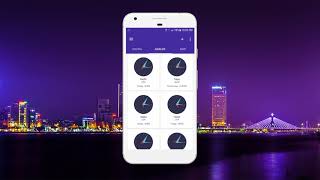

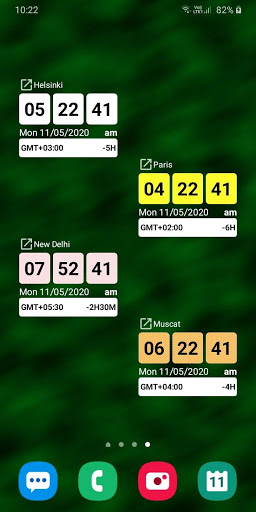
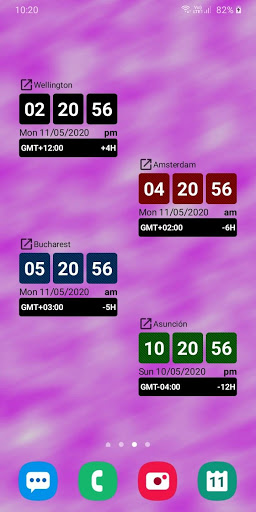
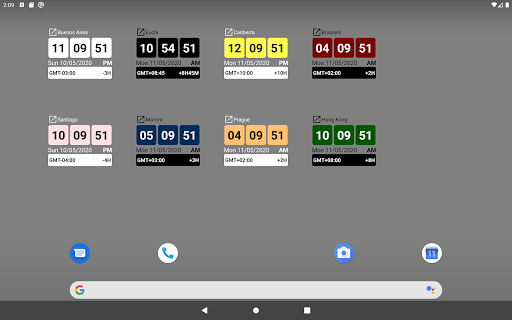
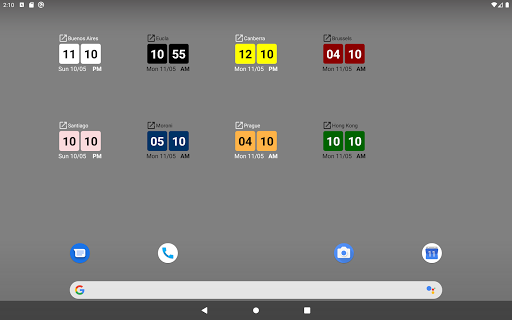
Highly accurate international timezone for all countries around the world.
Including Africa, Asia, Australia/Oceania, Europe, North America, South America continents based on Greenwich Mean Time (GMT) and Coordinated Universal Time (UTC).
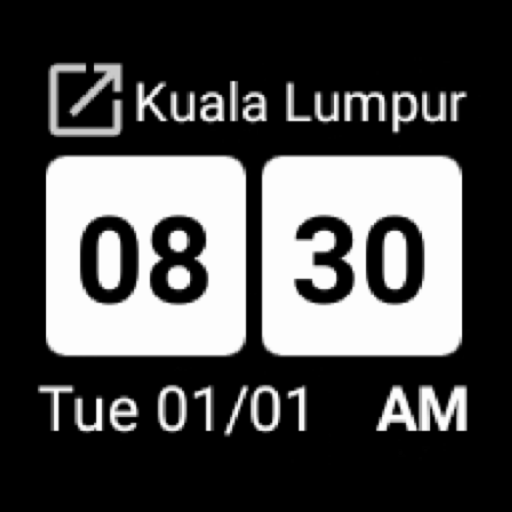
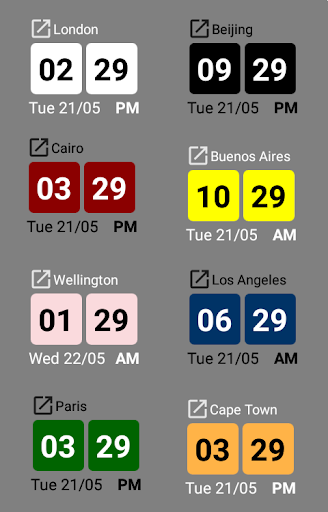
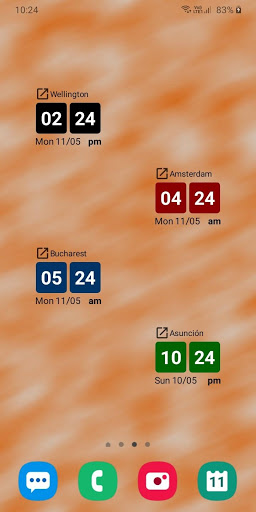
Well-designed, stylish, colorful and compact widget.
Beautiful design suitable for all home screen background color (Dark theme/Light theme).
Edit your own location name.
Add missing location or edit location name in your own preferred name.
Automatic convert daylight saving time (DST) and standard time.
Most areas in North America and Europe, and some areas in the Middle East, observe DST, while most areas of Africa and Asia do not. In South America, most countries in the north of the continent near the equator do not observe DST, while Paraguay and southern parts of Brazil do. The practice of observing DST in Oceania is also mixed, with New Zealand and parts of southeastern Australia observing DST, while most other areas do not.
Automatic time format change (12 hour format/24 hour format).
Time format change according to device default time format.
Unstoppable timing widget!
Battery saving and low memory usage.






9Apps 4.9