
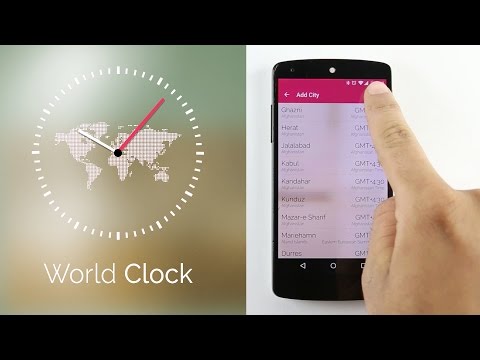
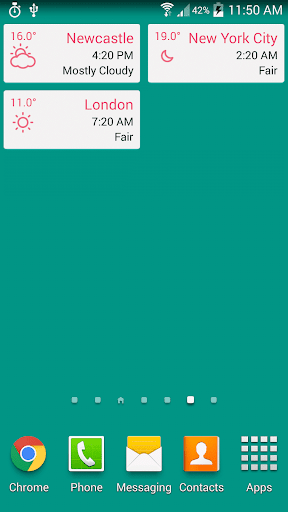
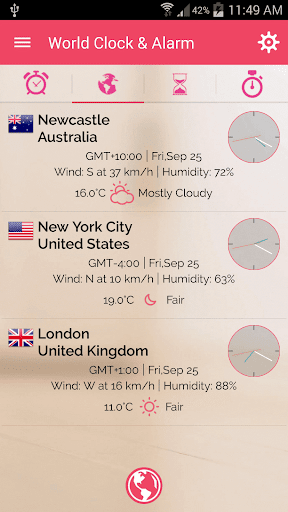
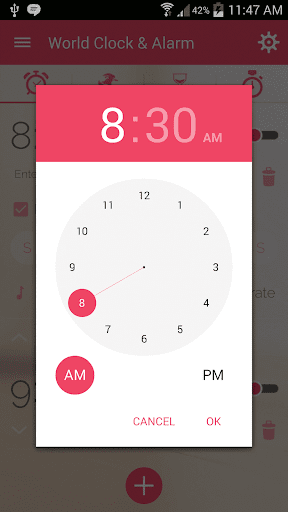
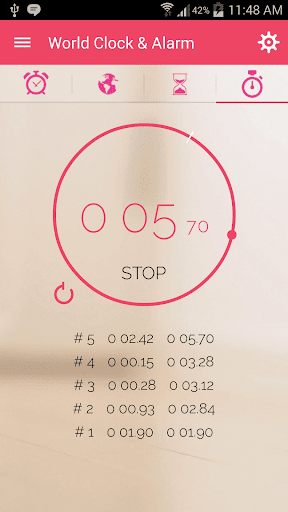
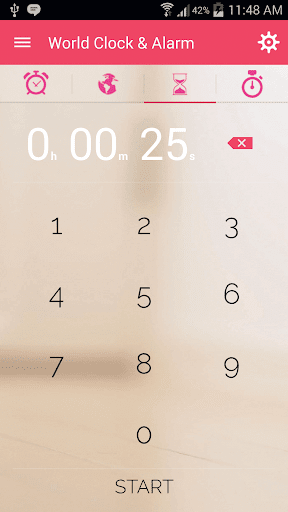
Get Multiple cities times at one place with features like Alarm, Weather, Stopwatch, Timer and Widgets. World clock app gives all things in a single app. Easy to manage different city time zones in one place.
App Features:
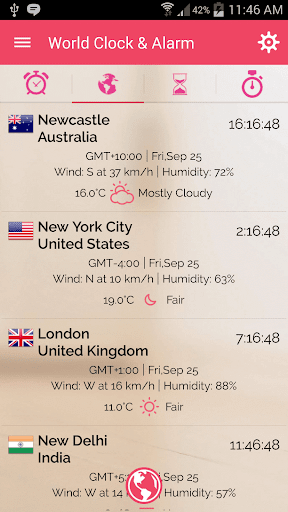
* World Cities clock with country flags.
* Analogue Clock and Digital Clock options available.
* Weather Update with Temperature and Wind Speed.
* 12/24 Hour option
* Different widgets for alarm and city times.
* Alarm Widget, World Clock Widget and single time widget.
* User can Rename City Name and click on "Done".
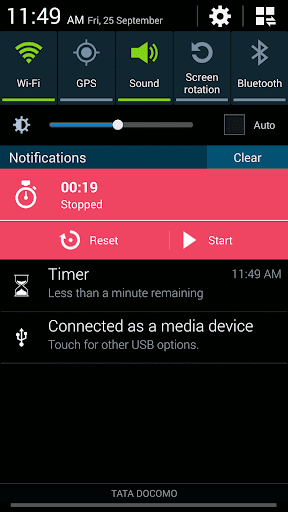
* Stopwatch with Notification options.
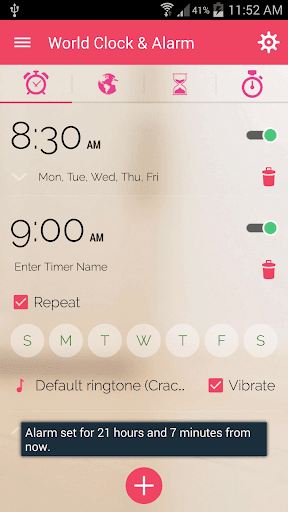
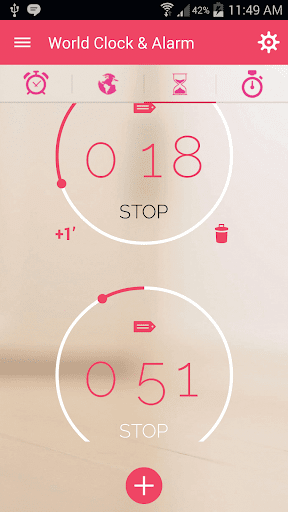
* user can set Multiple Timers at one place.
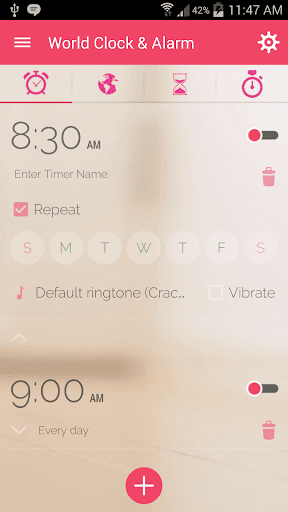
* Multiple Alarm Clock Times available for single Days and repeating option.
Follow Us on :
https://www.facebook.com/AppSourceHub
https://twitter.com/appsourcehub
Please give your helpful suggestions and comments on the following email address:
rajkm454@gmail.com
By installing this app you agree to the following privacy policy:
'http://www.oneaudience.com/privacy/?package_name=com.worldclock.alarm'
Version 2.0:
Fixed weather Bugs and Crashes.
If you like the App and features we are adding, show your support with Ratings and Reviews.








9Apps 4.9














