Word Clock Widget icon

Word Clock Widget

1.0.18 for Android
4.1 | 10,000+ Installs | Reviews

Carsten Wilhelm

⚠️ You need 9Apps App to install .XAPK File. How to install XAPK?

Description of Word Clock Widget

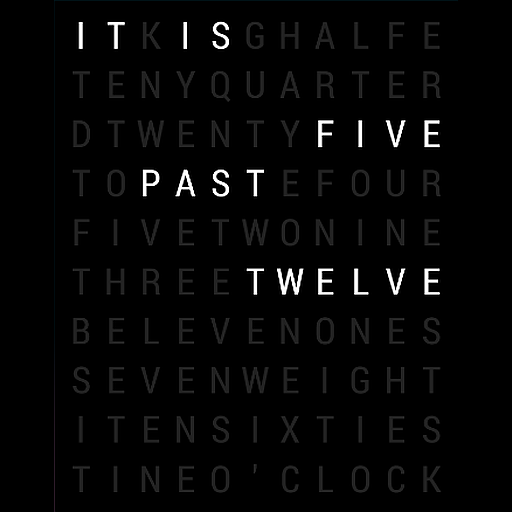
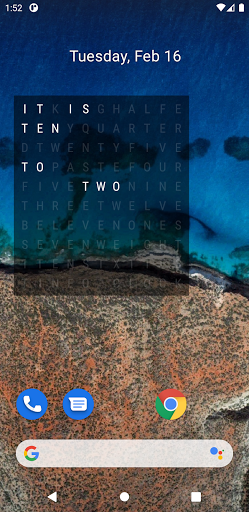
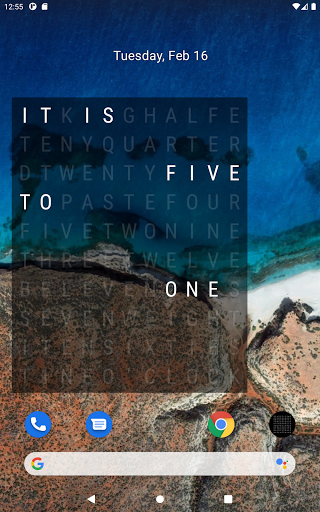
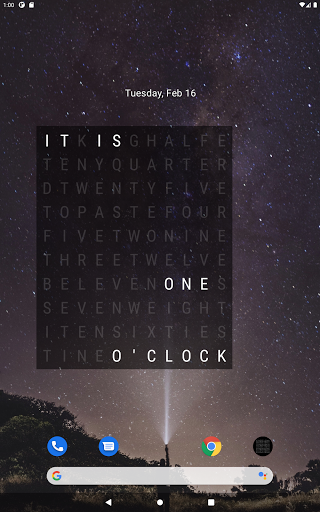
This App provides a widget, that can display the time with words. The widget will highlight the corresponding chars that form the time: "it is twentyfive to ten".
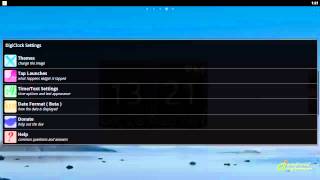
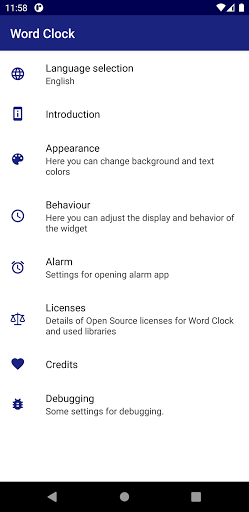
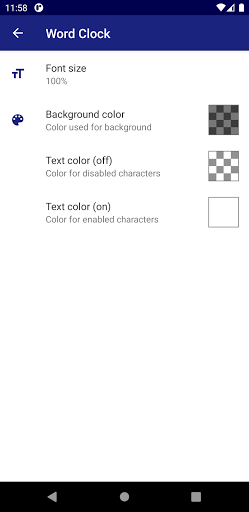
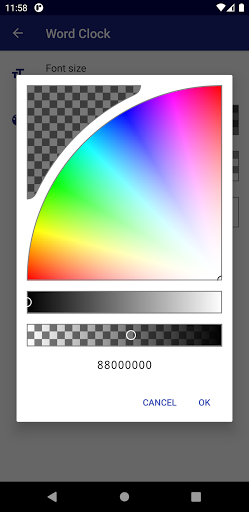
You can change the font size and the colors in the settings (including transparency) - you get an app in the laucher to display these settings.
Currently there are three widget sizes (2x2, 3x3, 4x4), but you may resize the widget using your launcher as well. If you add more than one widget on the homescreen, all will share the same settings )(e.g. colors).
Additionally you can use the word clock as daydream service. You need to select "Word Clock Widget" in your daydream list in the settings app.
NOTICE: this App provides a widget that has to be added to your homescreen. Please refer to your launchers documentation how to add widgets.

What's New with Word Clock Widget 1.0.18

Updated to Android 13 as target platform

Information

  • Category:
    Personalization
  • Latest Version:
    1.0.18
  • Updated:
    2023-09-02
  • File size:
    3.2MB
  • Requirements:
    Android 4.4 or later
  • Developer:
    Carsten Wilhelm
  • ID:
    de.thinkofapps.wordclockwidget
  • Available on:
Reviews
  • avatar
    Super Awesome super cool thus iz good yah Germans Yah very artistic yah ! Avetezein Dunka from America 🆗💋🥰 Jadore period.say hello 2heidi Klum yah.
    2020-08-25 08:29
  • avatar
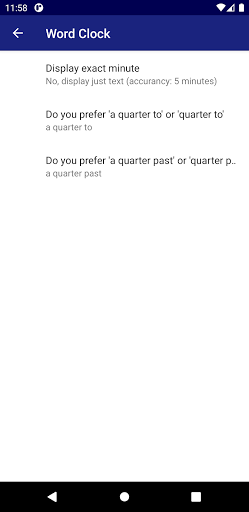
    Almost perfect... if the option to display exact minutes worked when the app is used as a daydream screensaver... I'd give it five stars.
    2020-07-19 06:48
  • avatar
    Almost perfect, but I cant figure out why is a bit "slow", sometimes it "forgot" to update... The widget should refresh itself (only when the screen is on) every 1 minute... But it does not ???
    2019-11-25 05:59
  • avatar
    Worthless. Shows the time you added the widget to the home screen; never updates. Unless you remove and re-add.
    2019-11-23 02:46
  • avatar
    I love the look and everything but the widget goes up, correct time, but the time never changes in It stays frozen at whatever time it said when I put it up, and if I set the screen to FHD+ or WQHD+ it disappears. Probably the word aspect ratio on the Samsung S8.
    2018-12-01 09:01
  • avatar
    I really loved this one, but it doesn't work on my Umidigi S2 lite. :-(
    2018-08-30 03:54