
Wi-Fi Info Widget icon

Wi-Fi Info Widget

6.1 for Android
3.9 | 50,000+ Installs | Reviews

Dmitriy Lapayev

Description of Wi-Fi Info Widget

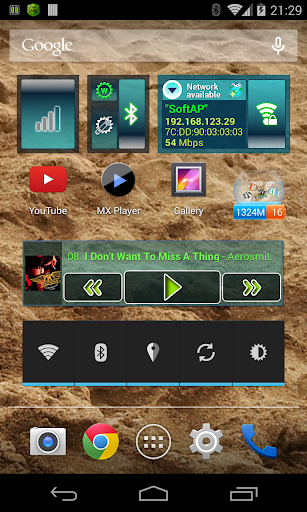
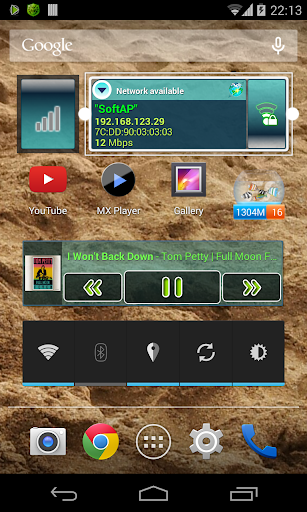
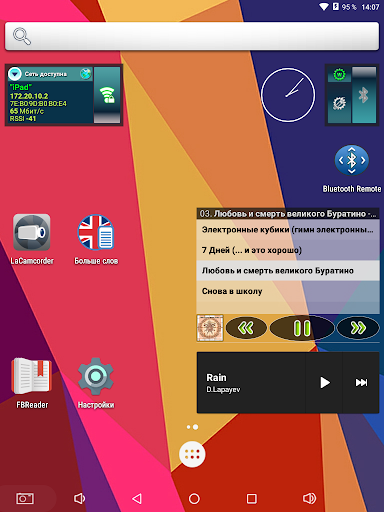
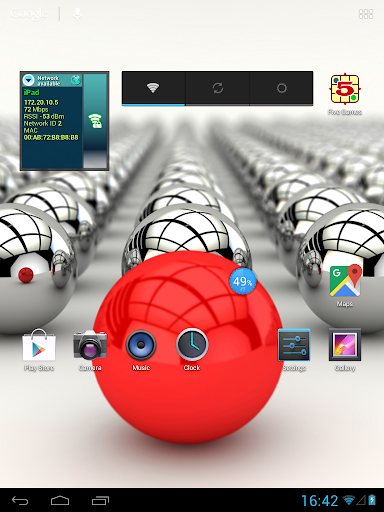
The widget is designed to enable/disable Wi-Fi adapter and display the state of the current connection.
Data updated as changes in the state of the Wi-Fi adapter.
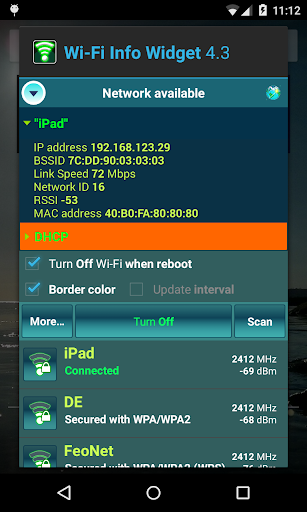
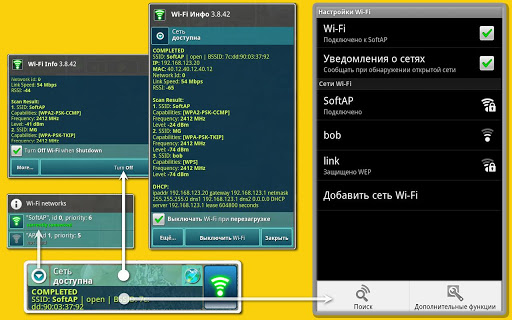
When you click on the indicator "Network availability" (launching widget configuration activity) displays the current connection state and obtained parameters (scan results, DHCP-assigned addresses from the last successful DHCP request). The receiver of the widget can be pushed out of memory for some time, the last received data is displayed.
Implemented:
• displays the state of "network availability";
• indicator of the cellular data network connection;
• option turn off the Wi-Fi adapter when device reboot;
• option enter a password to connect to a secured Wi-Fi network;
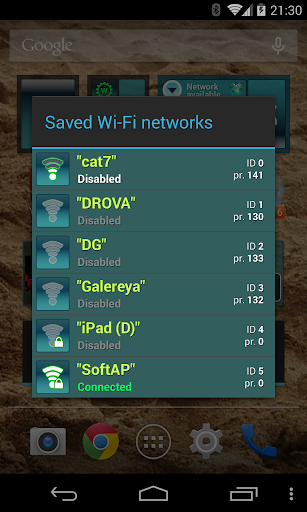
• ability to quickly switch between the previously configured Wi-Fi networks;
• ability to remove a network from the list of saved networks;
• start scan for access points;
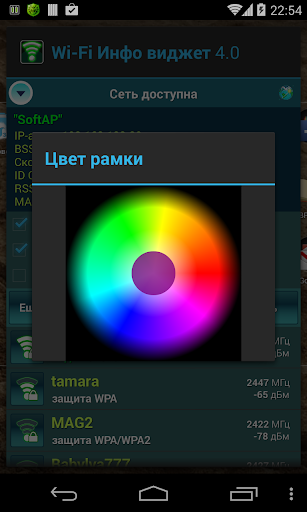
• ability to change the border color of the widget (for Android 2.2 and above);
• ability to change the horizontal and vertical size (for Android 3.1 and above);
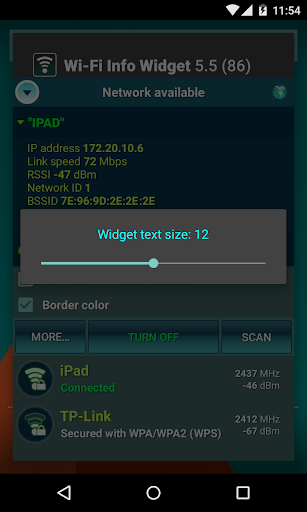
• ability to change the widget text size (for Android 4.1 and above, button "More...");
• choise of the type of sorting the list of networks (button "More...").
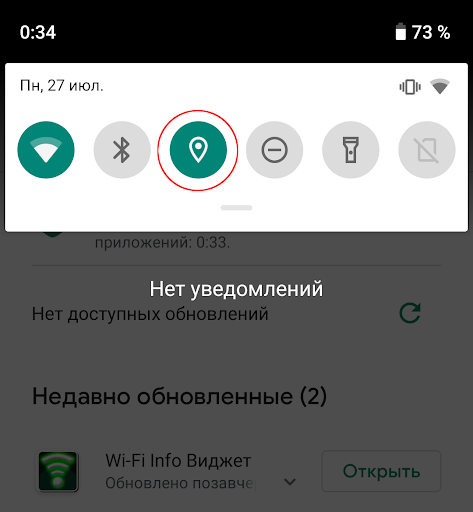
Permission "Location" (network-based) is used to obtain the results of scanning available networks (for Android 6.0 and above). You must enable location on the device.
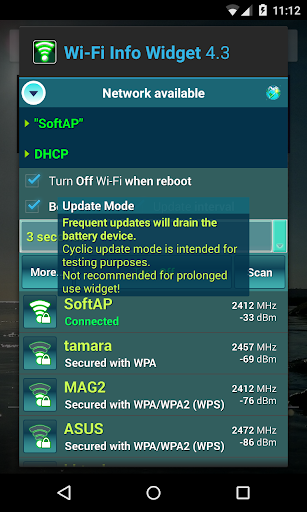
Cyclic Update Mode (sync with timer) is intended for the adapter's testing and operates prior to version Android 4.4.2. This mode is not recommended for prolonged use the widget.

What's New with Wi-Fi Info Widget 6.1

Added indicator of the cellular data network connection, the ability to resize the widget's text, the choice of sorting the list of networks. Widget ready for Android 10.

Information

  • Category:
    Tools
  • Latest Version:
    6.1
  • Updated:
    2020-07-27
  • File size:
    375.8KB
  • Requirements:
    Android 2.1 or later
  • Developer:
    Dmitriy Lapayev
  • ID:
    lapay.biz.widget
  • Available on:
Reviews
  • avatar
    Excellent widget, could use a better look. It's exactly what i was looking for minus the color scheme. I was using an essentially identical widget that wasn't updated any more so it doesn't display the Wi-Fi ssid. This does exactly what I want but the color scheme is too flashy for my taste. Please give us the option to select different colors or just make a toned down (e.g.black and white) version.
    2020-10-16 03:36
  • avatar
    Edit: All good & working now. SSID names were actually shown before this recent update. All SSIDs names now appear as "Hidden". Using stock Android 10 on Galaxy 9+ with location, etc. on and with a reboot. App also does not have permission enable/disable wifi; it is no longer defined within its allowed permissions.
    2020-07-28 12:05
  • avatar
    Need Transparency style
    2020-07-03 05:18
  • avatar
    Does not work on Android 10 after update and reinstall.
    2020-06-12 05:13
  • avatar
    Widget doesn't update, even after using it to change settings. Shows wrong information 90% of the time. No customization in regards to color or transparency. Good concept, poor execution.
    2020-04-15 04:30
  • avatar
    Looks amazing good ! But I wished that the DISCONNECTED state would be shown, instead of latest connected WiFi network. In Tasker the Home SSID disconnection can be checked by profile with state check "connected to home SSID" and an EXIT routine within this profile. Add a Tasker Task-Widget on desktop. The CONNECTED task should show eg. WiFi icon for the widget, the EXIT task should show eg. red triangle icon for widget. Label widget with home SSID.
    2020-02-26 10:09