
WiFi Keyboard - Wireless keyboard & Mouse for PC icon

WiFi Keyboard - Wireless keyboard & Mouse for PC

1.7.4 for Android
3.4 | 50,000+ Installs | Reviews

SampuzApps

⚠️ You need 9Apps App to install .XAPK File. How to install XAPK?

Description of WiFi Keyboard - Wireless keyboard & Mouse for PC

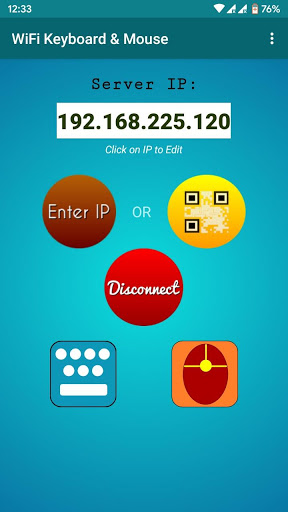
This android application lets you use your android phone as a Wireless-LAN/WiFi keyboard and Mouse for your Windows/Linux PC.
FEATURES:
-Simple User Interface
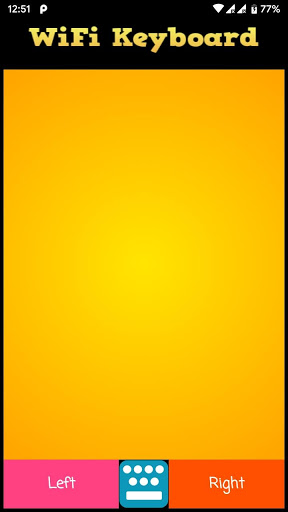
-Mouse Support(New)
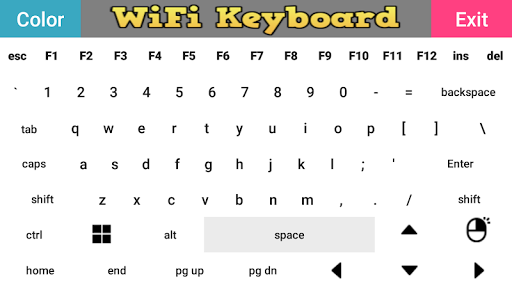
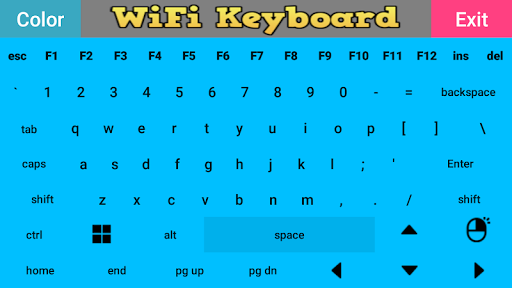
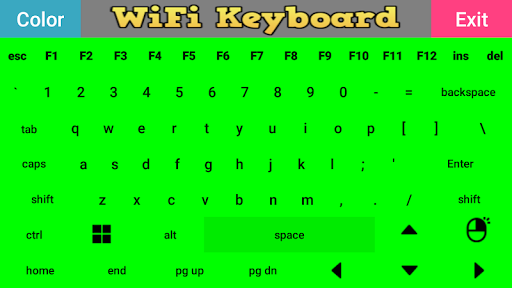
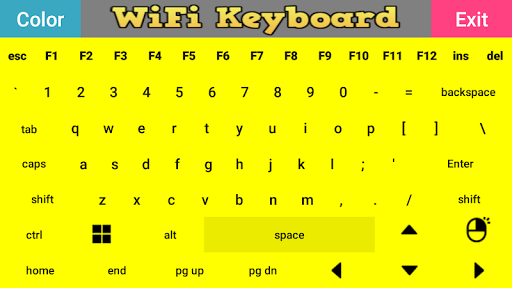
-Multiple color available for keyboard
-Almost all keys of PC keyboard is available
* * * Successfully tested on Windows 10, Ubuntu16 and Raspbian OS * * *
To use this application, the android phone and PC/Laptop must be connected to the same router/WiFi network
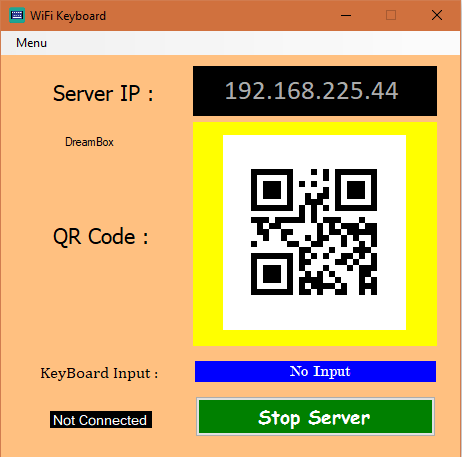
and the PC application must be running on desktop.
Alternatively, you can also make your android phone a WiFi hotspot and connect your PC with it.
The PC application can be downloaded from :- https://sampuzapps.gitlab.io/
This link is also provided in the instruction section of this application.
Please rate and comment and let me know how this application can be improved.
Please also share it with your friends.
Also please report if you are getting any bug/application crash.
Please comment if you find any difficulty or bug in this application.
You can also email me:- SampuzApps@outlook.in

What's New with WiFi Keyboard - Wireless keyboard & Mouse for PC 1.7.4

Bug-Fix & Improvements

Information

  • Category:
    Tools
  • Latest Version:
    1.7.4
  • Updated:
    2021-06-10
  • File size:
    3.3MB
  • Requirements:
    Android 4.1 or later
  • Developer:
    SampuzApps
  • ID:
    sampu.wifikeyboard
  • Available on:
Reviews
  • avatar
    So confusing i wanna paste my ip:c
    2020-10-08 06:16
  • avatar
    wow this works perfectly ,first time i found a very usefull app on playstore which save a lot of cost for buying a wireless keyboard,love your app,you gys are awesome god bless u
    2020-09-27 02:27
  • avatar
    I dont get it why it suddenly crashed at first i can used it then later on i cant access anymore
    2020-09-24 03:40
  • avatar
    Works well! Don't care about the negative reviews!!!!!
    2020-09-16 08:23
  • avatar
    Fake not working
    2020-07-21 01:42
  • avatar
    I downloaded the app both on PC and on my Phone. Started the app on the PC, gave it firewall permission, copied the code from the server on PC to phone, and it did not connect. Kept giving me errors. Restarted the app on both devices a couple times and still nothing. I am disappointed. If there's a way to make it work please let me know. I can't find any good keyboard apps. They're definitely on the same network.
    2020-06-21 04:26