
Wi-Fi GO! Remote is an exclusive ASUS software for Android mobile devices, which applies to the functions of Wi-Fi GO! on selected ASUS motherboards. Wi-Fi GO! Remote provides you
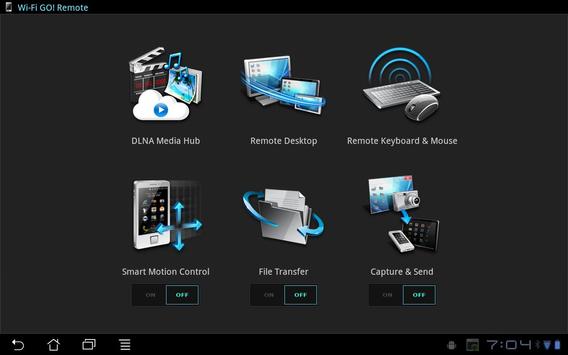
the first-ever PC remote control experience, and a home cloud computing environment. With the installation of "Wi-Fi GO! Remote", your Android mobile devices transforms into a remote controller for the following functions:
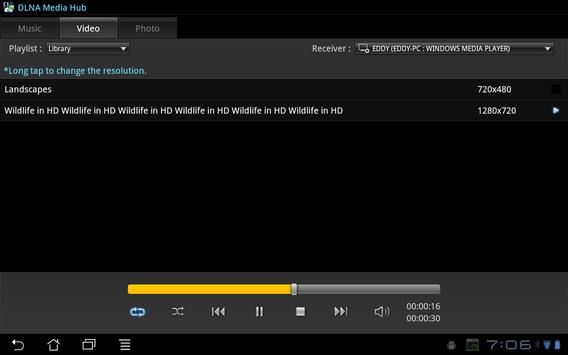
*DLNA Media Hub provides support to the latest DLNA standard and allows you to share media files wirelessly anytime, anywhere.
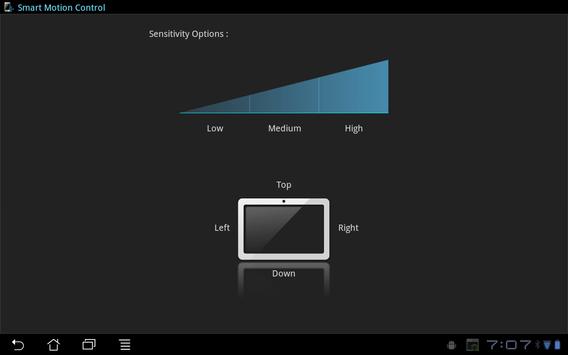
*Smart Motion Control allows you to remotely control your computer through detecting your mobile device's motions.
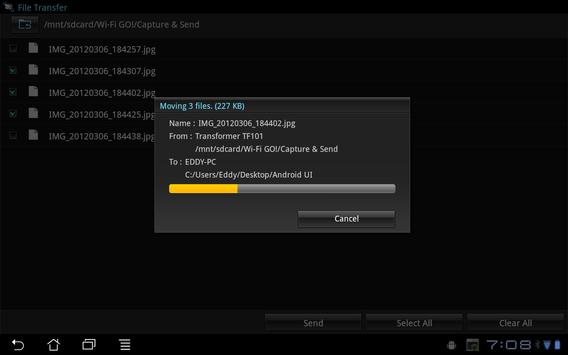
*File Transfer provides you with the easiest wireless file transfer solution between your computer and mobile device
*Remote Desktop allows you to view your computer’s desktop and remotely operate your computer in real-time from your mobile device.
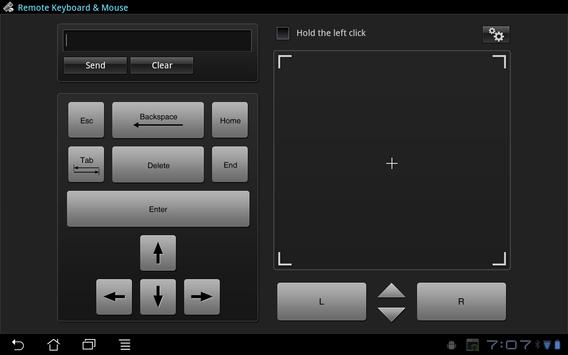
*Remote Keyboard & Mouse allows you to use your mobile device’s touch panel as a remote keyboard and mouse for your computer.
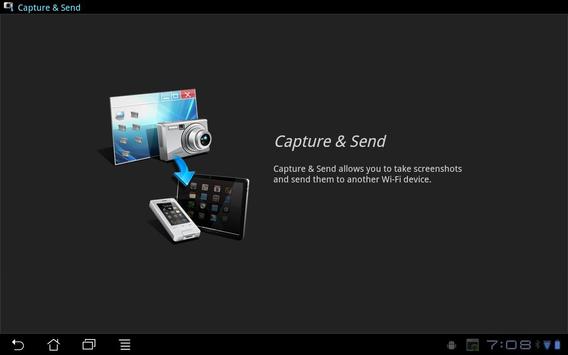
*Capture & Send allows to take screenshots and send them to another Wi-Fi device.
Note:
Before using Wi-Fi GO! Remote as a remote controller of Wi-Fi GO! functions, you have to:
1.Ensure to install Wi-Fi GO! on your ASUS selected motherboards.
2.Ensure to install Wi-Fi GO! Remote on your Android mobile devices to communicate with Wi-Fi GO! in PC.
3.Set up the Wi-Fi connection between your computer and the Android mobile devices.
support korean language

9Apps 4.9














