
Note: This app only works on rooted devices. If you don't know what it means or if your device is not rooted please don't install.
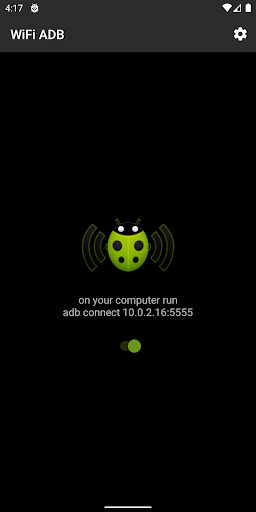
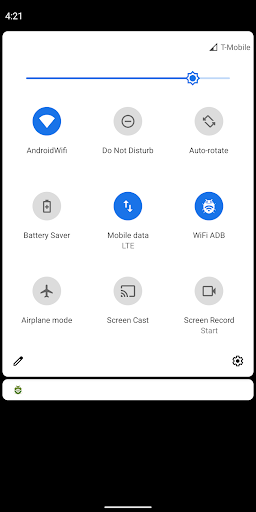
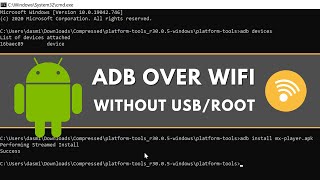
WiFi ADB makes it easy to debug and test your Android apps directly on device via WiFi TCP/IP connection. No need to use USB cable. After enabling ADB over WiFi, to connect your computer to the device open the console and run
adb connect
FEATURES
• Quickly enable/disable ADB connection over WiFi TCP/IP
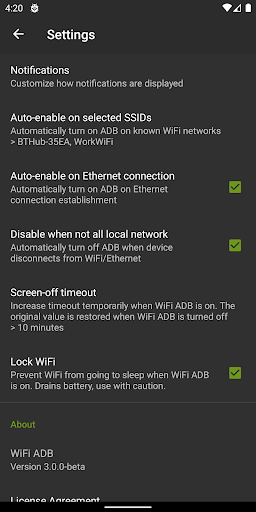
• Auto-enable ADB over WiFi on known WiFi networks
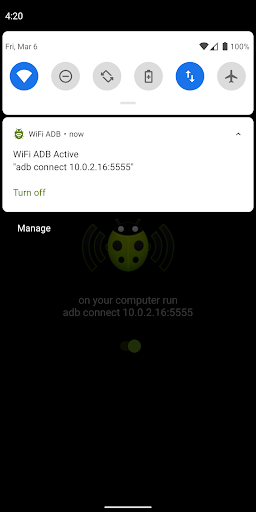
• Once enabled an ongoing notification is shown to remind users that ADB over WiFi is active and make it easy to disable it manually
• Temporarily increase screen-off timeout. Nine times out of 10 this is what users want during development of an Android app and testing it on device. The original screen timeout is restored when ADB over WiFi is disabled.
• Temporarily lock WiFi, prevent it from going into sleep mode (how effectively it works depends on device and Android version)
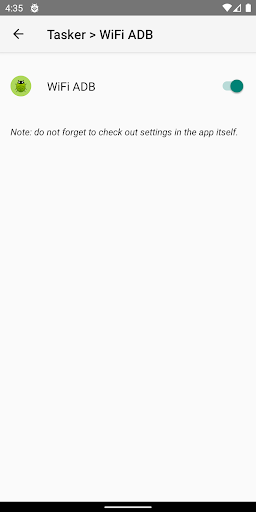
• Also acts as a Tasker plugin. Users can configure Tasker app to automatically turn on/off WiFi ADB based on defined conditions
TIPS
• Your computer must be allowed to connect to your device over ADB. The permission must be granted when your device is connected via USB cable. This needs to be done only once.
• If your development computer is Unix/Linux or Mac open a console and run
while true ; do adb connect
; sleep 15 ; done
This one-liner auto-reconnects to ADB daemon on the phone every time the link is broken for whatever reason.
• If you control the WiFi router, configure it to give the device the same IP address every time. Then assign a local DNS hostname to that IP address so that you can use it instead of an IP address in the adb connect command in the console.
Version 3.0
- Updated app for Android 10
- Removed in-app donation button


![Send ADB Commands to Your Own Phone Without a Computer or Root [How-To] screenshot 4](https://i.ytimg.com/vi/4zKespn_OHg/mqdefault.jpg)








9Apps 4.9













