

WhatsDel allows viewing WhatsApp chats if sender deletes them after sending by saving them. Isn't it cool?
Key Features :
- Modern UI Design
- One click to start service
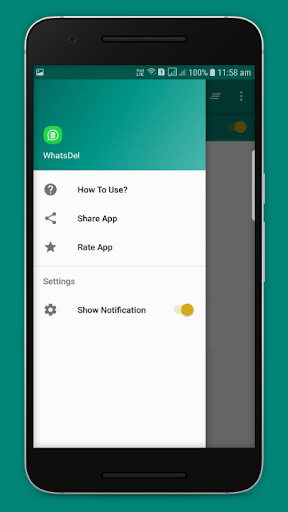
- Notification if someone deletes message
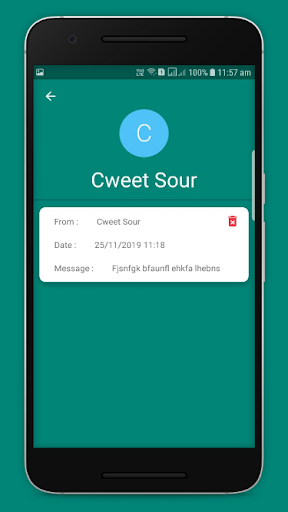
- View deleted chats easily
- Delete messages after reading or clear all at once
- Straightforward functionality
How it works:
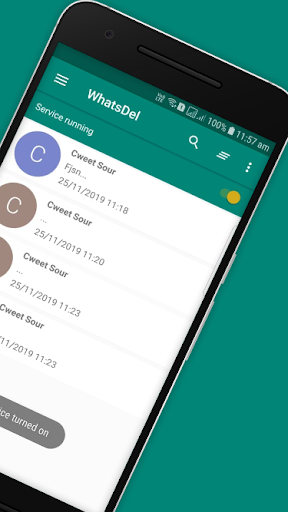
1) Start the WhatsDel Service by clicking on switch.
2) Status will change to "Running Service" once activated.
3) Now app will secure every message when you are away from Whatsapp.
4) You will get a notification if someone deletes his/her message.
5) To check deleted chats just open the app and check them out.
- Notification if someone deletes message
- View deleted chats easily
- Delete messages after reading or clear all at once



9Apps 4.9













