

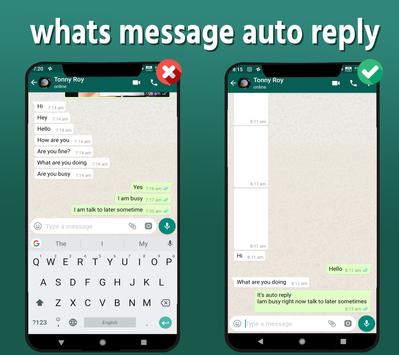
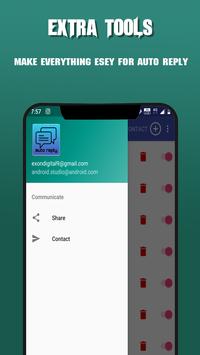
This app let you inform your contact using auto reply feature. When you are busy set automatic reply ON.
How to use this app
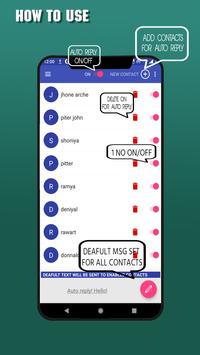
Step 1. You need to Provide the app necessary permission in order to use its feature.
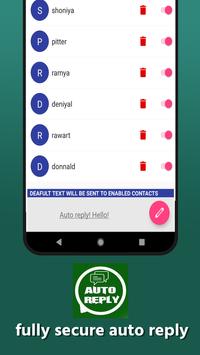
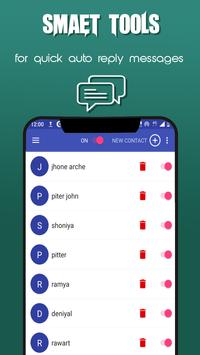
Step 2. Add contact whom you want to send automatic replies.
Step 3. Enable them clicking the switch button.
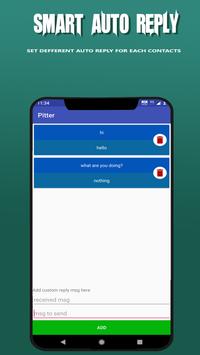
Step 3. Set the automatic reply message(default message).
Step 4. Done! It will send the defaut message to the enabled contacts.
How it works!
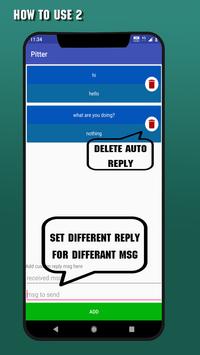
This app gets the message from your added contacts. If you have enabled them to send automatic reply, it sends the defaut message as auto reply.
How to stop automatic reply
To stop this app from sending automatic replies. There are two methods. Either by disabling the specific user or by turn the main app of. To turn auto reply off just turn the swith button off on the top.
This app help you when driving, watching movies when you don't want any one to disturb you.



9Apps 4.9













