
Whats Web WSP
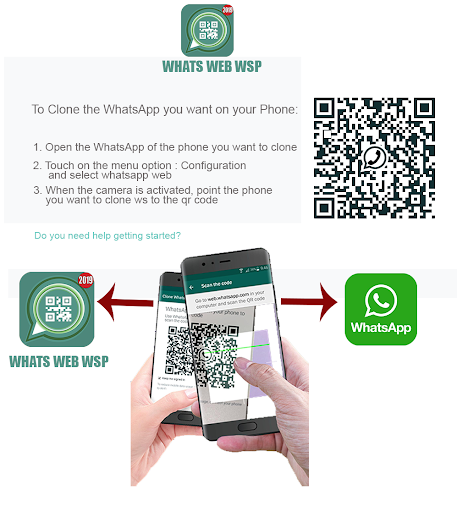
This application will help us to clone the account or our WhatsApp account from another device or device in an easy and secure way in just a few seconds.
It allows us to open our account on several devices and it works on both normally.
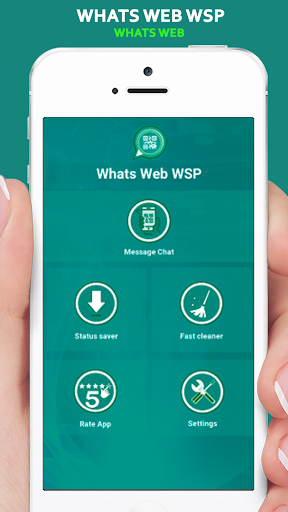
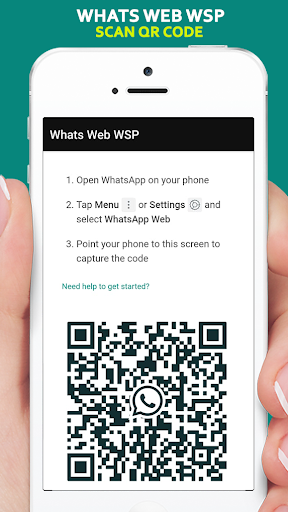
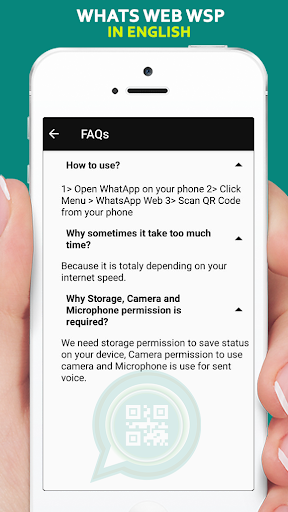
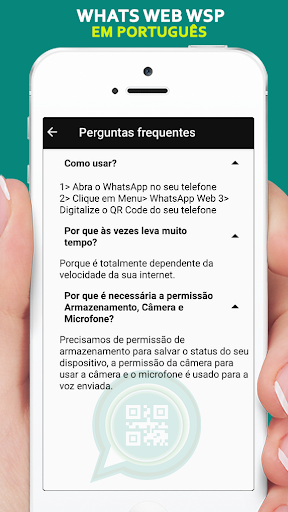
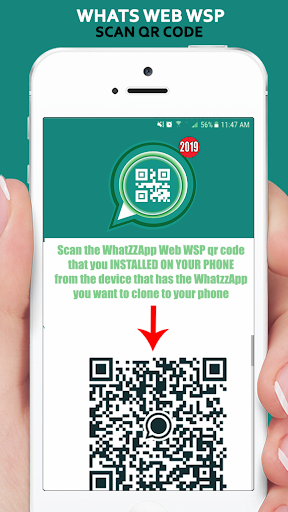
Whats Web WSP is very easy to use, we just have to open the app and scan the QR code that will show us when we open the application.
Steps to open the application:
1. Connect our device to the internet or WIFI network.
2. Then we make a clip in the application icon.
3. Then we press the start button.
6. Once inside the application, we make a clip in the messages icon, we allow permissions Whats Web WSP.
7. After giving permission to Whats Web WSP, it will show us the QR code which we will scan and our application will be ready to give you the ease of having an account open in your devices.
Once you have entered the chat on your device, you can access:
Conversations
Audios
Videos
Images
Delete
Settings etc.
All this and much more will only be with Whats Web WSP.
ATTENTION: Whats Web WSP is an application created by us, (Anushka Kumari) is not an official WhatzApp application and is not associated with the WhatzApp inc platform.
Bugs fixed
Dark mode for Whats-app Web.
Support for Android 10
WhatsApp cleaner
Downloader whatsup states
Direct Messages Whatsup




9Apps 4.9