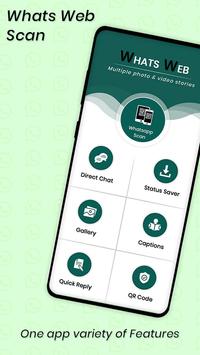

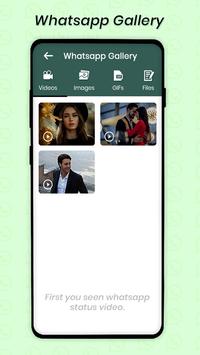
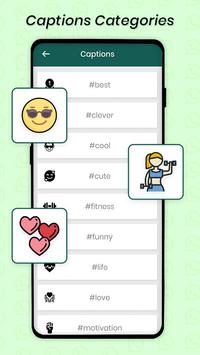
Whats Web App is the best and powerful tool to clean and backup received and sent media via Whats web App and also you can open two account in same device. If you want to save Whats scan status and want to share message with someone without saving their number. Whats Web and Status Saver for whatsapp allows you to reach two accounts that are on one device or you can run the same account for Whatsapp on a dual device. Whats web App for WhatsApp up to you! Whats web App are the best application for all Whats App features available in this application.
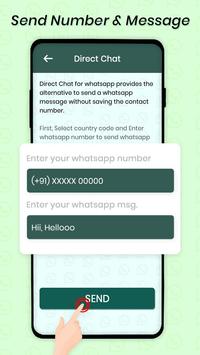
Whats Web Scan for whatsapp let you operate the same account through multiple devices, you can do that by simply scanning the WhatsApp Web by our whatsapp scanner app pro. Whats Web App For Android smart feature lets you chat with anyone without having their phone numbers saved on your contact list. you can only view image and video status for 24 Hours only, but there is no option if you want to save or download these statuses for your future use.
This one-touch cleaner lets you simultaneously delete all sorts of junk images, gifs, audio files & videos to optimize storage space and boost performance. Love your friend's for WhatsApp status? With the Status Saver feature in the Whats Web Scan app, you can download any status you love with one touch. With Whats Web Messenger App for WhatsApp, you can not only recover text messages but also all media attachments (pictures, videos, animated gifs, and stickers).
Whats Web Scan Application have also allowed users to save video and image status and also facilities to share saved status. Whats Web App application also provides information to how to save status and video status information in App. Whatsapp Web New Application also allow users to clean For WhatsApp files. You have a choice to clean all you’re for WhatsApp storage like images, profile picture, videos, audio, voice notes, wallpaper, backups etc. with your choice.
Features:
Read Messages, Send Messages, Change Profile Picture.
Change Status, Download Images
Forward Images
Send Images from Gallery and Camera
Download and Forward Videos
Send attachments and files
Lite in weight
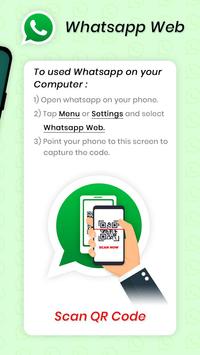
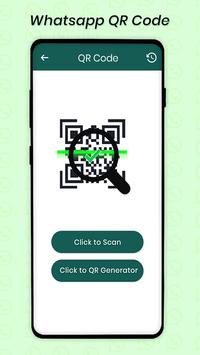
When you have to use For WhatsApp web then simply open this QR code scanner. Just click on Whats-Scan and then you have to scan QR code through another Smartphone. This Whats Web App easily scans the QR code and you will enjoy a lot of other features. We also give additional feature to save for WhatsApp status. For its user have to give storage permission. Internet is required for this App.
Help Tab for What Web:
In this tab, you will get a help and find simple steps to use the Whatscan for Whats web app.
Note:
Whats web App is by no means affiliated to WhatsApp!
Now you can download videos and pictures from chat.
Notification will be shown on connected account.
Disclaimer:
Whats web App is created by us, and it not an official WhatsApp application and not associated with WhatsApp Inc.
Thanks to have a glance of our work please do not forget to suggest us if any bug you find. Help us to improve quality.
Thank You for Using Whats web App

9Apps 4.9