
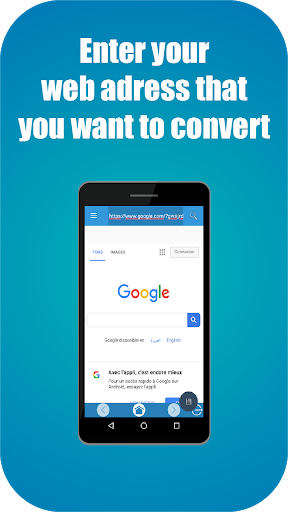
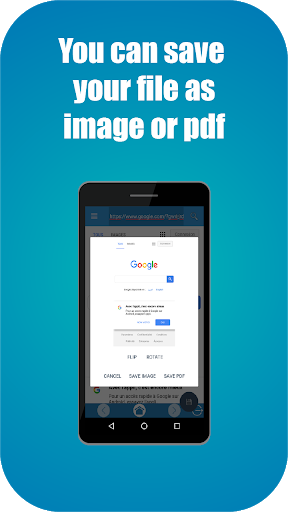
If you are searching on how to save webpage as pdf, then you are at the right place. Thanks to Webpage to PDF - Web to pdf you can convert webpage to pdf easily or genrate pdf from html link. This free web to pdf converter allows you to enter your web adress or html link and save it as pdf file or jpg image.
Our Webpage to PDF - Web to pdf helps you turn webpage to pdf and gives you the option to convert link to pdf.
This web pdf converter has a browser to let you surf on the web and find your webpages that you want to save as pdf or image. You can also copy & paste your web adress or html link and convert webpage to pdf.
It is also an url to pdf converter, because it has the option to enter your url adress and convert that link to pdf. This web converter accept all links but you must pay attention to the size of the webpage. It is also an easy to use web a pdf converter.
With the help of Webpage to PDF - Web to pdf, you won't need to search on how to save webpage as pdf or how to download webpage as pdf, because this web converter gives you the option to convert web to pdf and it helps you to save webpages as pdf.
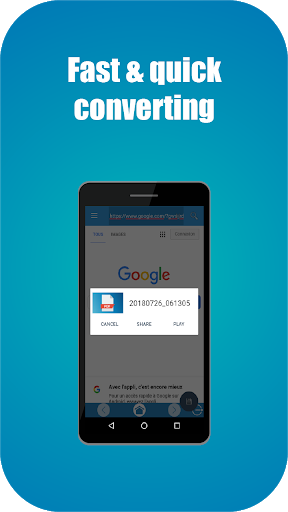
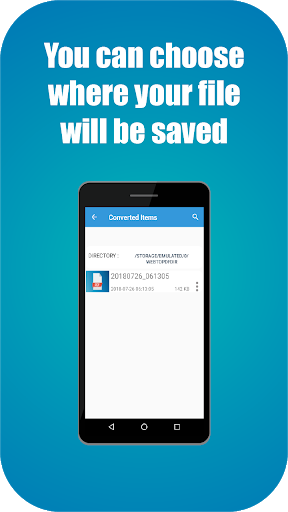
Also, you can view and open your converted pages without any internet connection. You can choose your own directory to store those pdf files.
Our url to pdf converter is very easy to use, all you need to do is copy the url of our webpage and save it as pdf or image.
Less Ads



![How to Convert Web Pages and Websites to PDFs in Adobe Acrobat PC & Mac [2025 Full Guide] screenshot 4](https://i.ytimg.com/vi/fcYVG2TO8ZU/mqdefault.jpg)



9Apps 4.9













