

Android WebView Test Application.
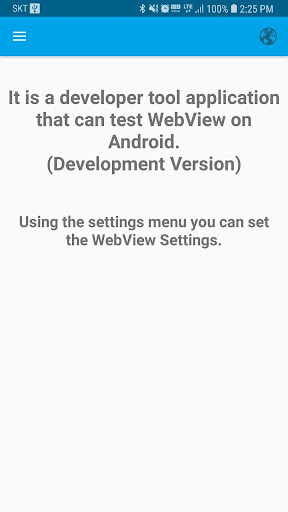
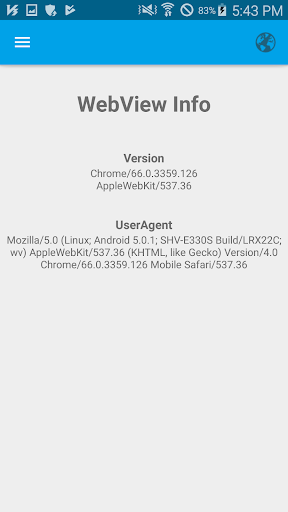
Prior to the development of hybrid applications, it is possible to conduct a test according to the WebView option.
- Full-screen support. (Double tap two or more fingers on the web view screen.)
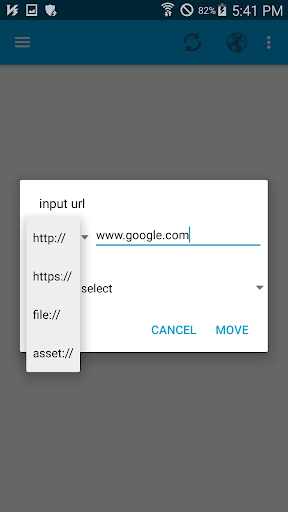
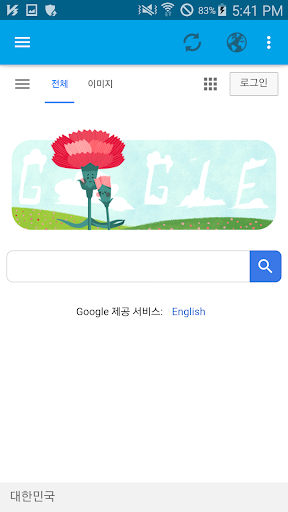
- Allows you to import web files from Web page connections (.) and file systems.
- After connection, the connection history is saved for re-connected.
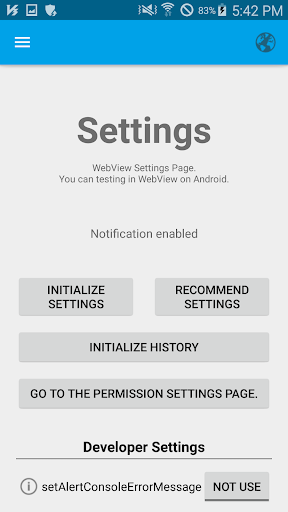
- You can change we WebViewSettings settings through the Settings menu, and you can perform various environmental tests.
- You can reset the History, WebView settings using the Settings menu.
- It can be disassociated using a PC Chrome browser.
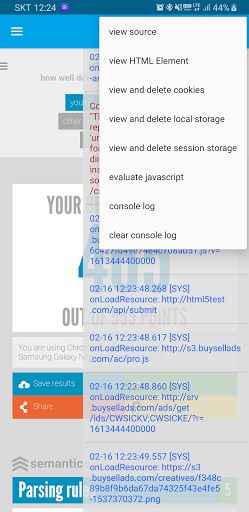
- Allows you to view console logs directly from the app.
- You can execute JavaScript directly from a webpage.
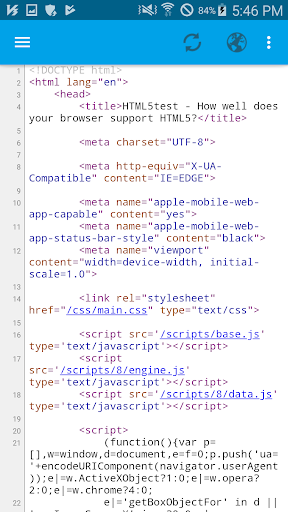
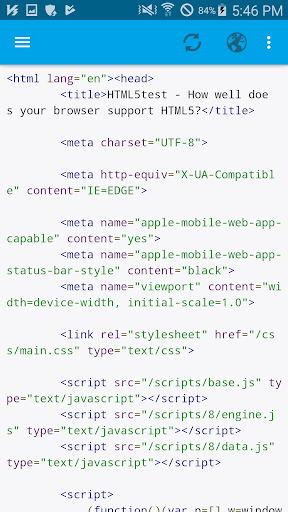
- Support the Source view.
- Support the HTMLElement view.
※ App Support Menu
- Source view
- viewing HTMLElement
- View Cookies
- View LocalStorage
- View SessionStorage
- Running Javascript
- View console logs
※ WebView Additional Implementation Functions
- Sync cookies
- View all videos
- ContexMenu
- Actions according to ContentType for touching content
- Download
- Desktop Mode
- Fullscreen at startup







9Apps 4.9















