
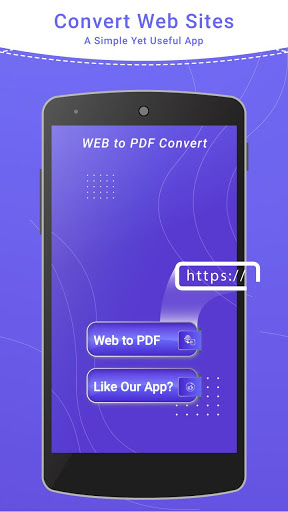
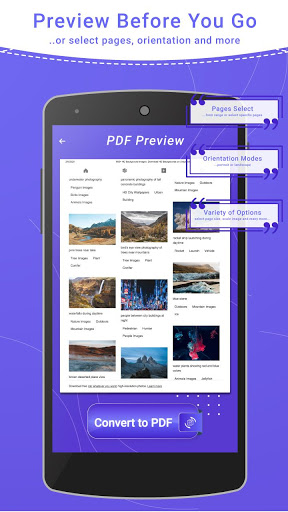
Web to pdf converter app will help you to save webpage to pdf file. With webpage to pdf converter you are able to convert webpages to PDF files and store it locally on your device.
Web to pdf converter app allows you to convert any webpage or html to PDF document and get offline access on your device at any time. Web to pdf converter is used by many professionals who need to save the webpage content for future reading. You can save the PDF file and keep in records and use it offline any day with web to pdf converter. Convert webpage to pdf file save.
Webpage to Pdf file converter will let you to open any html file or web page and then you can convert webpage to pdf document in an easy way and saved it into pdf format. The advanced rendering of modern HTML pages helps in converting Website to PDF with web to pdf converter.
Web to pdf converter app has useful features with which you can convert webpage to pdf file.
- Web to pdf converter.
- Html to pdf converter.
- Webpage to pdf converter.
- Convert web to pdf file save.
- Web to pdf converter app converts any html to pdf file.
- User friendly interface of Web to pdf converter app.
- Web to pdf file is very easy to use.
- Issues Fixed
- Web to pdf converter.
- Html to pdf converter.
- Webpage to pdf converter.
- Convert web to pdf file save.
- Web to pdf converter app converts any html to pdf file.
- User friendly interface of Web to pdf converter app.
- Web to pdf file is very easy to use.




9Apps 4.9














