
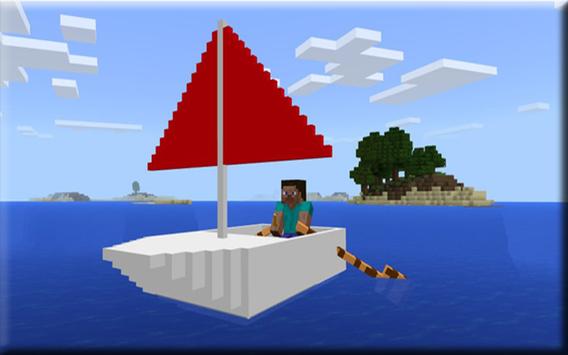
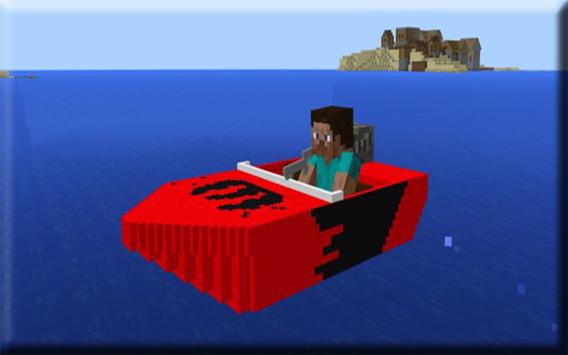
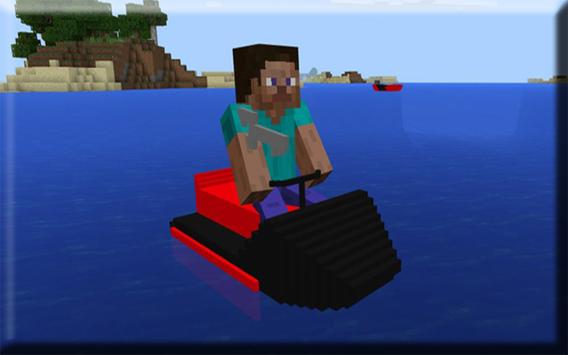
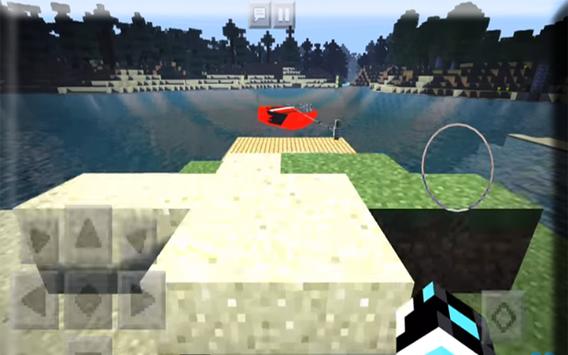
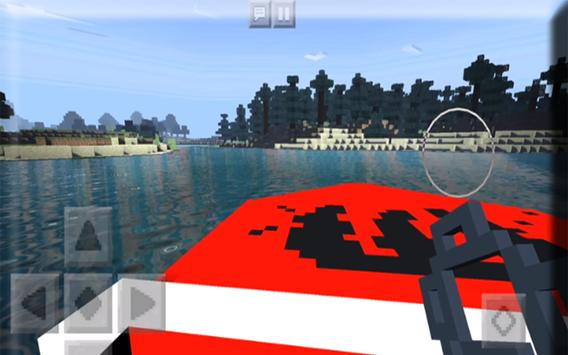
Water sport MOD is the first functional boat add-on for MCPE. It includes a sailboat, a jet ski and a speed boat and each of them exist in three different colors. The controlling mechanism is slightly different for each boat but the core functionalities are basically the same. Add-ons are still quite limited and that means some things such as the movement system isnt perfect.
How to ride a boat?
Exploring the sea can be a great adventure, but even more so if youve got a speed boat, a sailboat or a cool jet ski to do it. Riding any of the new watercrafts is really easy and actually much more convenient (and effortless) than using the normal boat.
(Sailboat (Paddles), Speed Boat (Key), Jet Ski (Key))
Multiple people are supposed to be able to use the vehicles at the same time, but I couldn't get that feature to work in-game.
Sailboat: Drive with paddles, replaces vindicator
Speed Boat: Drive with key, replaces ghast
You can press the Boost button to increase the speed for the speed boat while using it. You'll see some water bubbles appearing behind the vehicle.
Jet Ski: Drive with key, replaces creeper
The difficult part is positioning the vehicle. For this youll need a chain (replaces lead) and simply pull the boat down or up to position it correctly in the water. You can then unleash it when youre done and take a seat on the vehicle to start driving.
Changelog
Sound effects (jet ski doesn't have sound effects due to limitations for the creeper which it replaces)
Installation
Download one of the following packs:
Red Resource & Behavior .McAddon
Blue Resource & Behavior .McAddon
Yellow Resource & Behavior .McAddon
Activate the behavior and resource pack for a world in-game
!!Please read the following guide if youve downloaded a .ZIP or .RAR file!!
1. To install Minecraft PE maps you need ASTRO File Manager (or any other file manager). Lets start by installing that app on your Android device.
2. Find an app in the maps section of our website. In this example we will show you how to install Skyblock PE. Click the download button to download the map.
install
4. Most of the times you will be redirected to another website, such as Dropbox or MediaFire, where you can download the map. At other times it will be downloaded instantly to your device. Normally the downloaded file is a .RAR or .ZIP.
5. Use ASTRO File Manager to open the .RAR or .ZIP and then copy the world folder to the following path: /storage/emulated/0/games/com.mojang/minecraftWorlds/. It might take a few seconds for it to process.
6. You have now installed the map and can safely close the file manager app.
7. Open Minecraft Pocket Edition (or restart the app if you had it opened during the map installation).
8. Look for the map in your world list. If its an old map its usually in the bottom of the list.
DISCLAIMER: The Application Egaland Modern City Map for Mcpe is not a game, and does not belong to its creators, all materials are consistent with the principle of fair use of all united states law. if you find a volation of copyright or non-compliance, please contact us immediately.
the name minecraft, the minecraft brand and assets are the property of minecraft mojang AB Company or its owner. all rights reserved. In accordance with http://account.mojang.com/documents/brand_guidelines



9Apps 4.9












