
Vonage Business Communications icon

Vonage Business Communications

8.34.0 for Android
4.7 | 100,000+ Installs | Reviews

Vonage

⚠️ You need 9Apps App to install .XAPK File. How to install XAPK?

Description of Vonage Business Communications

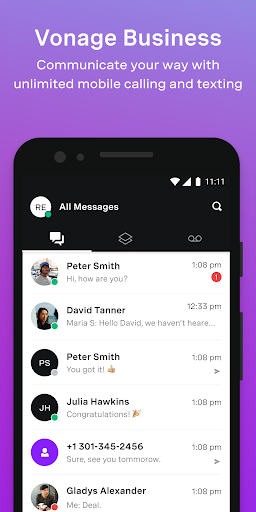
• Maintain a single business identity when calling, texting or video conferencing.
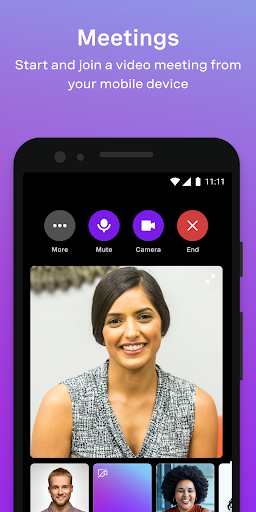
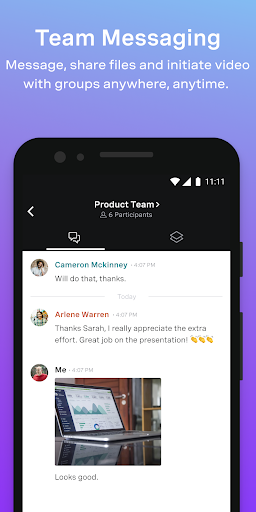
• Communicate your way with calling, texting or video conferencing anytime, anywhere.
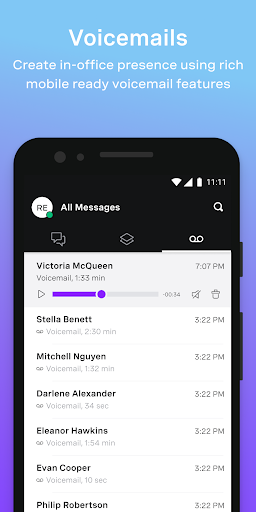
• Play or read voicemails and even manage settings on the go.
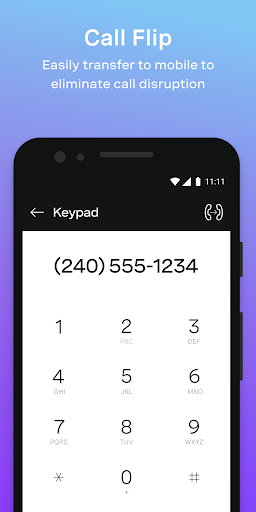
• Activate Call Forwarding or “Do Not Disturb” status
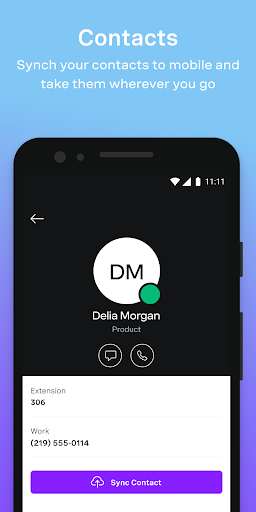
• Import, view and edit contacts across multiple devices
The Vonage Business Communications mobile app is available at no additional charge. Existing VBC customers just log in with their username and password. (Data charges may apply to mobile app usage depending on the mobile plan)
About the service:
Vonage Business Communications (VBC) unifies calling, messaging and meetings worldwide to provide seamless communication between customers and employees using a flexible cloud communication platform. The VBC Mobile App enables on-the-go employees to stay connected no matter where they are in the world. They can maintain a single number across all devices so they can be easily reached by colleagues and customers. VBC reduces monthly phone expenses, enables centralized billing and does not require annual contracts.
To view our Terms of Service please use this link: https://www.vonage.com/business/legal-policy-center/business-cloud/tos/

What's New with Vonage Business Communications 8.34.0

We update the app regularly so we can make it better for you. This version includes several bug fixes and performance improvements.

Information

  • Category:
    Productivity
  • Latest Version:
    8.34.0
  • Updated:
    2022-02-27
  • File size:
    28.3MB
  • Requirements:
    Android 8.0 or later
  • Developer:
    Vonage
  • ID:
    com.vocalocity.Administration
  • Available on:
Reviews
  • avatar
    This app is clunky and difficult to navigate. Don't even try to sync contacts you'll just make doubles and triplicates; AND there's no way add contacts from calls or texts--you have to remember the number or write it down. Why make it easy to use when you could just not, I guess.
    2020-10-10 01:44
  • avatar
    Frequent calls are dropping & need to fix it
    2020-10-06 08:53
  • avatar
    Calls get disconnected if extension is entered fast
    2020-10-05 08:34
  • avatar
    Voice starts breaking after using this app around 15-20 min and I've to restart my device to fix this issue everytime.
    2020-10-01 10:45
  • avatar
    Edited to say thank you for your response to my feedback! You've made the app more difficult to use. 1. Returning missed calls 2. from a contact with more than one phone number...There should be a one touch way to return a missed call. Now you must click on the missed call, then click on call details then pick from any of the contact's phone numbers, not knowing which one they called from. Too many clicks and not enough information on what number the call originated from.
    2020-09-29 11:42
  • avatar
    Many issues with program not maintaining call forward settings and/or locking up
    2020-09-23 03:00