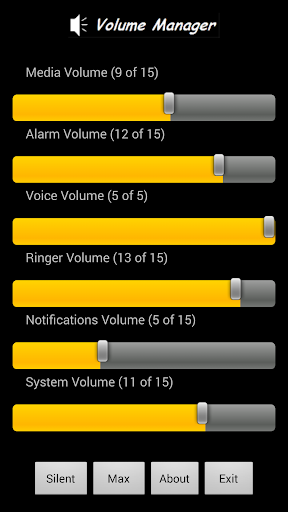
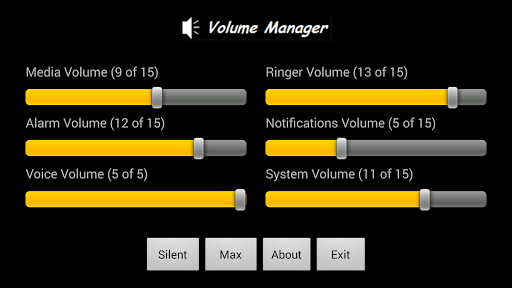
Volume Manager allows you to control all of your Android Mobile Phone or Tablet's volume settings from the one screen. Simple, practical, and extremely useful. No need to create profiles etc. Just click on the icon then start sliding, or pressing, the relevant volume controls. A good place to access this app would be from your Home screen as it may soon become your 'go to' app. Also includes Silent/Restore mode & Max/Restore mode menu options. Enjoy!
07/12/2014 - New features: Silent, Max, or Restore values prior to Silent or Max.
27/02/2014 - Final optimizations for latest Android versions.
20/02/2014 - Optimizations and enhancements for newer Android versions.
12/05/2012 - Added dedicated screens for mobile/tablet hybrid devices.
08/04/2012 - Removed the Sponsor's banner from the Volume Manager screen.
07/04/2012 - Simplified the Menu selections, screen layouts and themes.








9Apps 4.9