VOICE TO TEXT (Talk and write your words as text)
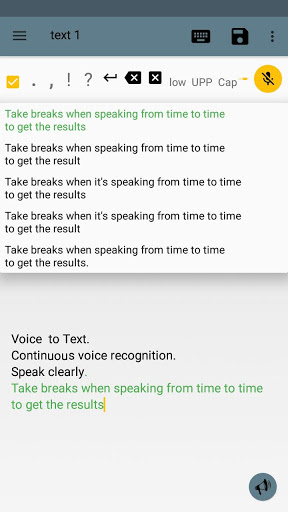
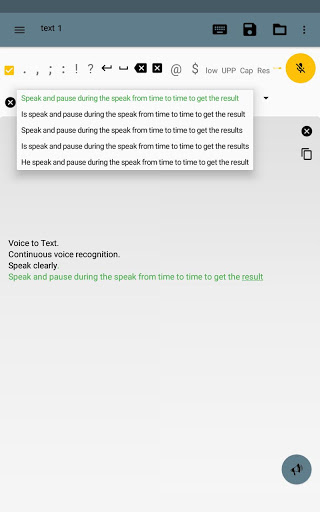
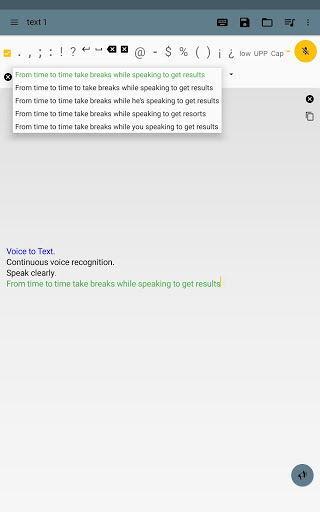
-Thanks to "Speech Recognition" you can talk and your words will be converted into characters and written as a text on the screen.
-Continuous voice recognition.
-Select different results (interpretations).
-Better results with Internet, but you can use without Internet (only one result).
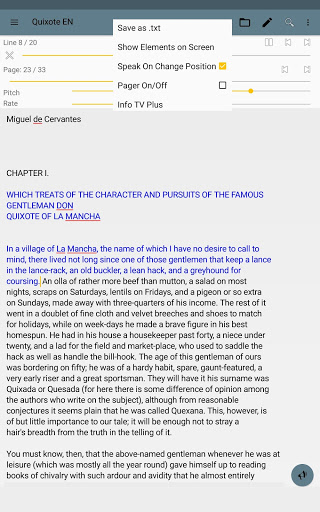
TEXT TO VOICE (Write or import text and listen to it with the robot voice)
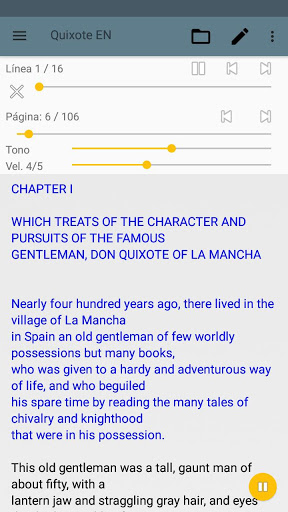
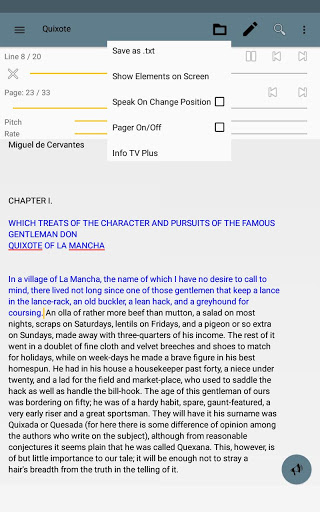
-Thanks to "Text To Speech" you can type any text which will be spoken by a digital voice.
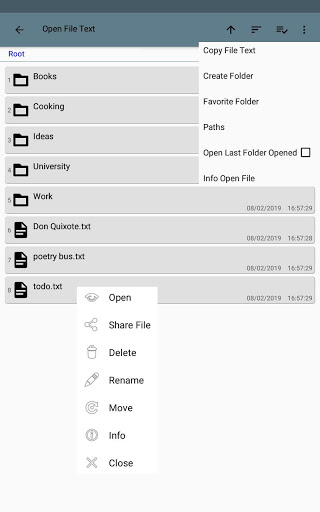
-You can add files from your device into the app and read it aloud.
-Text to speech is very useful for people with no speech communication, since you can write your words and they will be read by the digital voice.
-Listen to books.
FEATURES
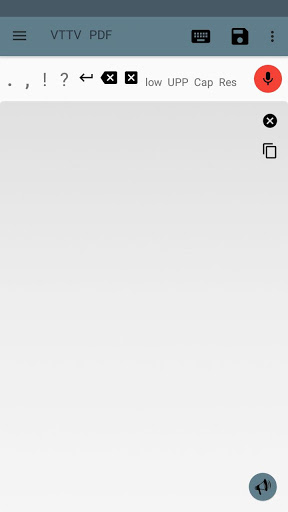
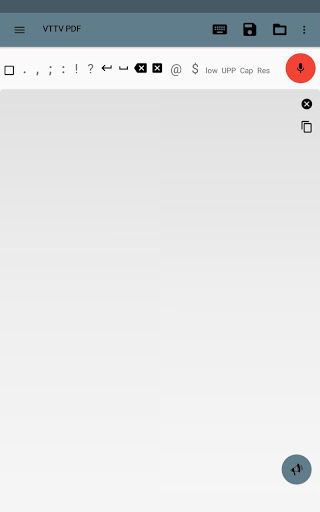
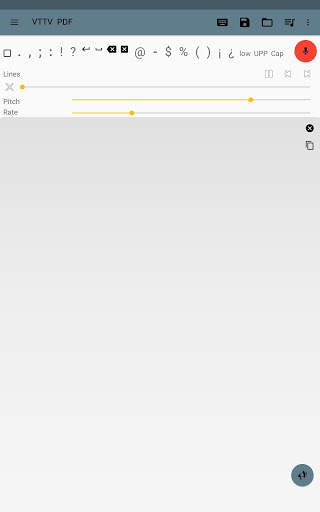
-Small keyboard scrollable with interchangeable positions.
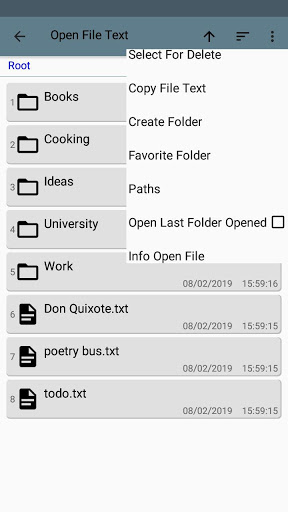
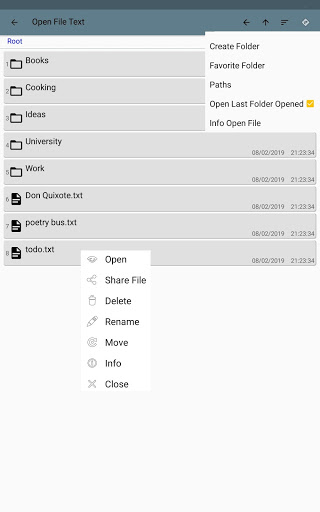
-Working with files: txt, pdf.
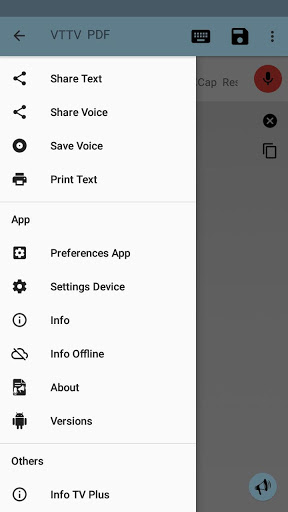
-Save notes as file, as audio.
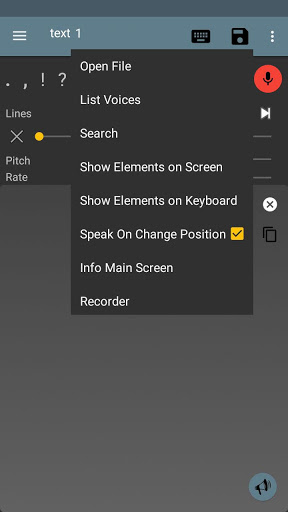
-List files.
-Copy audio and text files into the app.
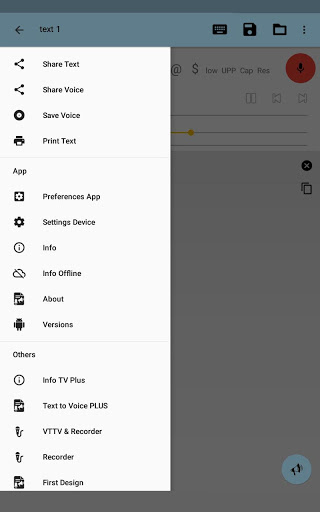
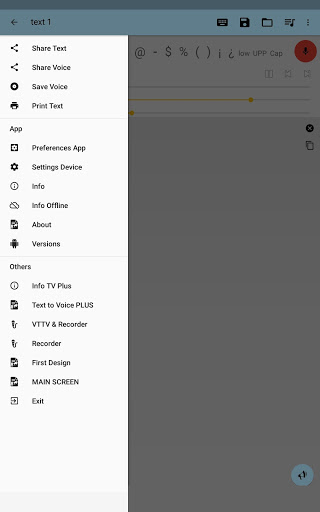
-Share text and files to others apps on your device.
(The application neither synchronize nor save files on the cloud, easily, you can share it to do your own backup).
ENGINE(S)
-Text to Voice depends on the motor(s) or engine(s) of your device (rare case there is none, you must download some).
LANGUAGES AND VOICES
-You can set it in any language and any voice supported for your device and engines.
-Without Internet you may need to download some languages first.
-The robot voices can be male or female (this depends on the engines).
-See Menu-Info if you have troubles.
PREFERENCES
-See Menu-Preferences to adapt the most personal use.
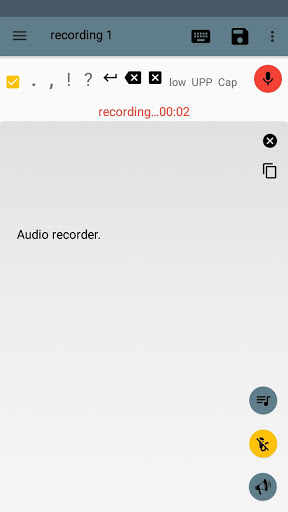
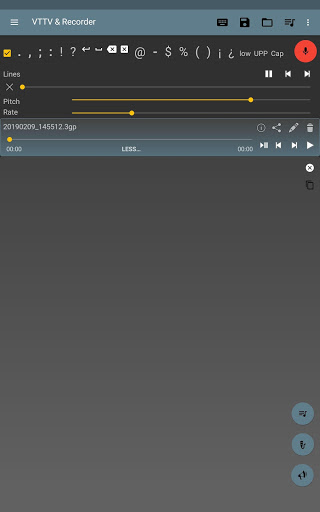
AUDIO RECORDER
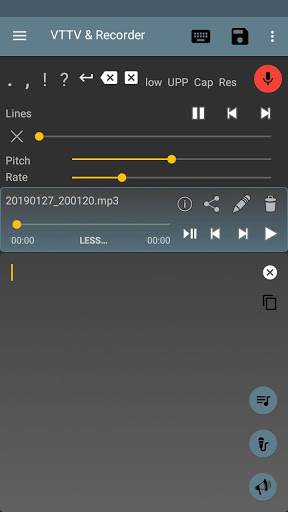
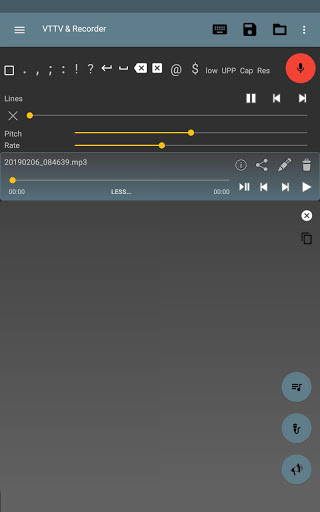
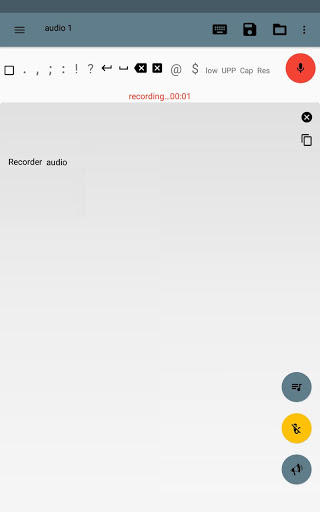
-The app include an Audio Recorder.
AUDIO TO TEXT (experimental)
-An Audio Player is used to play and pause a file so that you can use Voice to Text (red microphone) and capture the results.
IMPORTANT
-It is not an automatic conversion.
-An audio file is not magically converted into a text file in one click.
-Video to Text is not supported.
-It is an experimental part.
PERMISSIONS
- Write/Read on external storage.
- Record using the microphone.
UTILITY
-Write text that you want to send or share with others apps.
-Use this app before using others to avoid error typing.
-It is helpful in your daily use of Android.
-Speak and take notes without using the keyboard.
PUBLICITY
-The app has publicity and is free.
Thanks for your suggestions, opinions, comments!
Bug fixes and performance improvements.




9Apps 4.9