
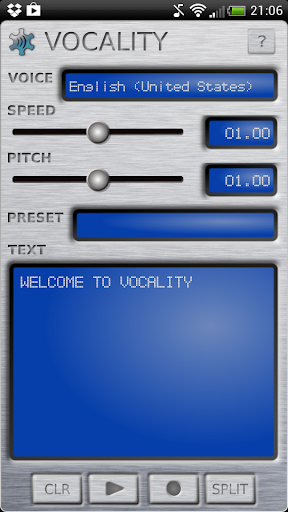
Vocality is a text to speech (TTS) tool that uses the voices provided by the text-to-speech engine(s) installed on your device to playback text or generate .wav files.
You can use it to generate speech samples for inclusion in your music projects, phone alerts/ringtones or just for fun!
Features:
-
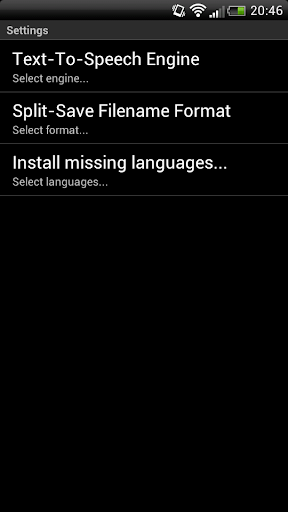
Supports multiple TTS engines (Google, Ivona, SVOX etc.)
-
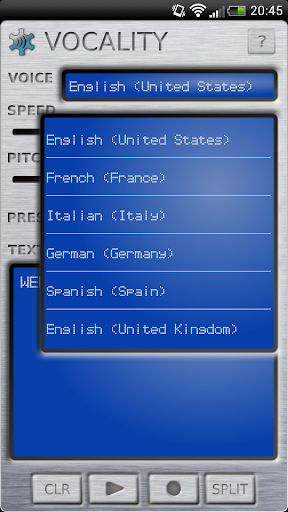
Choose between all TTS installed languages
-
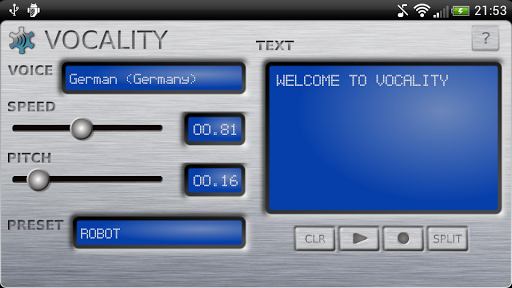
Create presets for saving your favourite engine/language/speed/pitch combinations
-
Save the entered text as one .wav file or broken into one file per word
If you don't have a TTS engine installed on your device already (for example if you're using a custom ROM), Vocality will prompt you on startup and give you the option to install the default Google TTS engine languages.
Permissions:
- External storage: All generated samples are saved to user's choice of directory on sd-card equivalent.
Please report any bugs or issues to vocality@polynomialcsoftware.com or visit the website at www.polynomialcsoftware.com for news, manuals and more...
V1.1 August 2013
- User is now informed if they have no TTS engine installed, app no longer crashes in this circumstance
- Caustic 3.0 users can now launch Vocality directly from its sample editor
V1.01 June 2013:
- Fixed bug for users in locales using comma (,) rather than period (.) for decimal numbers which was causing the app to crash
V1.0 June 2013:
- Initial release!




9Apps 4.9