


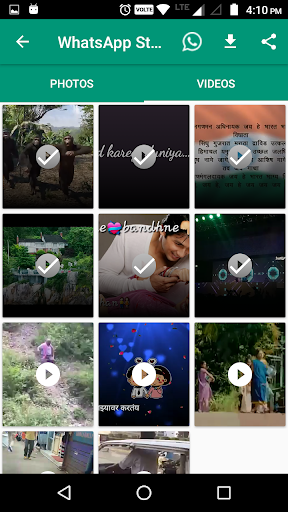
Wants to save the WhatsApp status, You are on right app.
Guide
1. Once installed app will ask permission of accessing external storage, do accept the same.
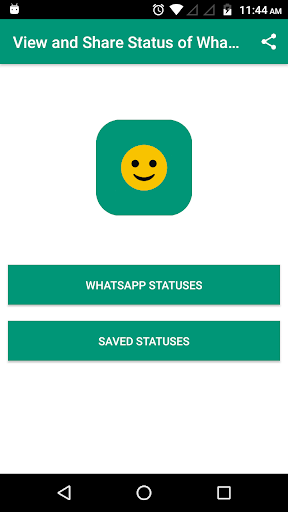
2. On home screen you will get 2 buttons
A. WhatsApp Statuses
B. Saved Statuses
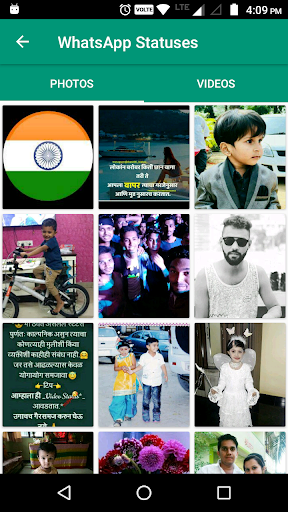
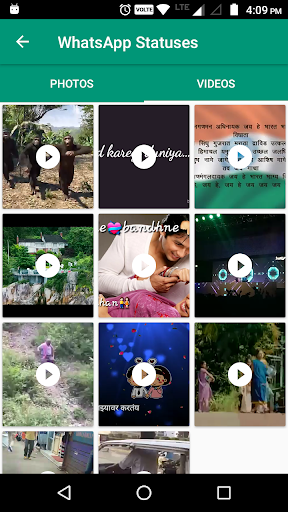
3. In WhatsApp status window you will find two options photos and videos, in it you can view, download and share photos and videos.
4. In Saved status you will find all the photos and videos downloaded by you.
Image downloading issue resolved

![[NEW] How to Share Other's Status in WhatsApp (EASY GUIDE) [2024] screenshot 2](https://i.ytimg.com/vi/wvok3frYRY8/mqdefault.jpg)




9Apps 4.9














