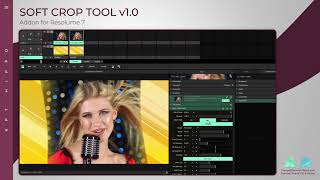






Pick any video that you want to Crop or Trim. Select cropping areas from list or you can manually set cropping bounds. Slide trimming points if you want to trim some portion from your video. Just Click on Create to make it awesome. Preview and share with your loved ones.
How to Crop / Trim any video
-> Start Video Crop and add any video you want
-> Select from cropping preset
-> Mark Video Borders by dragging lines
-> Also if you want to trim video you can drag the slider as you like
-> Save, View and Share your newly generated cropped video !!!
Features:
- Create High quality cropped videos
- Supports major available Formats
- Delete or Share Video Directly from the list
- Automatic identification of all the video files in the phone
- HD playback your video files
- Crop to any size OR Select from Preset
- Create cropped video instantly
-
Video Trimming
feature also added
- Split Video in multiple parts

9Apps 4.9