

VS video editor
:
Easy to use where you can get instant previews
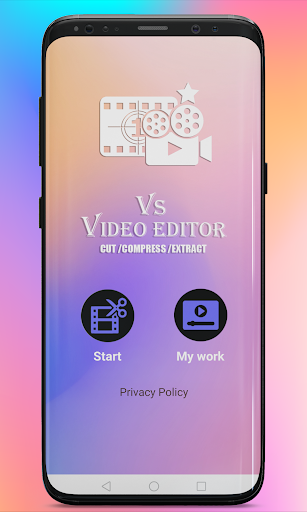
of the edits you’ve made, Where it works VS Video editor , cut, compress, extract, audio, converter video editor help you fast and easy to edit, cut video , Extract image , Remove audio , compress Video , and Slow motion to the photos, trim lapes , covert GIF , rotate video you have many videos and you want to edit it with whether adjusting the photo order, changing the focus, replacing the photos, adding On the video changing.
Video Editor bring excellent video editing experience to you on smart phone, and AS Video Editor will help you do that thing.
Most popular feature is Quick Share via social media
platforms Share stunning videos to popular social media sites.Show the video to your friends and share it to any social media
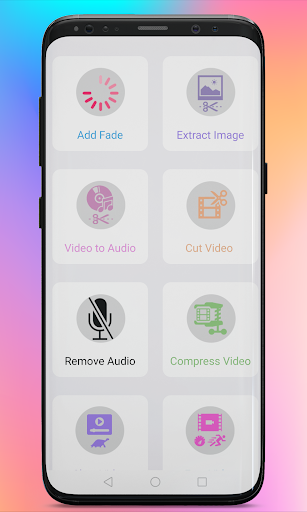
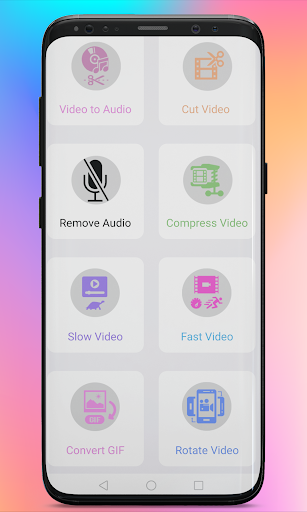
Feature VS Video Editor :
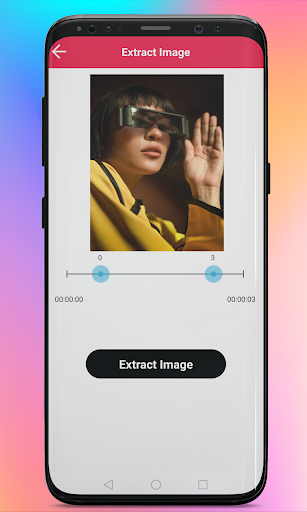
1. extract image :
One Click and App will Extract Image Frame by Frame from video.
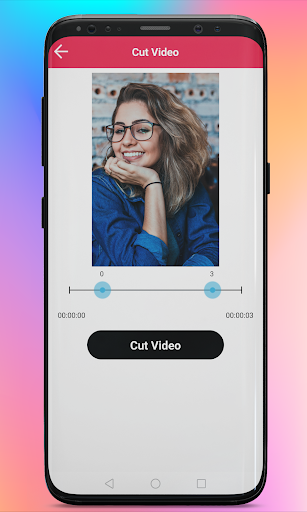
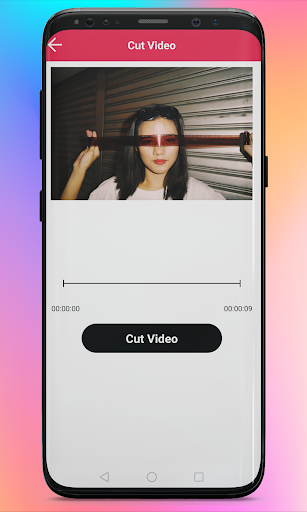
2. Cut video :
User Can Cut video according to need and Remove unwanted Part.
3. Remove audio :
Noisy Background audio or unwanted voice chat just remove
in click.
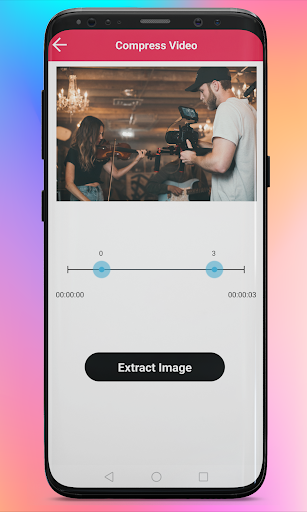
4. Compress Video :
Need More Storage Space or upload with low size Just
Compress Video.
5. Slow motion :
Slow Down the Video and Enjoy Sharing on Social Media.
6. Trim Lapes :
Fasten Your Video and Make some Fun Moments or Make Time lapse.
Convert GIF :
Wanna Make Some Fun Or Enjoy any Moment Just Convert That
Part in GIF.
7. Rotate Video :
Don’t Worry About Video Shoot in Portrait orLandscape
just Rotate to fix.
JUST DOWNLOAD FREE
VS Video Editor
NOW! will always be updating and making efforts for all users!
Contact Us
Any questions or suggestions, feel free to let us know via



9Apps 4.9













