VR Media Player - 360° Viewer icon

VR Media Player - 360° Viewer

1.4.4.1 for Android
3.5 | 1,000,000+ Installs | Reviews

eMage Systems LLC

⚠️ You need 9Apps App to install .XAPK File. How to install XAPK?

Description of VR Media Player - 360° Viewer

Features:
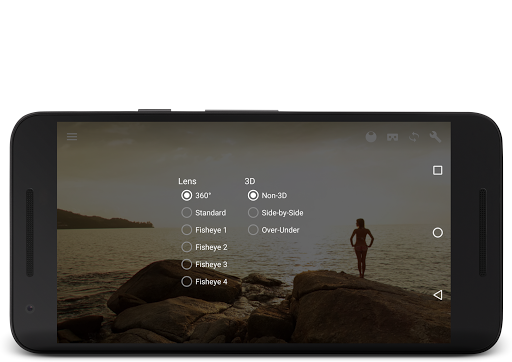
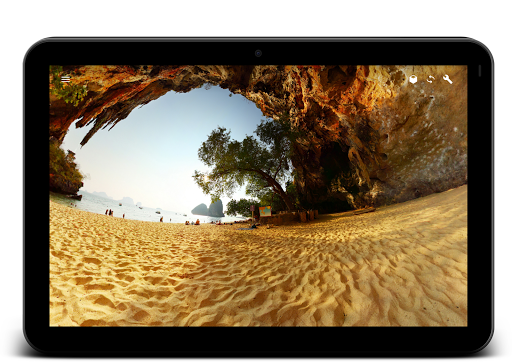
• Available 4type Fish eye lens photo and video media.
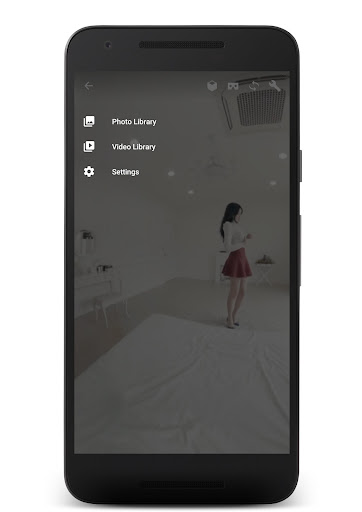
• Open 360° picture and movie files from local storage. (can load standard picture and movie)
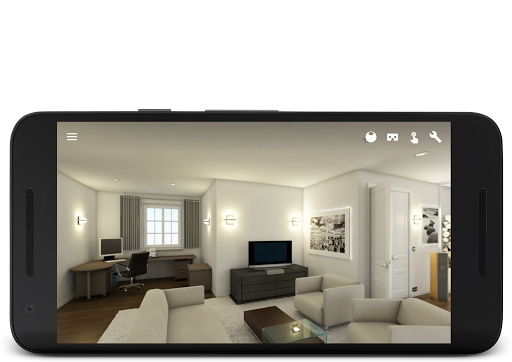
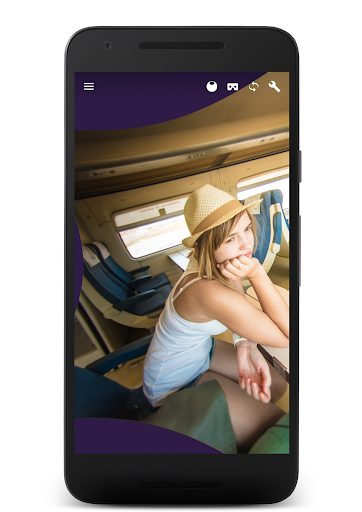
• Support Google photo Sphere and RICHO Theta and other Equirectangular format. (require 2:1 aspect ratio)
• Gyro sensor rotation.
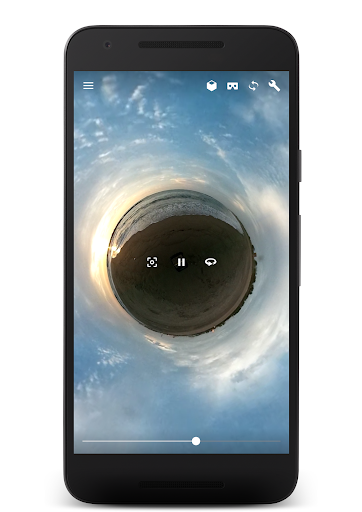
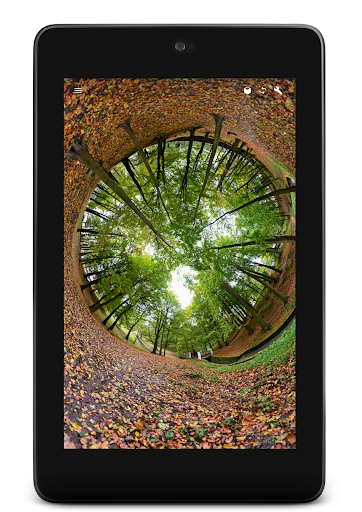
• Fish eye viewing (like little planet)
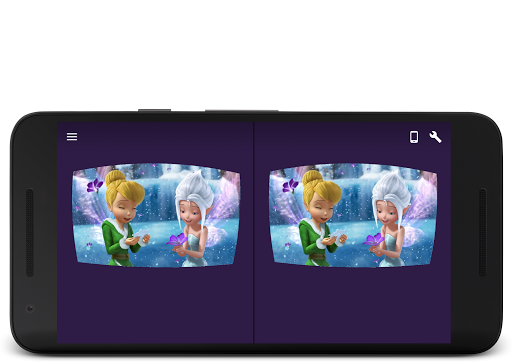
• Available 3D Stereo format (side-by-side and over-under)
• Available Google cardboard and other any head mounted display for phone.
• Very smooth touch gesture and Natural pinching zoom.
• Available 4k picture. (4k video playback is required features of your Android phone.)
• Full Screen wide view.
• Open file from URL

What's New with VR Media Player - 360° Viewer 1.4.4.1

ver1.4.4.1
• Bug fix

Information

  • Category:
    Video Players & Editors
  • Latest Version:
    1.4.4.1
  • Updated:
    2022-08-21
  • File size:
    11.0MB
  • Requirements:
    Android 4.0.3 or later
  • Developer:
    eMage Systems LLC
  • ID:
    com.xojot.vrplayer
  • Available on:
Reviews
  • avatar
    It works very well. Only issue is the menu system. We need a better functional way to view a folder of files. Have the app open to your folder of choice and select a video or photo from there. Player opens and the back button returns you to that folder. Also, right now when sorting views, it defaults back to alphabetical instead of what you choose.
    2020-10-05 02:30
  • avatar
    Almost perfect for 360 VR Panoramas. The regular 360 Panoramas look awesome in this app! This app is not working well with V5 headset and OnePlus 7 Pro. All other VR apps show correctly except this app in Cardboard mode. It is as if it is not recognizing either the headset or the screen size. The above/below 360 spherical Panorama can't come into focus (you see two images trying to overlap but can't regardless of lens adjustment). Demo image or from Enscape3D renders.
    2020-08-15 06:18
  • avatar
    this app is good but the only problem it is lagging ..
    2020-08-11 10:37
  • avatar
    I have panoramic photos, not 360, I want to be able to pan around and see the sides meet, NOT see a warped flat image. Geez, these cameras shouldn't be able to take panoramic photos if it's too hard for any app except Facebook to display them correctly.
    2020-08-02 11:22
  • avatar
    A perfect VR player which I've been looking for since long time ! It has all the video playing option including the phone drag controls ! Would totally recommend it's a great app.
    2020-07-30 09:59
  • avatar
    It works well, but the only downside is that it can't open HDRi files. On selecting a HDRi file, it just crashes.
    2020-07-20 07:16