


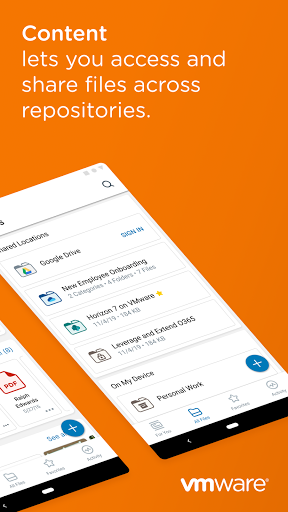
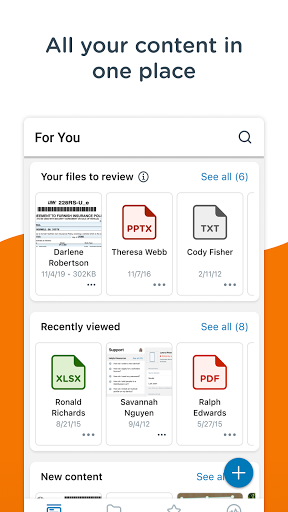

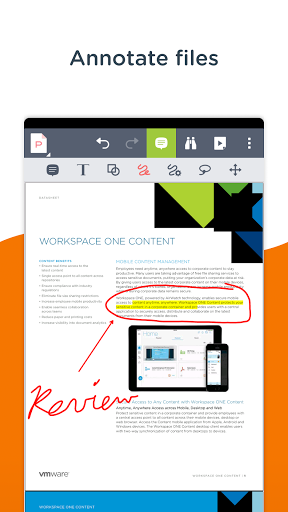
Workspace ONE Content brings you secure access to all of your files anytime, anywhere, across your devices. Easily share files, mark files as favorites, access documents offline, edit Office documents and annotate PDF files with built-in editing tools.
**Quickly Search for Files**
Use Content as your single access point to search across the places your content is stored, regardless of whether the content is downloaded to your device or not. Once you’ve hit search, add filters to find exactly what you’re looking for.
**Instant Sharing and Collaboration**
Share files and communicate with colleagues in real-time within Content with file sharing, adding a comment or @ tagging a colleague.
**Easily Favorite Content**
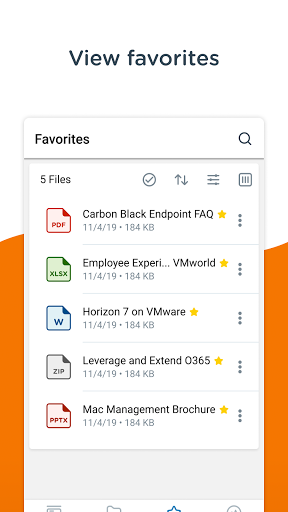
Use a document often? Simply tap the star by the file you wish to favorite and find it even faster next time.
**Create New Documents and Folders**
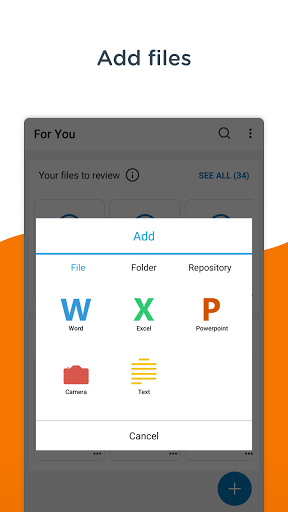
Need something new? Easily add new documents, media, folders or connect to a new repository by tapping the plus in bottom right of the app.
• CICO - This feature allows users to have a new, clean session of the WS1 Content app as they log in, and log out from a multi-user shared device via WS1 Launcher.
• Custom Acknowledgement button - This feature allows WS1 Content admins to configure the text on the Acknowledgement button as per their enterprise requirement.












9Apps 4.9














