
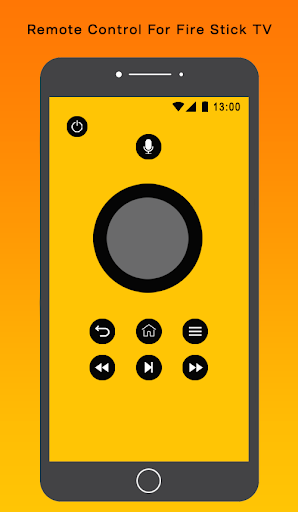
Universal Remote Control For Fire TV is designed specifically to control Fire TV,
Fire TV Cube and Fire TV Stick, Chromecast. Just connect mobile device and a TV or media player to the same Wi-Fi network and you will be able to control it using a mobile device after a simple pairing routine.
Important :
-
We need more help in language localization for more users!
-
Mouse Mode works on Fire TV/Stick(turn on the ADB debugging), Android TV(rooted) and
Android media box.
-
Make sure both your TV and phone have been updated to the latest version.
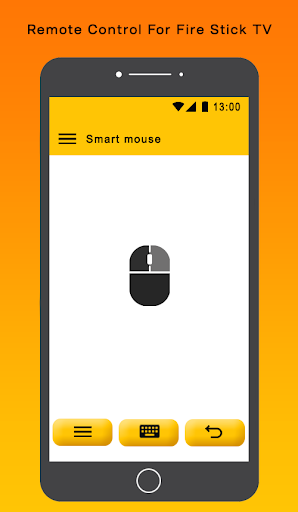
Mouse functions :
-
You can click, right click "long tap", mark a text
"double tap" or scroll the page up or down.
-
The mouse click functions mostly only work on sideloaded apps like a Web browser.
Fire TV/Stick New Users :
-
Turn on the ADB debugging and restart the Fire TV/Stick
-
Install the Remote control phone version and connect to the Fire TV and let the Remote control TV version installed on the TV device.
For Fire TV/Stick Updated Users :
-
Installed the latest version to your phone and TV version to your streaming media player.
-
For the mouse click, apps sideload and other premium function, the ADB debugging must be enabled on your streaming media players. The Help Center in the app will guide you through the setup.
-
Make sure the devices on the same Wi-Fi.
Features :
-
Amazon Fire Stick Device Discovery.
-
Automatic connection to a device.
-
NO installation, just click and play.
-
Fully functional remote control.
-
AMAZING design with cool & easy interface.




9Apps 4.9















