
USB Boot and Windows Installation Methods Tutorial is an open-source new application that helps you in usb booting when you install any windows, it means you will easily install your window on your laptop or computer with usb pen drive.
Now you can free use it to make a bootable USB drive. 100% Free ISO 2 USB methods is the 1st app in 2021 to burn ISO Files to USB Stick (Pin Drive) without root very easy with very simple UI, you can easily create bootable USB flash drive from your smartphone by using this app.
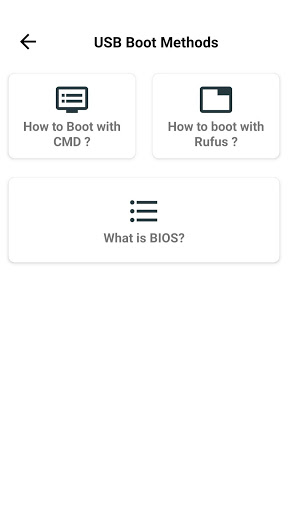
BOOT USB WITH RUFUS SOFTWARE:
Easy help of this free application 2021 USB - Bootable USB Methods: This tutorials app allows you that how we can boot our USB with Rufus free software. By installing this USB Bootable application you will be able to boot USB / SD card. It’s a very easy app for all beginners of computers or laptops. By using this free app you will be also able to boot DVD/CD with ISO file very soon from the Rufus software.
Use Free Windows Installation methods experience in Your Mobile Phone, Tablet Also. You can learn very easily anywhere by using your smartphone.
USB Boot and Windows Installation Methods Tutorial app Features:
• No root required and is totally free.
• Use SD card/USB to boot your pen driver before installing any window on your system.
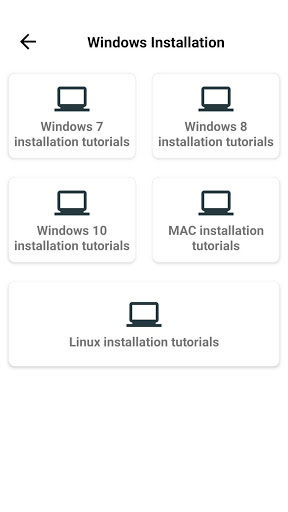
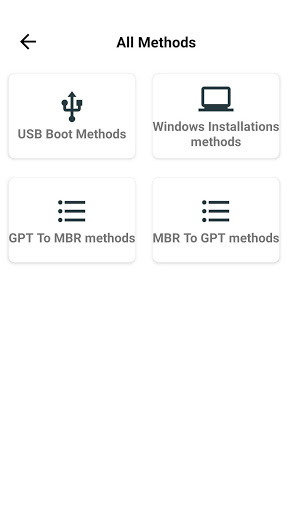
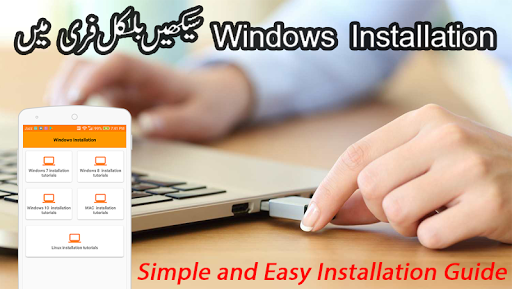
• This app includes the following windows installation methods.
• This tutorials app also include GPT to MBR and MBR to GPT methods.
Windows 7, Windows 8 or 8.1, Windows 10, Linus operating system, Mac operating system installation.
All these windows installation is easy with DVD/CD, but it was old way and the DVD/CD disk can be scrach or break, and the pen drive is very small in size and you can keep in your pocket.
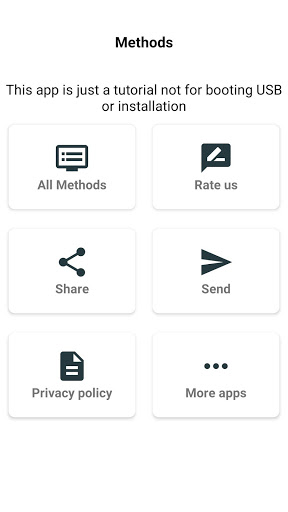
Note: This application is only for education purpose and giving you the knowledge about windows installation and USB Booting, and Its just a tutorials, this app not boot your USB.
Please share this application to spread knowledge.









9Apps 4.9













