
INTRODUCTION:
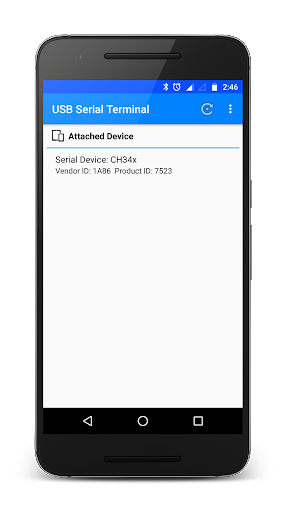
- One-of-a-kind App that gives you compatibility with Serial Devices like CP210X, FTDI, PL2303, CH34X and CDC/ACM devices.
- This app can send and receive commands via Serial Devices so you can debug your hardware problems easily.
- Connect your Serial Devices to Mobile
using OTG-Cable.
FEATURES:
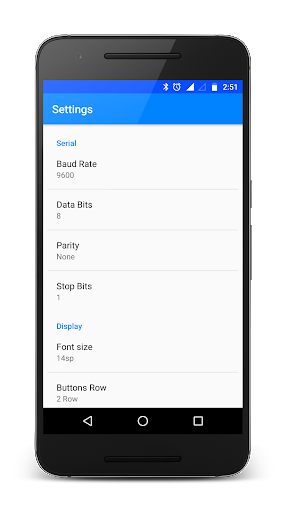
- Baud Rate, Data Bits, Parity Checks, and Stop Bits setting Option
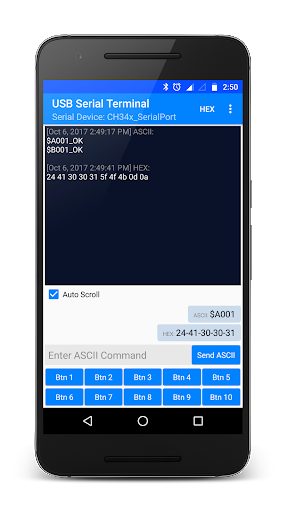
- Separate panels for sending and receiving data.
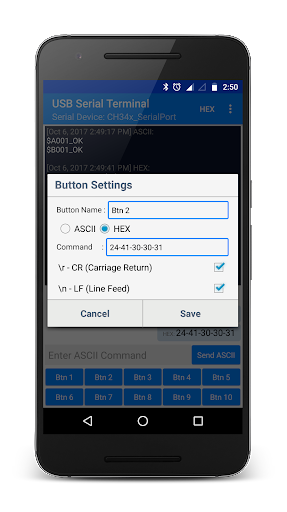
- Custom your own buttons for frequent sending of same data.
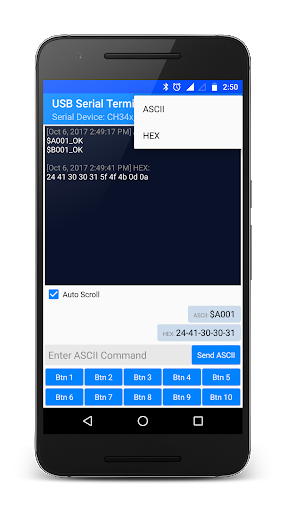
- Monitoring receiving data as ASCII or HEX.
- Sending Data as ASCII or HEX.
- Selection for
at the end of sending data.
- Simple copy option in sent data just long press on data.
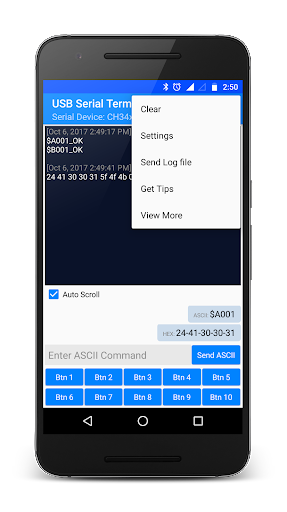
- Send Log file of Received and Sent data.
- Keep Screen on/off option.
- Font Size option.
- Remove Ads option.
NOTE:
- Android device must support USB Host mode.
- By default, Received data in ASCII format and It can be changed from top MENU.
- By default, Data sent in ASCII format and It can be changed from long pressing of particular Button.
- By default,
will be sent on every sending data and It can be changed from long pressing of particular Button.









9Apps 4.9













