

“Think before you speak. Read before you think.”
― Fran Lebowitz
Please read the entire description. TypeFace needs specific requirements for it to work on your device.
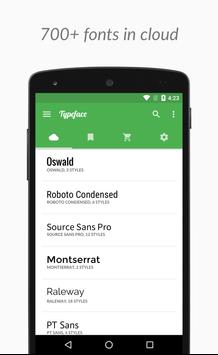
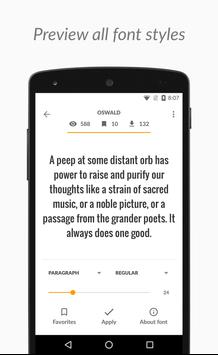
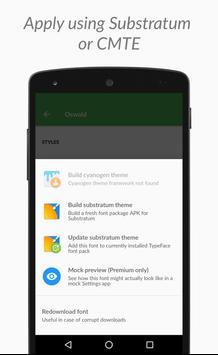
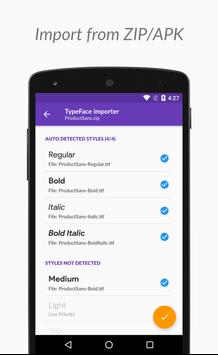
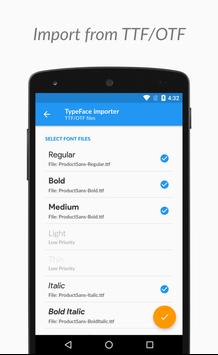
With TypeFace all Google Web Fonts are just a click away for use with Cyanogen Theme Engine or Substratum! Generate font themes on the fly by downloading fonts available on Google Fonts (http://fonts.google.com). For the power user, TypeFace also provides a premium/paid option for creating font themes by importing fonts from archives (ZIP/APK) or font files (TTF/OTF).
TypeFace works on:
1. Rooted ROMs (Known issues: Box symbols at some places, Read here for more info: https://goo.gl/ZMhHJR)
2. A custom ROM with Cyanogen's Theme Engine (CM14/LineageOS doesn't have a theme engine)
3. A custom ROM with OMS support. Substratum app alone is not enough for font themes to work.
Note: Andromeda based theming does NOT support fonts replacing. Check here:
https://goo.gl/PwwF52
Follow the development and updates of TypeFace on Google :
https://plus.google.com/ DickenChristianMe
Disclaimer: Some of the fonts may be smaller in size as per their design and/or lack support for local languages. TypeFace has no ability to alter/correct these issues.
Note: Andromeda based or Rooted mode Substratum doesn't support font replacing. Box symbols in lockscreen clock and other places is a known issue and it cannot be fixed.
v1.2.0
- Fixes for custom ROMs with Substratum
v1.1.9
- Enabled substratum build options on Oreo ROM's if Substratum service is available
- Optional backup of current fonts when using root apply method

9Apps 4.9















