

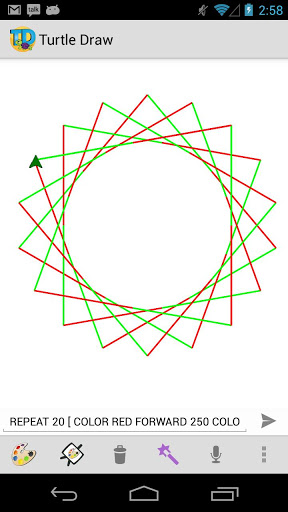
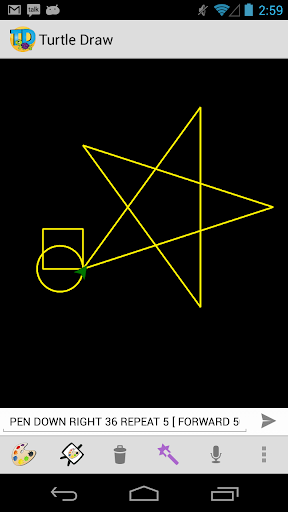
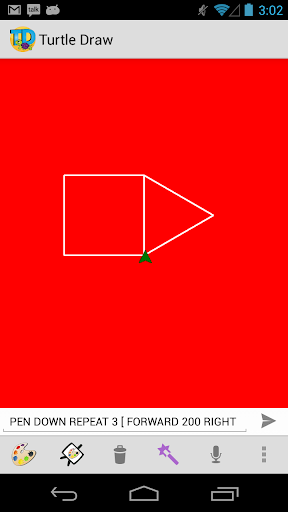
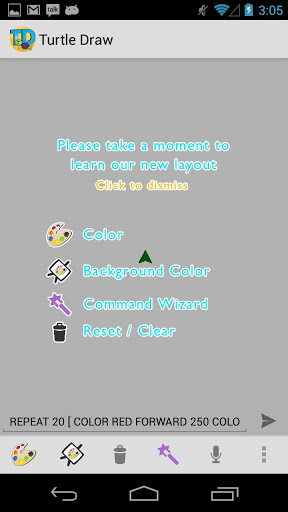
Like the logo turtle draw game.
*** NOTE Only English Supported. You can switch between the command line and graphical controls using the menu item "Switch Advance/Simple Mode". English is the only language supported. If you are interested in helping translate to other languages please contact me. ***
This is a great introduction to programming for children.
You can issue commands and see the results graphically.
You can also get introduced to the concept of looping.
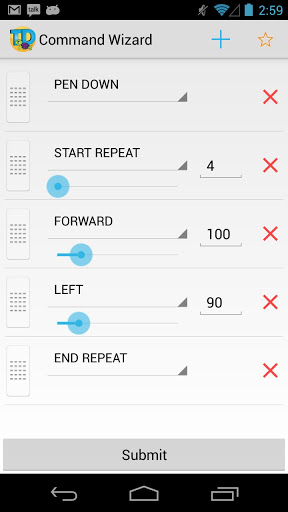
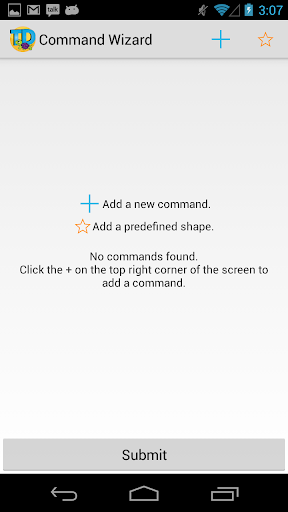
There is an easy mode called "Command Wizard" that can be used to build commands if typing is not your thing.
You can draw shape with simple commands like
FORWARD 100 LEFT 90
You can even loop.
REPEAT [ FORWARD 100 LEFT 90 ]
Currently the only commands supported are
REPEAT ]
FORWARD
BACK
LEFT
RIGHT
PEN UP (allows you to move without drawing)
PEN DOWN (starts drawing again)
* Change line color
* Change background color
* Issue one command at a time or chain as many commands as you like.
Example:
- FORWARD 100 LEFT 90 FORWARD 60 RIGHT 30 BACK 10 LEFT 10 FORWARD 100
- REPEAT 10 [FORWARD 100 LEFT 30 FORWARD 100 RIGHT 60]
* Colors can be changed in the command line using COLOR [#RRGGBB|#AARRGGBB|red|blue|green|black|white|gray|cyan|magenta|yellow|lightgray|darkgray]
* Nested loops are now allowed.
* Color picker dialog to change foreground and background colors.
* Remember foreground and background colors.
PERMISSIONS
Network state checked required when trying to use the issue command by voice feature.
* Fixed bug where the app would crash on tablets running Honeycomb.
* Fixed bug where application would crash as soon as it is launched.



![3 Hours of Fantasy Music - Best of 2024 [no AI] screenshot 4](https://i.ytimg.com/vi/GkSHE6wOzX0/mqdefault.jpg)





9Apps 4.9













