

IMPORTANT: Ensure you are on version 3.1 on your desktop as well, older version may not work properly anymore!
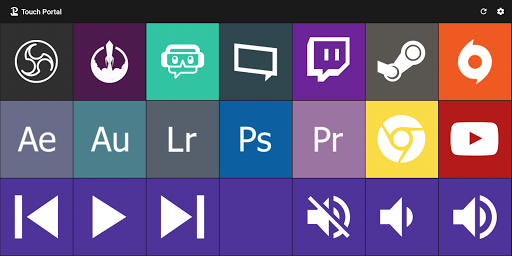
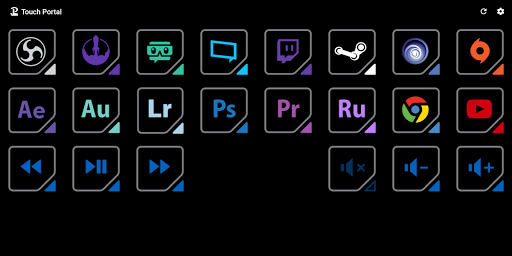
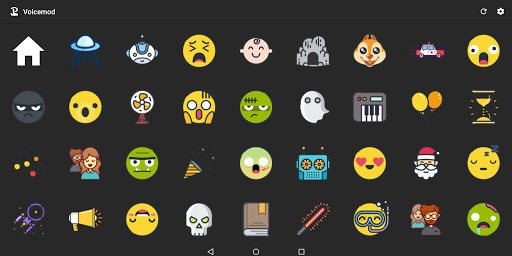
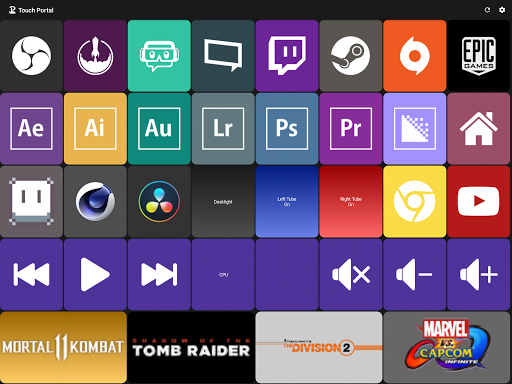
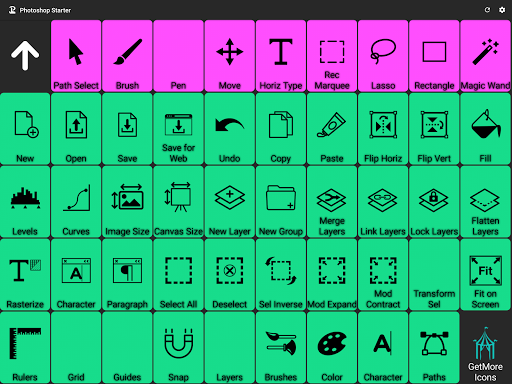
Touch Portal is a remote-control app that allows you to control your streams, games, home automation and your Windows / MacOS / Linux applications using a fully customizable page / deck of buttons and sliders.
Stream 📺
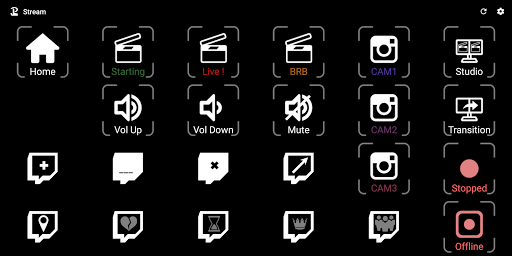
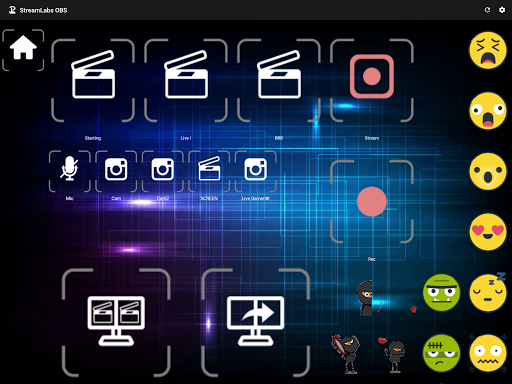
Control your Live Streams with direct integrations of OBS, Twitch, StreamLabs Desktop, SE.Live and Xsplit or through one of our many plug-ins like VMix, Ecamm live, Trovo, Atem Mini, Restream and many other services to enhance your stream.
Start your Stream application, set your Starting Soon Scene, Go live and send a Twitter tweet with one press of a button.
React to events of your streaming software to have an interactive stream with your viewers. Show your streaming information, stream preview and chat on your page to keep track of what is going on.
Games 🎮
Through our community created plug-ins you can directly control games like Elite Dangerous, ETS2, Microsoft Flight Simulator, DCS, MineCraft, League of Legends and using virtual key presses you can control almost all games available.
Use Touch Portal as an additional control panel for your immersive gaming experience.
Home Automation 🏠
Control your home automation with direct integration of Philips Hue and third-party Plug-ins like Govee, Netatmo, Smartthings, Home Assistant, Elgato KeyLight, LifX, Magic Home, YeeLight and many more.
Turning on and off your lights, changing colors and dimming lights have never been so easy. Using Third-party plug-ins you can control your Alarms, Camera's, Thermostats, Solar panels and much more.
Desktop Applications 🖥
Touch Portal lets you control your desktop and all software running on it. Play songs on Spotify, YouTube Media Desktop, Itunes and more. Show the Weather on your mobile. Take control of your special keyboards and controllers / gamepads.
Control your slideshows in PowerPoint and your Teams or Zoom meetings.
Change your desktop volume with sliders, mute your audio with a button or move your active windows around. Open folders, start applications and shortcuts, run scripts, open a website, control your mouse, activate applications and much more.
Touch Portal functionalities
Automate your process by using Events that trigger on both internal and external events, use variables (Values) to store information to use later in your process, use HTTP functionality to control your networked or online services and use extensive file input output functionality.
Fully customizable
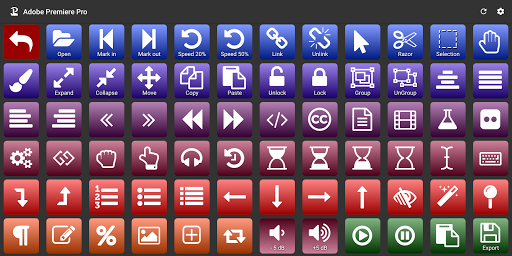
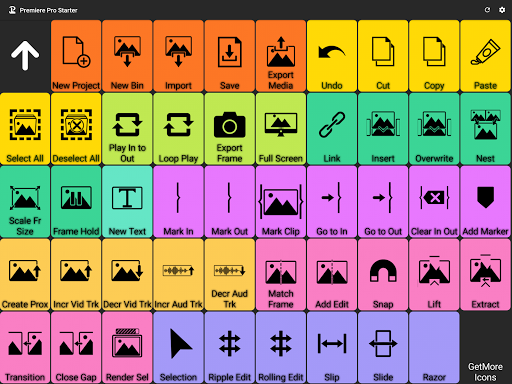
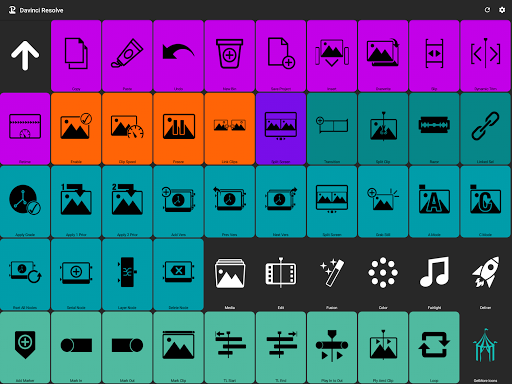
Create fully customizable pages / decks on which you place your buttons and sliders. Use your own images on your buttons and your backgrounds, customize your fonts and use your favorite color palettes to create the most wonderful pages.
IMPORTANT
You need to download the "Touch Desktop" app on your PC or your Mac to use this app. Please go to our website to download it from our website.
Link:
https://www.touch-portal.com/
Please join us at our Discord server for the fastest help. We are daily available on Discord, our community is also willing to help you further with your Touch Portal experience.
Discord server:
Link:
https://discord.gg/MgxQb8rt
We have improved connectivity and fixed a few bugs












9Apps 4.9













