Total Connect Comfort icon

Total Connect Comfort

3.12 for Android
4.3 | 1,000,000+ Installs | Reviews

Resideo Technologies, Inc.

Description of Total Connect Comfort

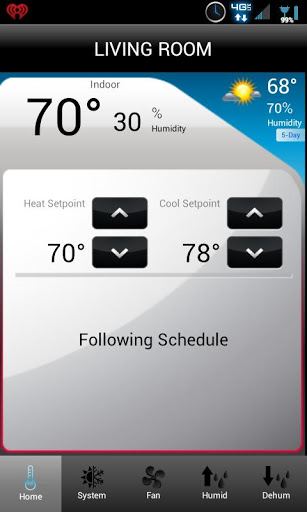
The Honeywell Total Connect Comfort app allows users to remotely monitor and manage their heating and cooling system – at anytime, from anywhere. Honeywell’s Total Connect Comfort works with Honeywell Wi-Fi Thermostats and with Prestige®, Prestige® IAQ, Wireless FocusPRO® and EConnect™ Comfort Systems when used in conjunction with Honeywell’s Internet Gateway.
With the Honeywell Total Connect Comfort app users can:
View and change the schedule (for thermostats that support this feature)
Utilize the Demo Mode before purchasing a thermostat
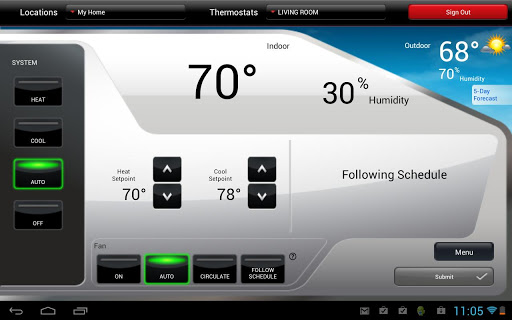
View and change heating and cooling system settings
View and set the indoor temperature
View and change system fan (for thermostats that support this feature)
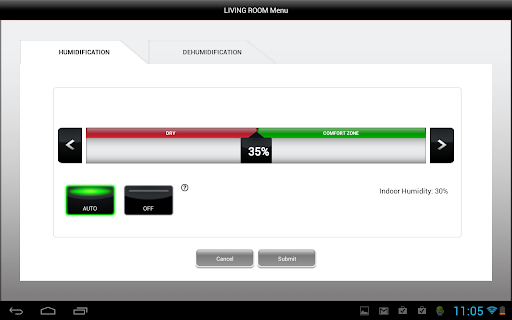
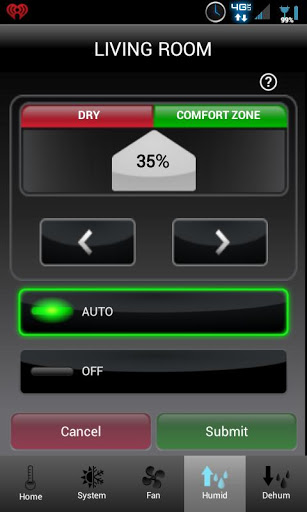
View and change humidifier and dehumidifier settings (for thermostats that support this feature)
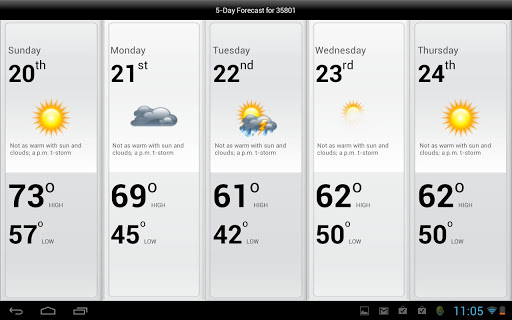
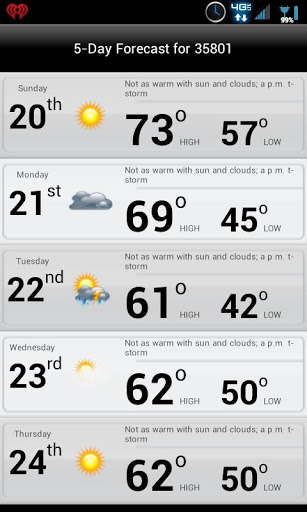
View 5-Day weather forecast
View outdoor temperature and humidity (when used with an outdoor sensor)
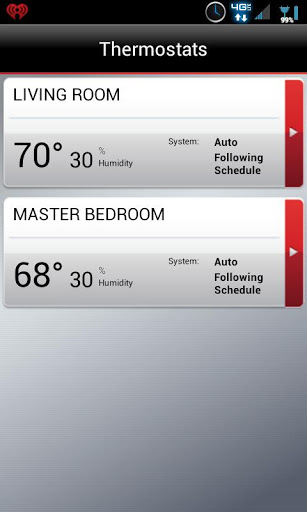
Access multiple smart thermostats
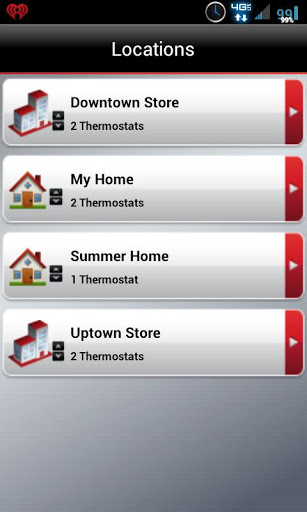
Access multiple locations if more than one system is registered
View thermostat alerts such as high or low temperature
Automatically upgrade to new features once they become available
Whether a homeowner, business owner or both – users will find comfort in Total Connect Comfort


Information

  • Category:
    Lifestyle
  • Latest Version:
    3.12
  • Updated:
    2021-09-30
  • File size:
    9.2MB
  • Requirements:
    Android 6.0 or later
  • Developer:
    Resideo Technologies, Inc.
  • ID:
    com.honeywell.mobile.android.totalComfort
  • Available on:
Reviews
  • avatar
    It is simple and easy to use, it pretty much does what's it's supposed to. There is a slight delay which I would expect when I adjust the temp or turn a feature off/on. For some reason however the app will tell me the fan is on when it is not and when I check the thermostat on the wall it doesn't say the fan is on. This didn't happen when I first installed it so I'm wondering if it was something in an update.
    2020-10-20 11:16
  • avatar
    The app is actually pretty good, besides some issues that sometimes require logging out and back in to fix (buttons getting stuck). I am giving this one star review in hopes that this is the only way I might get in contact with the developer teams, as when trying support channels on any relevant company, none will admit to being developers of the ifttt or smartthings interfaces for TCC, both of which contain problems and bugs, with no way to report them.
    2020-10-19 08:30
  • avatar
    Nice update, but forced landscape orientation makes the changing of temperature almost impossible to do. The down arrow is so small that you need to hit the screen pin point on the bar, which is almost impossible. Someone needs to look at the spacing of the arrows on a pixel 3xl.
    2020-10-15 09:00
  • avatar
    Pros: The app is very easy to use. Screens have simple buttons that are not confusing. You can make changes to the thermostat very easily and quickly. Cons: The app takes a long time to relay changes to you. Example: your thermostat may have reached temperature and turned off 5 minutes ago but the app still shows the heat is on. I frequently have to log out and log back in to get up-to-date information. Also, when I programmed a heating schedule with the app, the thermostat didn't follow it.
    2020-10-09 11:28
  • avatar
    In general it is a very good app. Like many apps there are little things that would make it excellent. For example, different splash colors on the home screen to instantly know if the system is currently in heat or cool mode.
    2020-10-03 11:37
  • avatar
    Good app. So far for, it connects quickly to my thermostat. There is the app part, and then there is a little more stuff if you visit the web page In a browser. There you can also adjust your thermostat , set schedules,, and set up different warning notifications.
    2020-10-03 11:21