
Tomato Planner icon

Tomato Planner

0.0.1.2019-05-02-b for Android
4.4 | 10,000+ Installs | Reviews

Denis Bilenko

Description of Tomato Planner

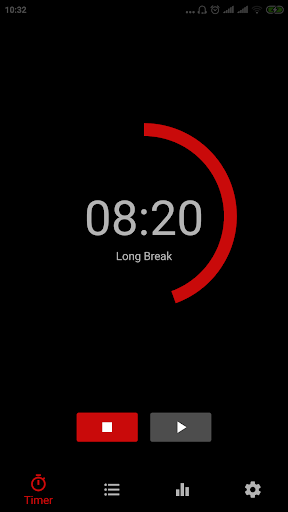
Create a schedule for today using Pomodoro Technique to work efficiently!
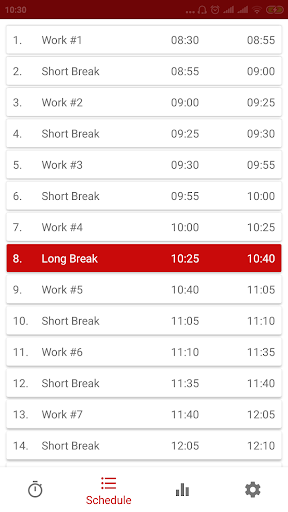
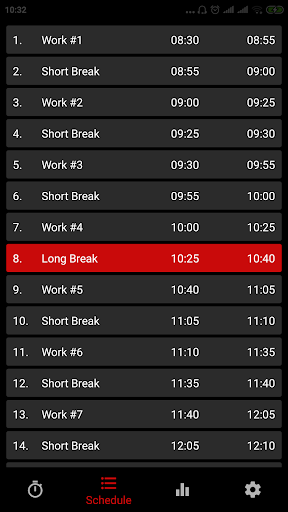
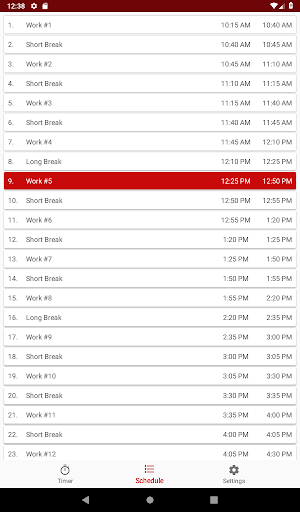
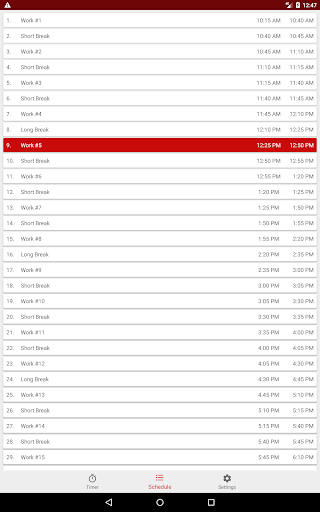
The app creates a schedule, alternating intervals of work (so-called Pomodoros) and breaks according to the following algorithm:
Work, then break. Every fourth break is long, all other breaks are short.
Best suited to perform work that requires concentration, as well as monotonous and routine tasks.
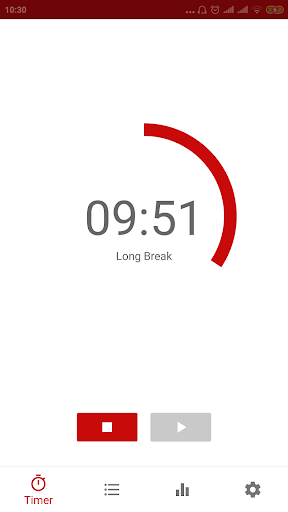
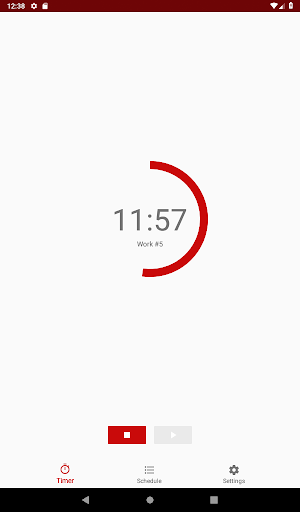
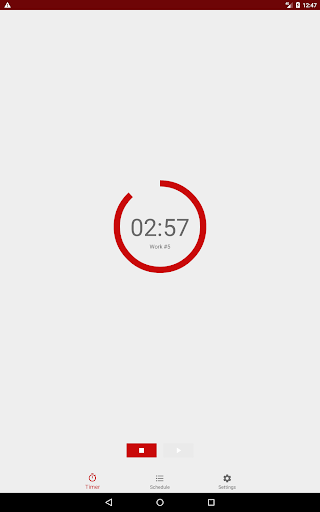
The app will send a notification at the beginning and end of each "Pomodoro", in which you will see what is the current interval and when it will end.
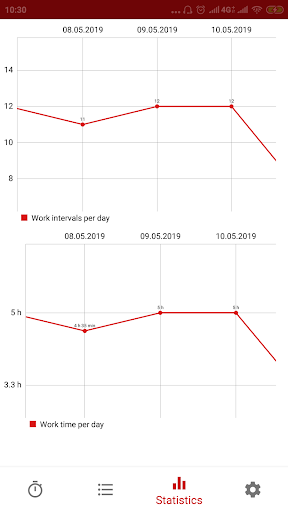
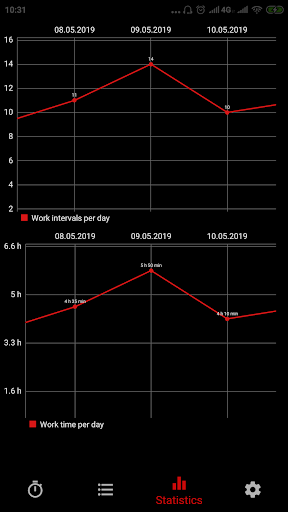
Statistics section allows you to track your activity by day: the number of work intervals, and work hours as graphs.
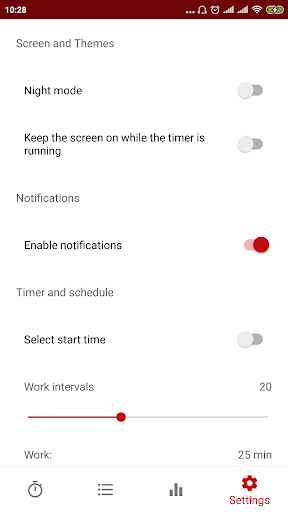
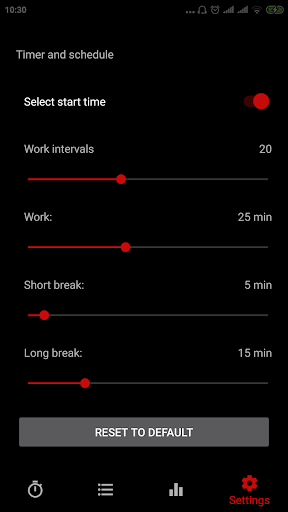
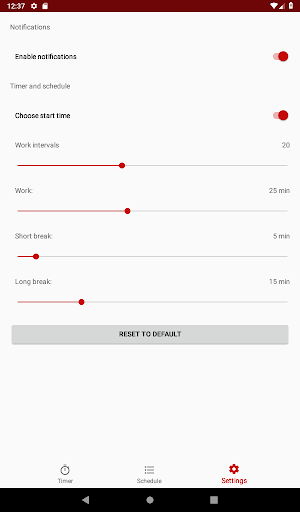
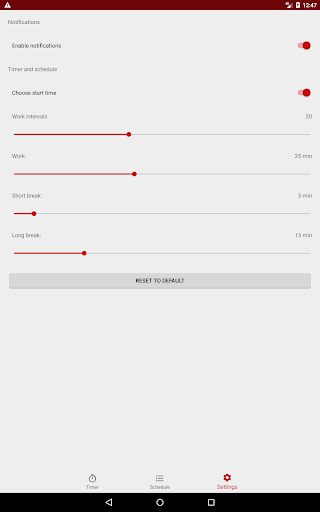
It's suggested to use these settings, however you can change them as you wish:
Work: 25 min.
Short break: 3 - 5 min.
Long break: 15 - 30 min.

What's New with Tomato Planner 0.0.1.2019-05-02-b

Improved stability

Information

  • Category:
    Tools
  • Latest Version:
    0.0.1.2019-05-02-b
  • Updated:
    2019-05-02
  • File size:
    3.3MB
  • Requirements:
    Android 4.0 or later
  • Developer:
    Denis Bilenko
  • ID:
    ru.tomatoplanner.tomatoplanner
  • Available on:
Reviews
  • avatar
    I love it This app motivates me to do my work
    2020-05-10 02:39
  • avatar
    Nice
    2020-05-09 09:17
  • avatar
    It's obvious that behind this app there is a great idea but it could be better if it has sound notify !!! Cause now I have to look at my phone if the work time is finished or not
    2020-05-05 06:01
  • avatar
    I love the schedule and that i can start at a specific time. I just wish i could more easily review and edit past entries. There may be a way but i haven't found it yet.
    2020-04-22 12:21
  • avatar
    It's very good app and extremely useful 😍👏
    2020-02-25 05:51
  • avatar
    It's very useful
    2020-01-08 04:02