Timetable Planner with alarm for study - Damda
Don't be stressed😡 Manage your time freely🙂
Timetable📅 Alarm⏰ TODO☑️ Board📈
☑️
It is an app that pursues a study manager. It is a productivity app that provides a variety of functions such as timetable widget, memo, and TO-DO for easy schedule management. Together with the various functions of Damda, we will help you study sustainable.
🙂
We can use memo with timetable.
We can use multiple timelines.
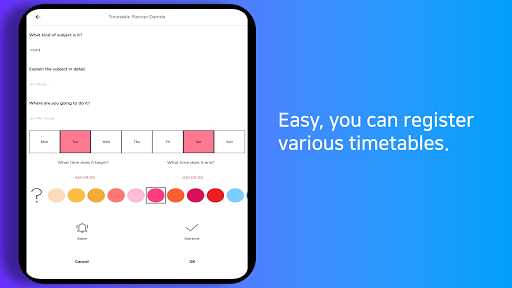
We can manage the time in one minute.
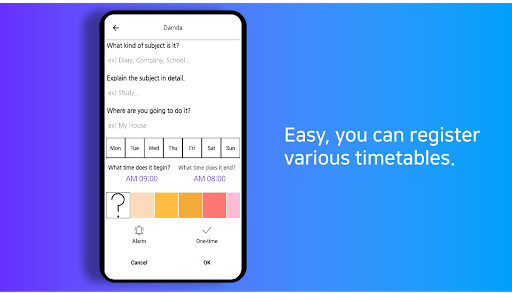
We can make the timetable a simple touch.
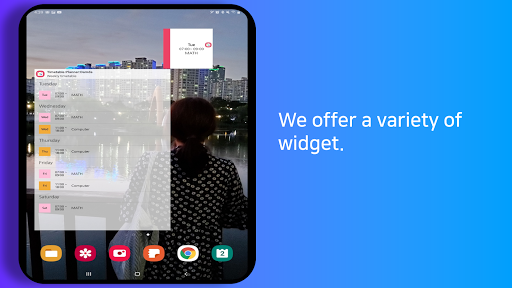
We can use the weekly timetable widget.
We can use the daily timetable widget.
We can use the simple timetable widget.
We can use the to-do.
🎉(New) Added Dark mode function .
Even in the dark, you can use the app through dark mode.
🎉(New) Added landscape mode function
A landscape mode that can be used for tablets and large screens has been added.
✔️ You can use memo.
A memo function that can be used with a timetable has been added.
Keep timetables and notes together. You can more easily remember your promise.
✔️ You can use to-do with timetables.
Use the To-do features. Completely manage your studies, schedules and appointments with To-do.
✔️ Various timetable widgets have been added.
This application provides the weekly timetable widget, the daily timetable widget, the simple timetable widget.
✔️ You can use multiple timelines.
We look forward to your free use of the timetable.
Try to make various schedules such as English, math, and computer.
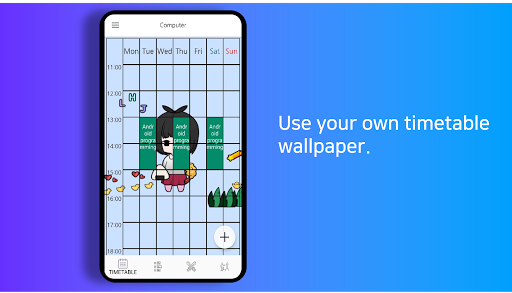
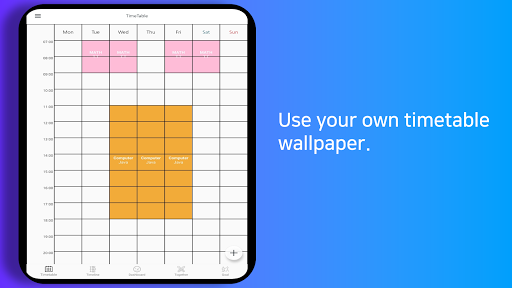
✔️ You have your own background screen.
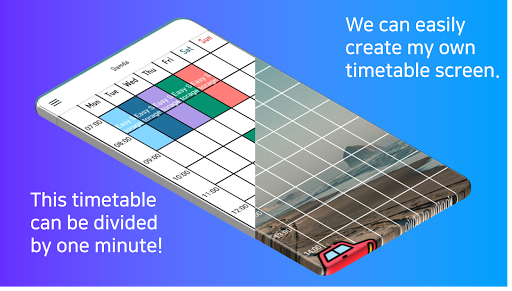
Use your favorite pictures as a background screen.
Let's cheer up by looking at your own timetable every day.
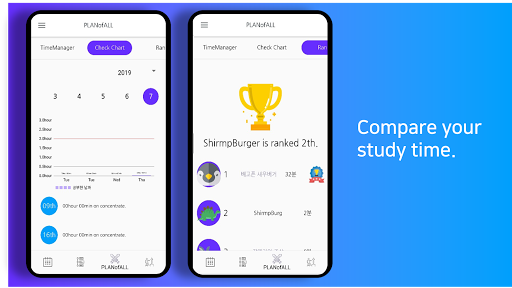
✔️ This application can compare your study time.
We provide that you can compare your study time through Damda application.
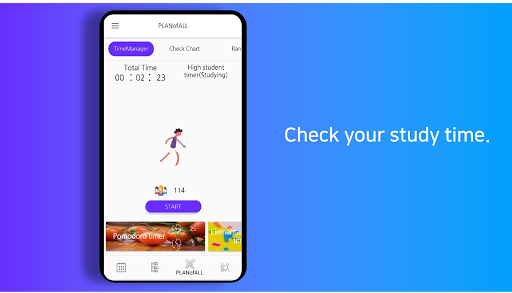
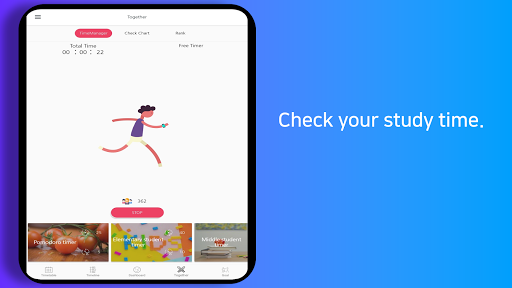
✔️ This application checks your study time.
We provide that you can check your study time through Damda application.
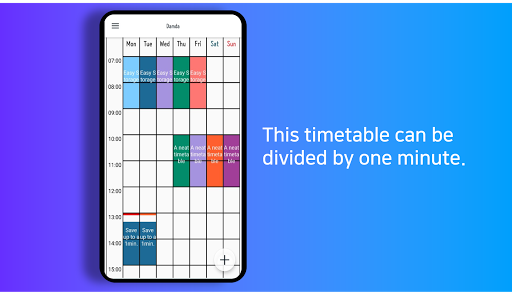
✔️ This timetable can be divided by one minute.
You are free to make a timetable.
This timetable can be divided by one minute.
✔️ Timetable visible on the lock screen
You can get your own time-table locking screen by checking the use of the lock screen in Settings.
You can also customize the design of your lock screen.
(Option -> Accessibility -> [Check Damda])
✔️ Make the timetable simple
Just enter the schedule information without having to choose a color.
We don't have time to worry about scheduling.
✔️ Make your timetable widget
The widget shows your nearest schedule.
Simply register on your cellphone desktop.
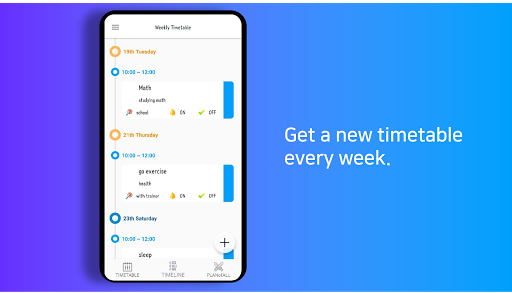
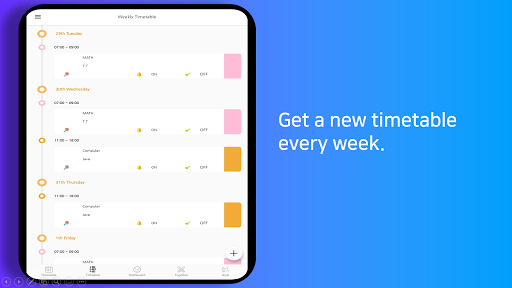
✔️ We provide you with a weekly schedule.
I can see the schedule of one week more comfortably.
1. Super alarm function has been added.
If important events, please try using.
2. Improved the stability of the app





9Apps 4.9