
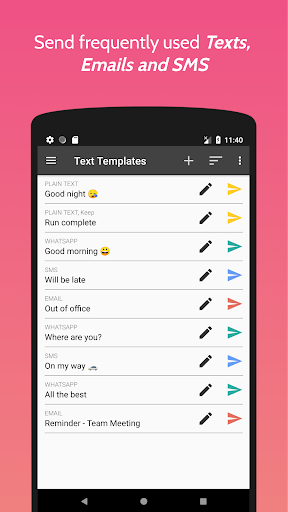
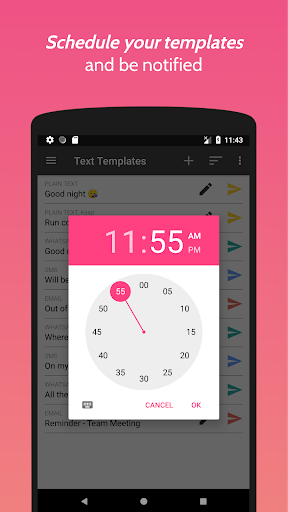
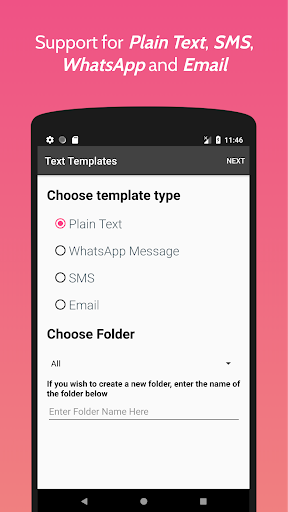
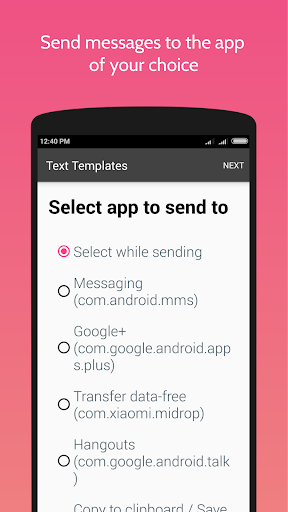
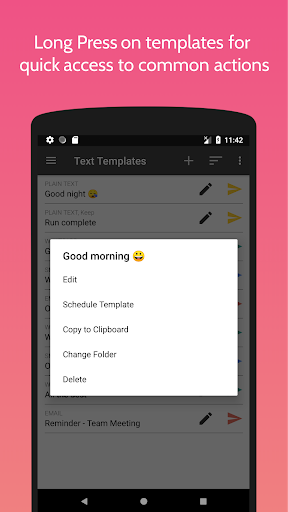
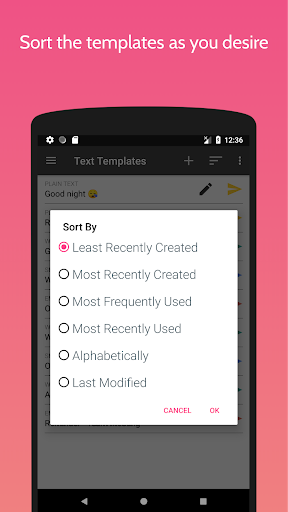
Have you ever been frustrated because you have to type the same message over and over again? That's a thing of the past now. Download Text Templates and send the stored text to any app of your choice with just a click.
Possible use cases -
1. Storing frequently used messages so that you can send it with a click!
2. Send quick replies while driving. No need to risk your life by typing long messages.
3. Perhaps you are a person who has a difficult time typing stuff. Store the messages here once and you'll never have to type that message again.
4. Store frequently used office emails.
and many others. You can get creative!
F.A.Q. -
1. How do I store a Text Template?
2. How do I send the message?
Refer to the following video tutorials
1. Adding a plain text template - https://youtu.be/5uftsnB4SX0
2. Adding a plain text template for a specific app - https://youtu.be/45gr9xFOiKM
3. Adding a WhatsApp template - https://youtu.be/YuB3dOL4xgQ
4. Adding an SMS template - https://youtu.be/qke9uKqRZYc
5. Adding an email template - https://youtu.be/RQP93eegjRQ
3. Will the title be sent in the message as well?
No. The title of your Text Template is just a short description of the message to help you identify your message. Only the contents of the Text Template will be sent.
4. Can I edit a Text Template?
Yes! It's quite easy to do that. On the home screen of the app, next to the Text Template that you want to edit, there will be a pencil icon. Just click on that and you'll be taken to the Edit Screen. You can edit the contents here. Click on save to save the Template.
5. Can I delete my Text Template?
Yes! On the Edit Screen, at the top, click on the overflow button(the one with three dots). Then select delete. Be careful though. YOU WON'T BE ASKED FOR A CONFIRMATION. Once you click on delete, your Text Template is lost. Period. This was a design choice to avoid spending extra time while deleting a message.
6. Will my Text Templates be saved if I uninstall the app and reinstall it again?
NO. Your messages will be DELETED. BUT you can save them before uninstalling it.
7. How do I save my Text Templates?
On the home screen of the app, click on the overflow button(the one will three dots) and click on "Export Data". Follow the instructions given there.
8. How do I restore my saved Text Templates?
On the home screen of the app, click on the overflow button(the one will three dots) and click on "Import Data". Follow the instructions given there.
* Option to add templates to "Favourites" folder.
* Text Templates Pro - the paid version of the app is now available for download. Text Templates Pro has Home Screen Widgets and NO ADS. Check the menu of Text Templates to find a link to buy the pro version.
* Bug fixes.












9Apps 4.9














