
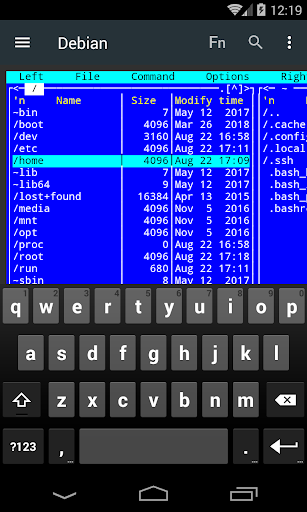
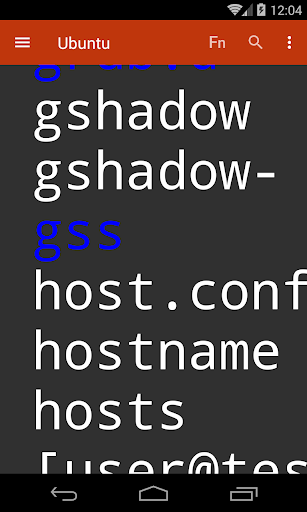
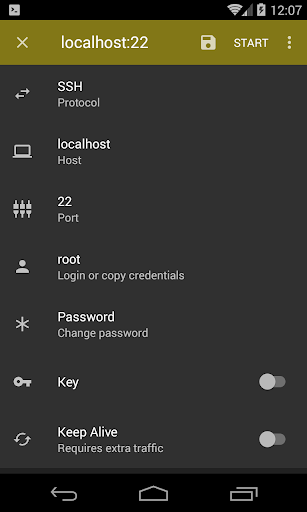
SSH, SFTP, SSL and TCP client tool and Android terminal emulator.
Video tutorial:
https://www.youtube.com/channel/UCo1x-hkMQA0D-e8Uk2Bmgxw
You can report bugs, ask questions, share your experience here:
https://groups.google.com/forum/#!forum/term-ssh-sftp-ssl-tcp-client
You get:
- SSH client
- SFTP share action (quick upload of text, images and more from other apps. No file system permissions required)
- SSL and raw TCP terminal-like clients (for testing remote services)
- Android terminal
- BusyBox (non-root only)
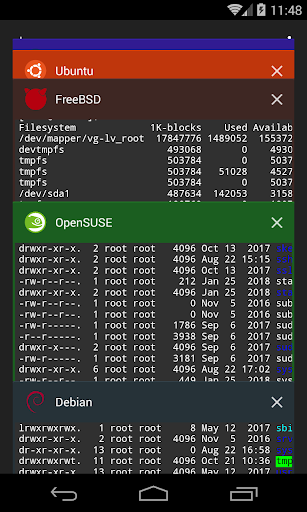
- Multiple simultaneous sessions
- Password encryption (Android 6.0 Marshmallow and above, AES 256 via Android
Keystore technology: the key is kept out of application space and may be bound to the
secure hardware)
- Launcher shortcuts
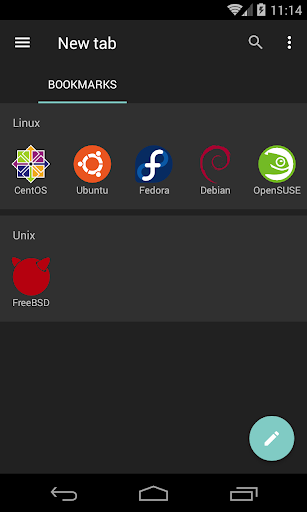
- Chrome-like tabs
- Mouse simulation (limited)
- Pinch to zoom
- Public Key Authentication (RSA, ECDSA) via Android KeyChain (The device acts very similar to a smartcard: the application never gets access to the private key so the key never gets compromised, but You have to enable secure lock screen on the device).
Android KeyChain supports keys in PKCS #12 format (*.p12 *.pfx).
On Linux for example :
$ ssh-keygen
$ openssl req -x509 -new -key id_rsa -days 10000 -out id_rsa.crt
$ openssl pkcs12 -export -out id_rsa.p12 -in id_rsa.crt -inkey id_rsa
Experimental:
- Autocompletion (send Tab key automatically)
- Long tap CTRL (Substitute Ctrl c,d,z for ç,ď,ź)
Bug fixes








9Apps 4.9