
Have you ever read one of those reviews about a app? 20,000+ users downloaded Televideo a Voce latest version on 9Apps for free every week! It is simply to learn how to use it. This hot app was released on 2019-06-21. If you wanna more apps besides this, turn to 9Apps.
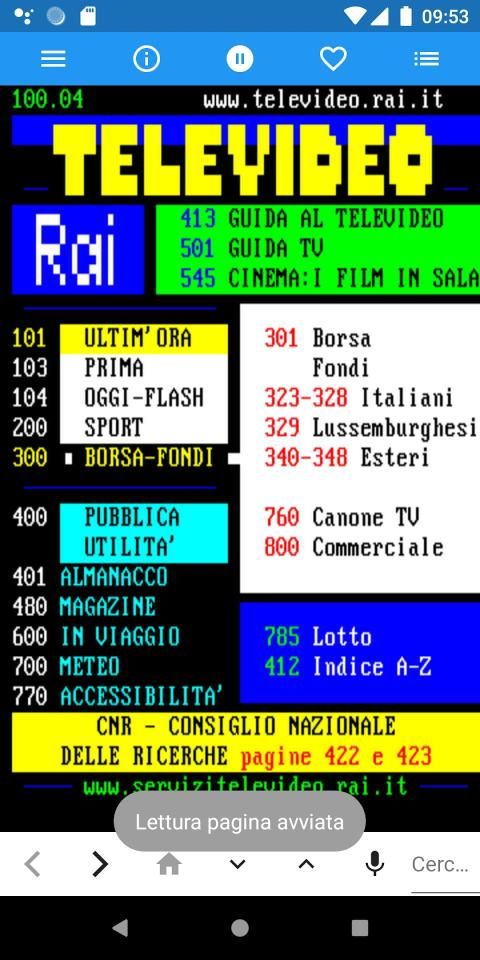
Televideo a Voce è l'APP non ufficiale del Televideo RAI.
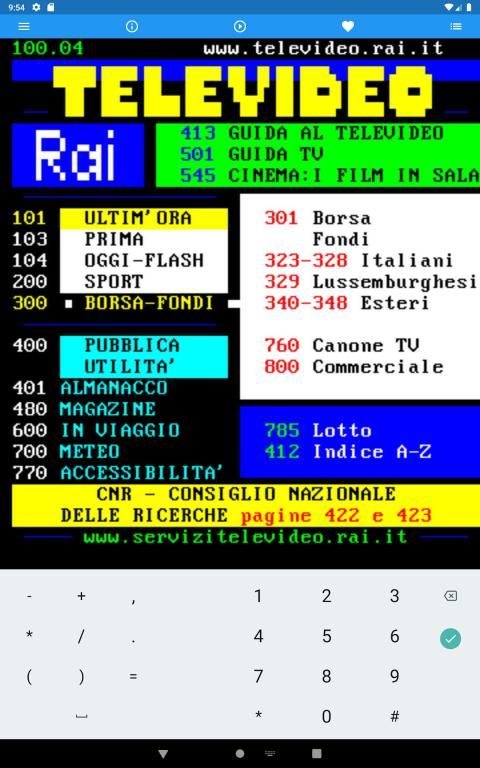
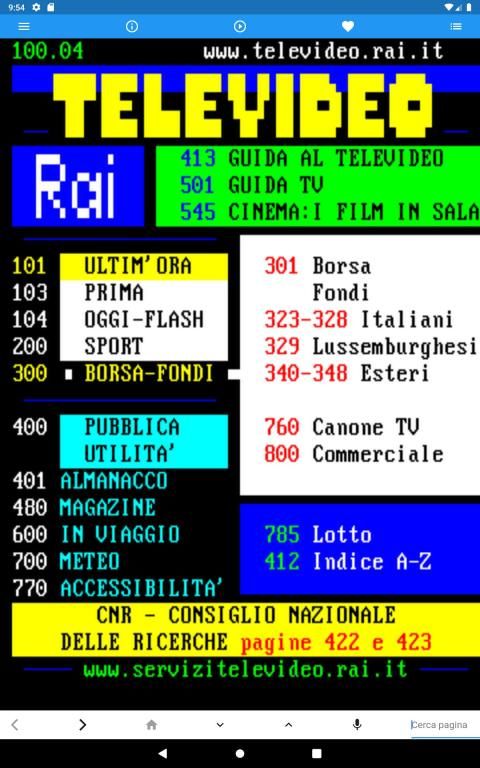
L'applicazione permette l'esplorazione completa di tutto il Televideo RAI (Nazionale e Regionale), tramite Gesture, Pulsanti (Material Design) e Comandi Vocali; la transizione tra pagine in caso di connessione lenta mostra un'animazione nostalgica di caricamento della pagina.
Nella barra di navigazione è possibile effettuare la ricerca per pagina/sotto pagina tramite i pulsanti "freccia", la ricerca tramite tastiera e tramite comando vocale.
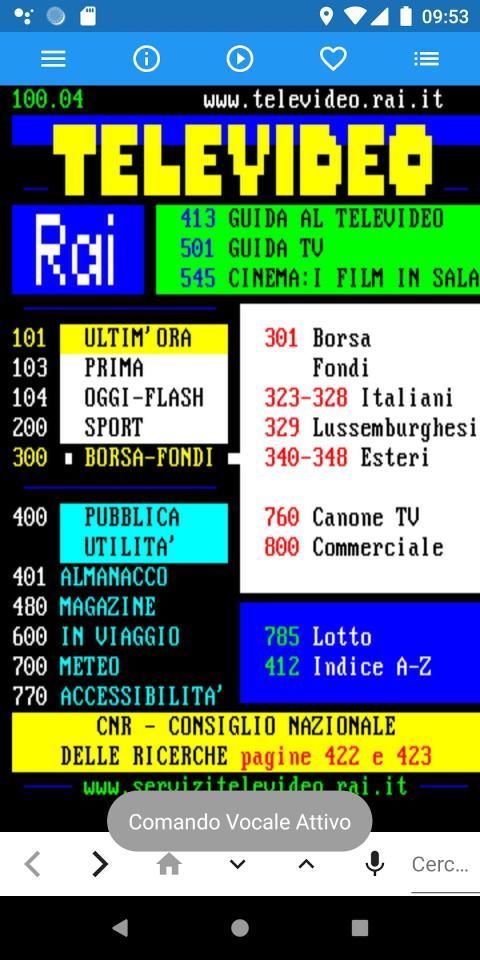
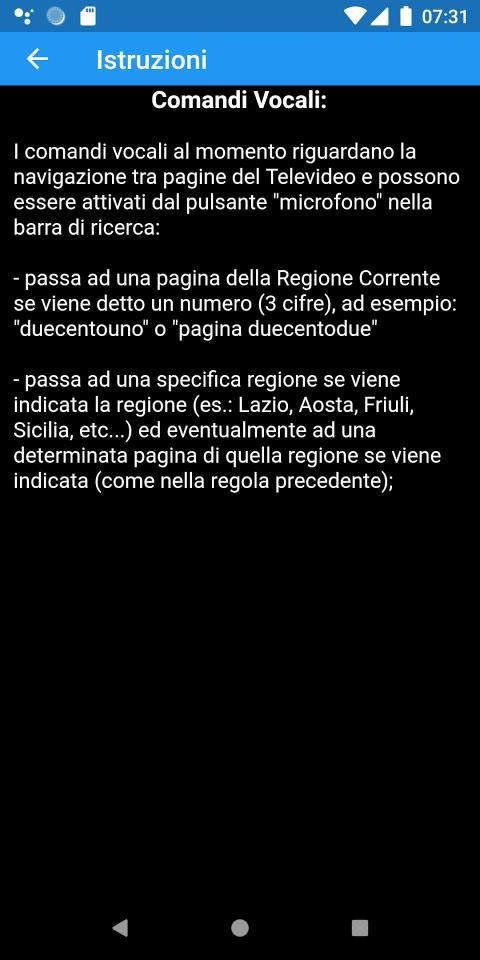
I comandi vocali riguardano la navigazione tra pagine del Televideo e l''avvio della lettura della pagina. Possono essere attivati dal pulsante "microfono" nella barra di ricerca:
- passa ad una pagina della Regione Corrente se viene detto un numero (3 cifre), ad esempio: "duecentouno" o "pagina duecentodue";
- passa ad una specifica regione se viene indicata la regione (es.: Lazio, Aosta, Friuli, Sicilia, etc...) ed eventualmente ad una determinata pagina di quella regione se viene indicata (come nella regola precedente);
- Leggi la pagina corrente pronunciando "leggi" o "lettura".
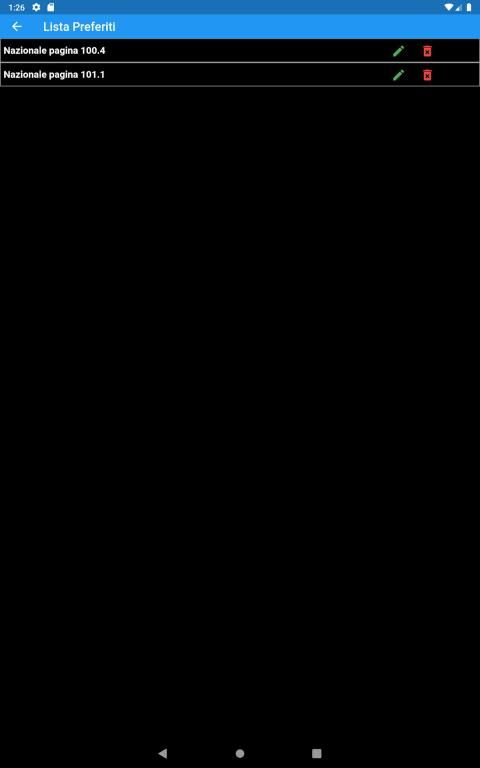
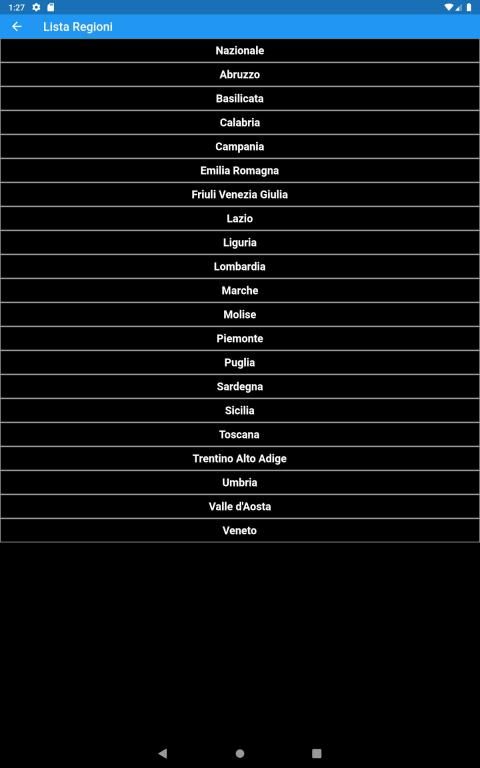
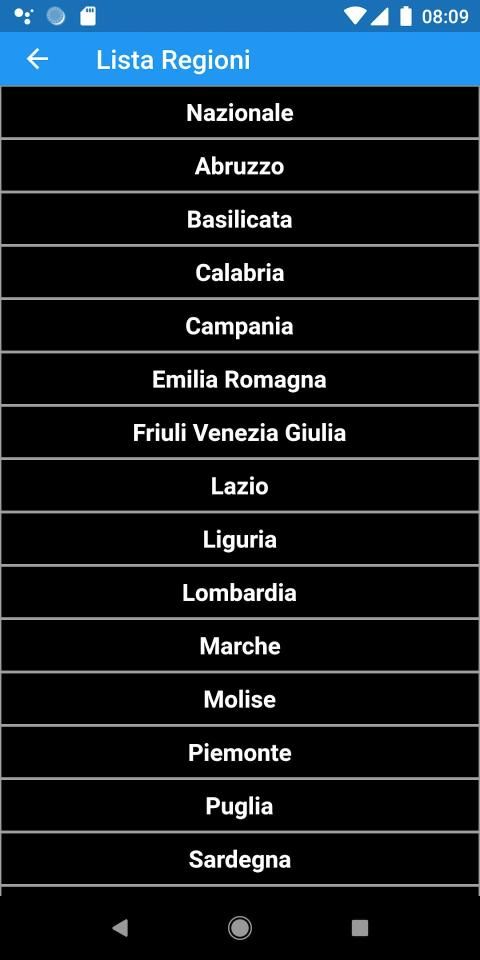
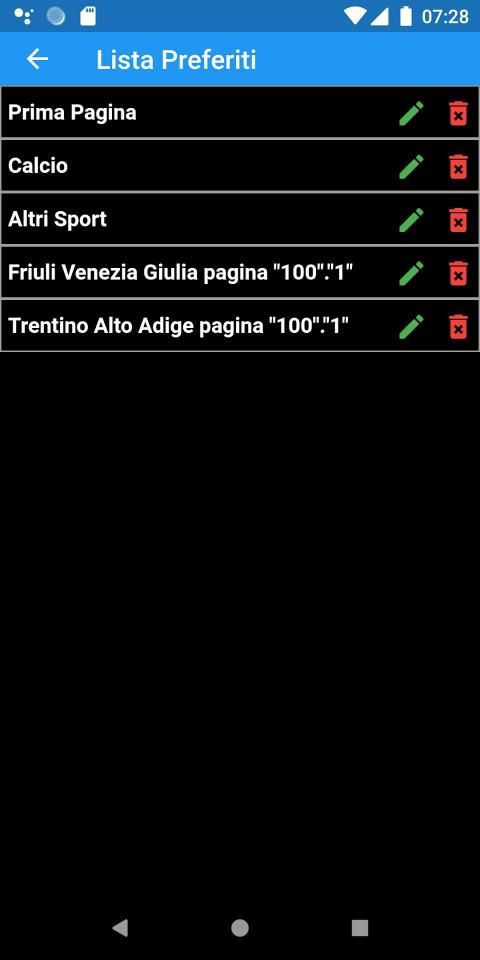
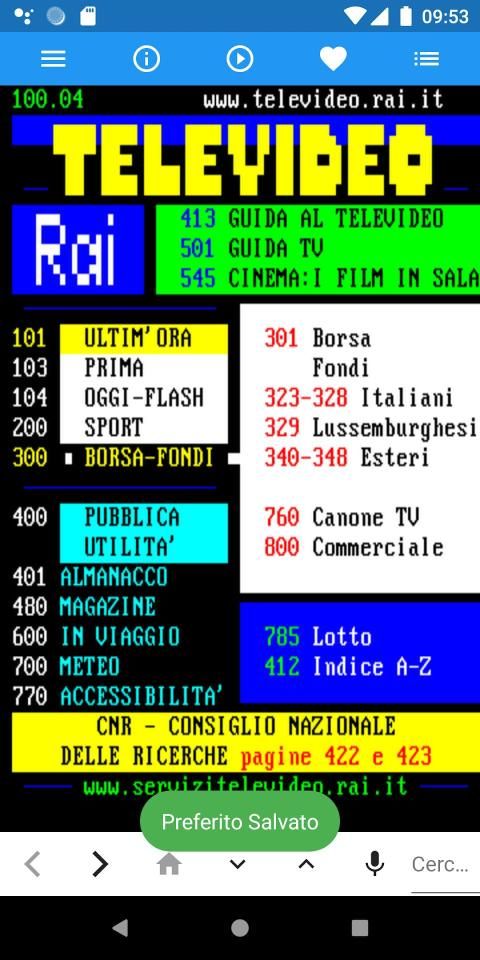
Nella barra superiore è possibile attivare la lettura della pagina corrente tramite la voce del dispositivo, salvare nel dispositivo la pagina corrente come preferito e accedere alla Lista dei Televideo Regionali, alla Lista dei Preferiti salvati e alle Istruzioni.
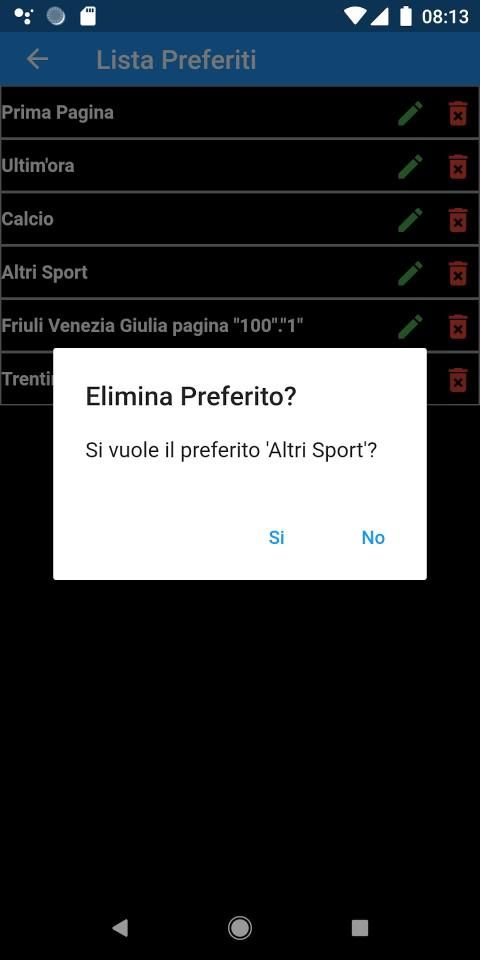
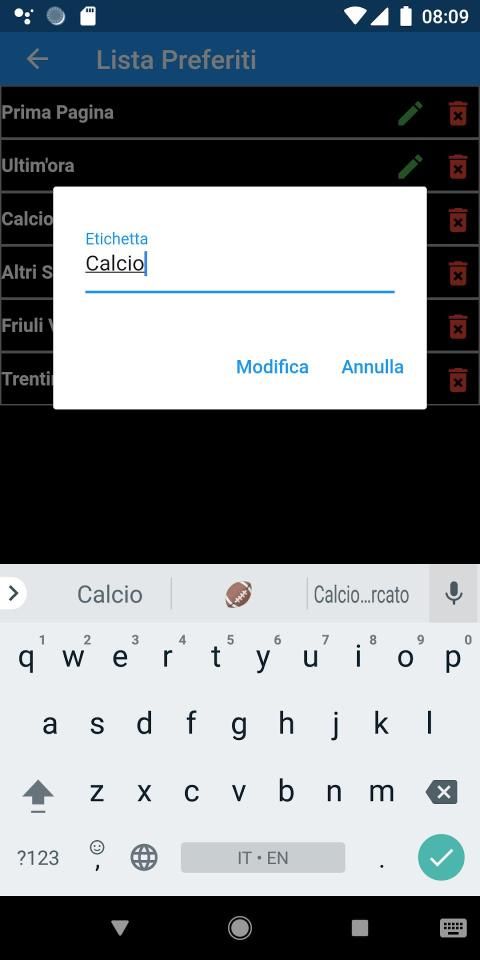
I Preferiti possono essere eliminati o nella Lista dei Preferiti o nella pagina selezionando il pulsante del preferito; l'etichetta del Preferito può essere modificata.
Tutte le pagine sono disponibili anche sul sito ufficiale: https://www.servizitelevideo.rai.it
Televideo a Voce is the unofficial APP of Televideo RAI.
The application allows the complete exploration of all RAI Televideo (National and Regional), through Gestures, Buttons (Material Design) and Voice Commands; the transition between pages in case of slow connection shows a nostalgic animation of page loading.
In the navigation bar it is possible to search by page / sub page using the "arrow" buttons, search by keyboard and by voice command.
The voice commands concern the navigation between Teletext pages and the start of page reading. They can be activated by the "microphone" button in the search bar:
- switches to a page of the Current Region if a number (3 digits) is given, for example: "two hundred and one" or "page two hundred and two";
- passes to a specific region if the region is indicated (eg: Lazio, Aosta, Friuli, Sicily, etc ...) and possibly to a specific page of that region if it is indicated (as in the previous rule);
- Read the current page by saying "read" or "read".
In the upper bar you can activate the reading of the current page using the device entry, save the current page as a favorite in the device and access the List of Regional Teletext, the List of saved Favorites and the Instructions.
Favorites can be deleted either in the Favorites List or on the page by selecting the favorite button; the label of the Favorite can be changed.
All pages are also available on the official website: https://www.servizitelevideo.rai.it
Versione 1.1.2:
- Aggiunti i comandi vocali per la lettura della pagina corrente;
- Modificata l'icona per l'avvio della lettura della pagina.
Versione 1.1.0:
- Aggiunti i comandi vocali per cambiare pagina e regione;
Versione 1.0.2:
- Modificata l'immagine di caricamento con un'immagine animata dei numeri di televideo che scorrono;
- Migliorata notevolmente la lettura delle pagine;
- Ora è possibile modificare l'etichetta con cui visualizzare il preferito;
- BugFix.







9Apps 4.9













