

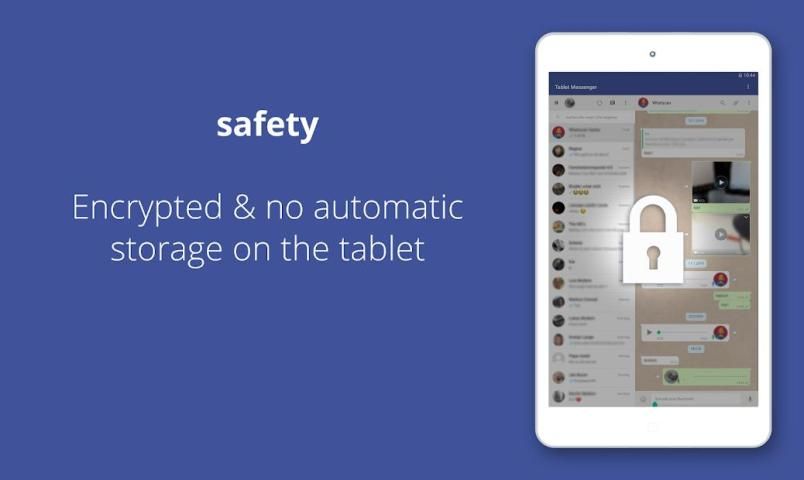
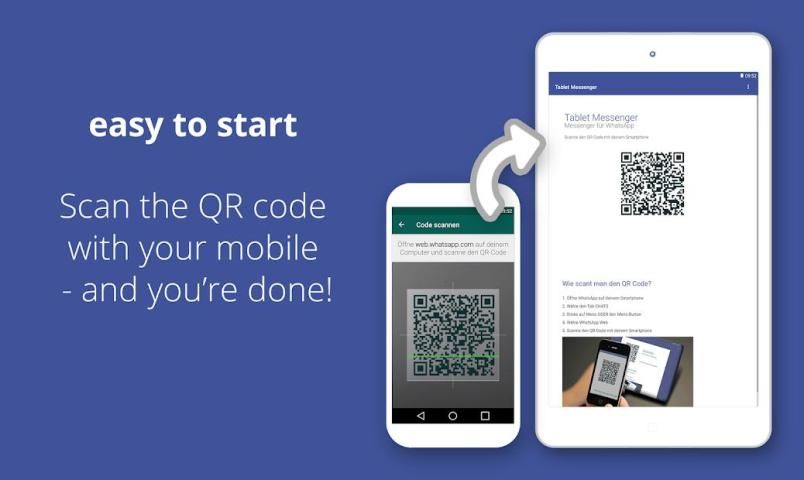
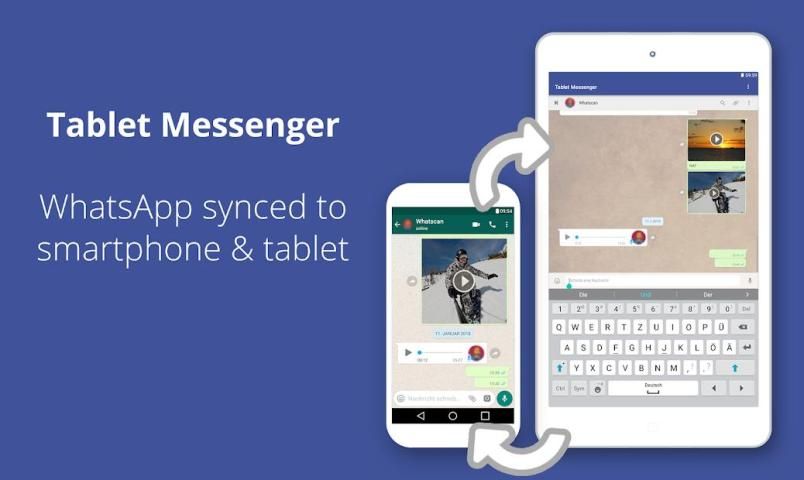
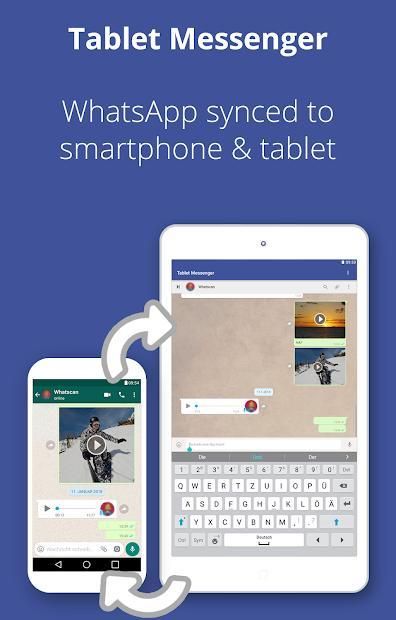
Tablet Messenger is the app that makes it easy to get WhatsApp from your smartphone to your tablet. Simply scan the QR code with your smartphone camera and chat comfortably on your tablet. Use your account on both devices at the same time. Connecting once is enough.
Advantages:
- Your contacts and messages at the same time on mobile and tablet
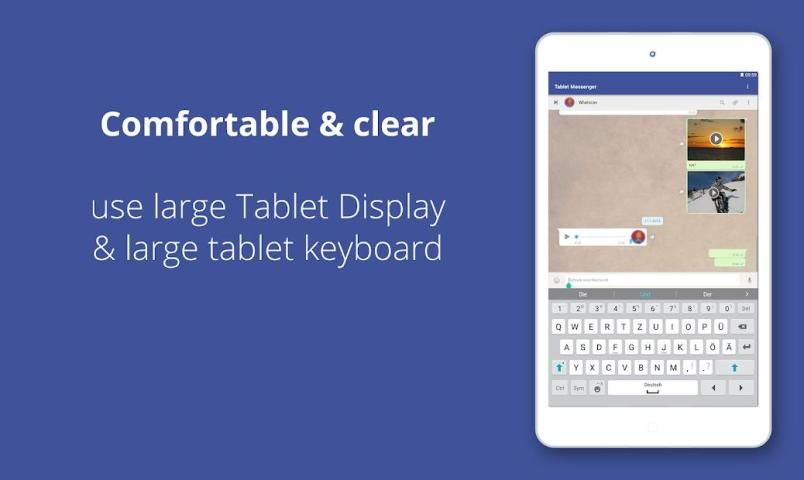
- Chat comfortably on the tablet - on a larger display, with larger font
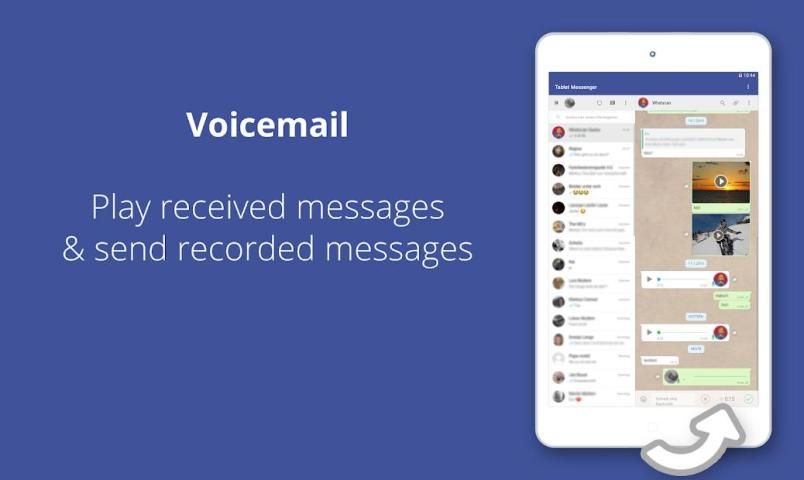
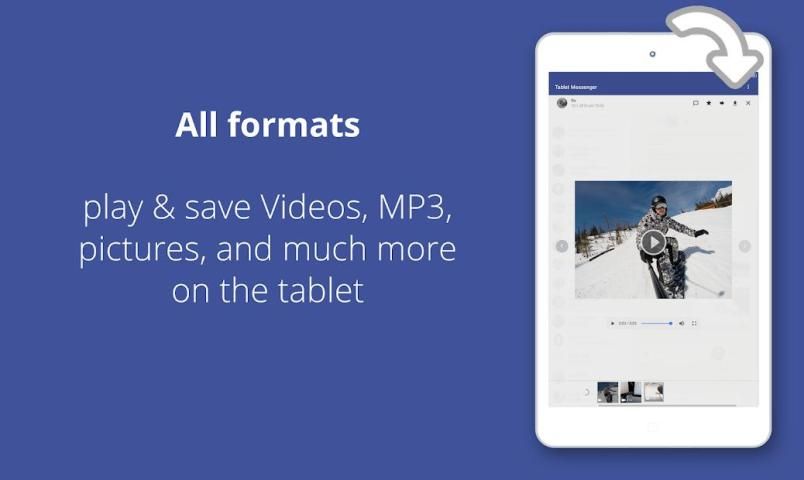
- Send and receive documents, pictures, videos and voice messages
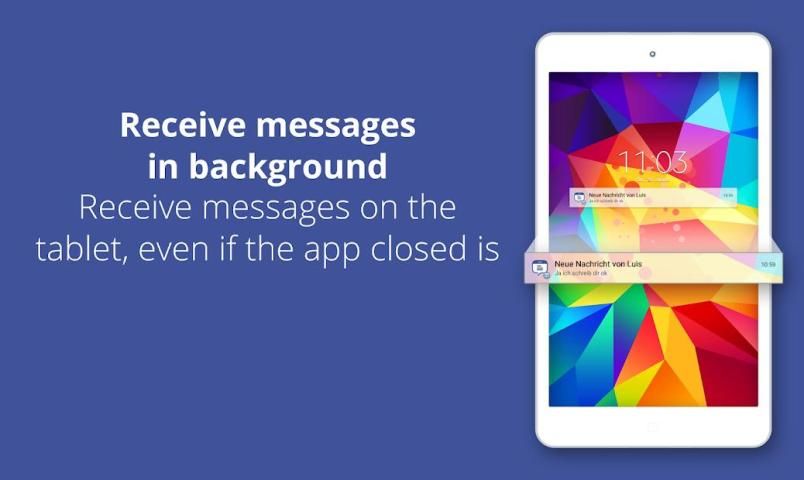
- Receive notifications in the background as well
- Chat with Bluetooth keyboard
- Decide for yourself: Enter = send or line break
That's how it works:
1. Install Tablet Messenger on your tablet
2. Start WhatsApp on your phone
3. In the "Chats" tab, open the menu on the top right and select the third menu item
4. Select the "+" in the upper right corner - the camera will open
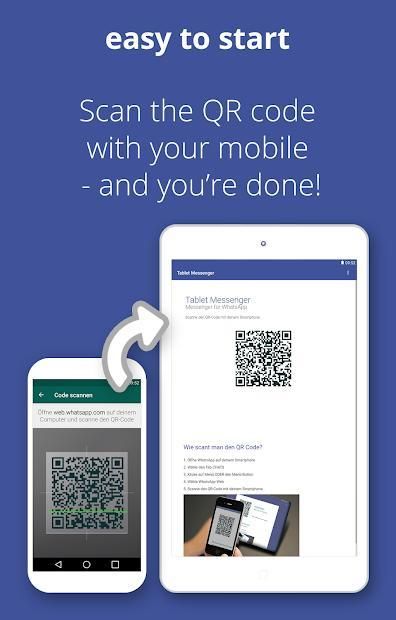
5. Launch Tablet Messenger on your tablet and wait for the QR code to appear
6. Scan the QR code with the camera open on your phone
7th and ... finished :-)
Further improvements have been made.
More updates will follow soon.



9Apps 4.9















