
Machines will be very useful in MCPE survival mode. If you need something that will increase your chances of survival in a certain area, then this mod is exactly for you! For example, the turret will scan all enemies and shoot them down if they enter your territory.
How it works?
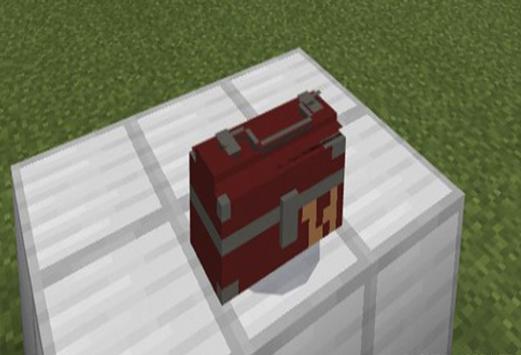
Toolbar: This is the basic element, through which you can build any other items. It is a replacement for a shalker. Place it where you want your toolbar (Use the egg of the shalker spawn in creative MCPE mode, or use the command / summon shulker with active cheats in the survival mode).
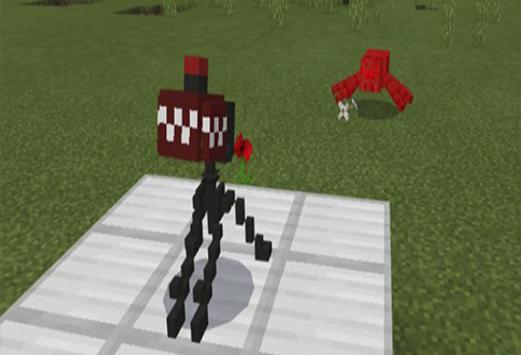
Turret: it is a turret with a machine gun mounted on it. It automatically scans threats and eliminates enemies. You can build it using the toolbar.
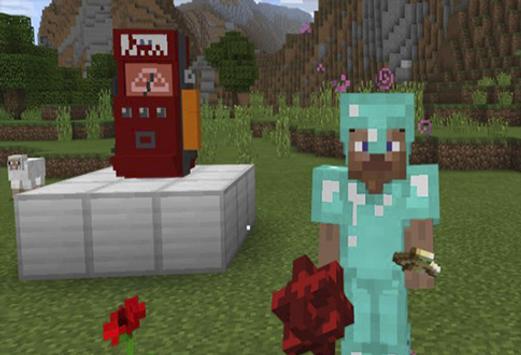
Dispenser: this is a machine with which a player can be treated
Installation:
Download the mod from our application - in the archive 3 files "behaviour" .mcpack and "resource red" .mcpack and "resource blue" .mcpack.
Run the downloaded file, so you import the addon / texture into the MCPE.
Open MCPE and go to the world settings.
Set for world imported:
- Resource kits.
- Sets of add-ons.
Select in each section the imported resource packages / add-on.
We recommend that you restart the MCPE game client after that.
Start MCPE, go to the previously configured world of MCPE and enjoy the addon!

9Apps 4.9














