SystemPanel 2 icon

SystemPanel 2

2.0.b14 for Android
4.1 | 100,000+ Installs | Reviews

NextApp, Inc.

Description of SystemPanel 2

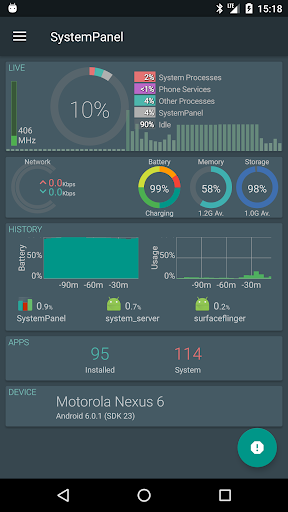
SystemPanel is a tool to let you view and manage just about everything possible about the goings-on of your device and visualize it in an easy-to-understand graphical format.
Features include:
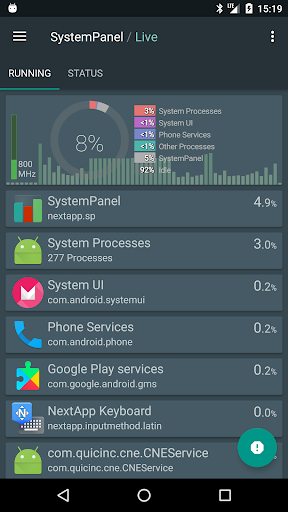
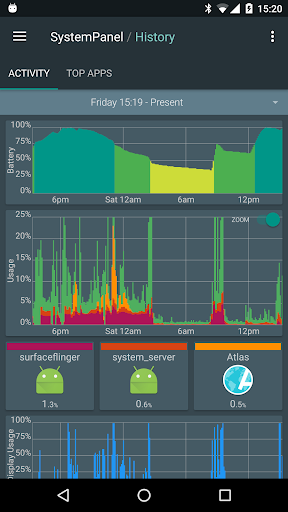
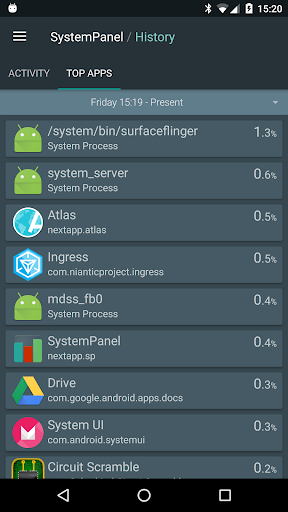
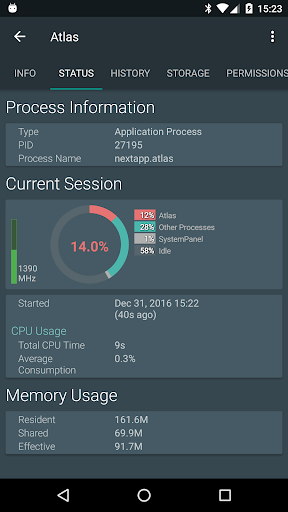
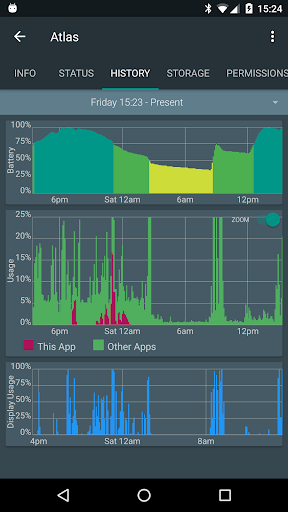
* Show active apps, record app battery, CPU, and wake lock usage over time to show potential battery drain issues
* Draw plots showing how you used your phone over time and how much battery disappeared as a result
* Analyze recent battery consumption and device wakeups (wakelocks), showing potential problem apps
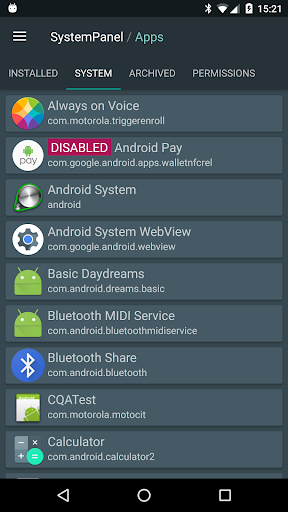
* Manage installed apps, backup app APKs, uninstall apps, and re-install archived versions
* View apps categorized by the permissions they require
* Disable system packages [ROOT required]
* Disable individual services of apps (e.g. OTA updates) [ROOT required]
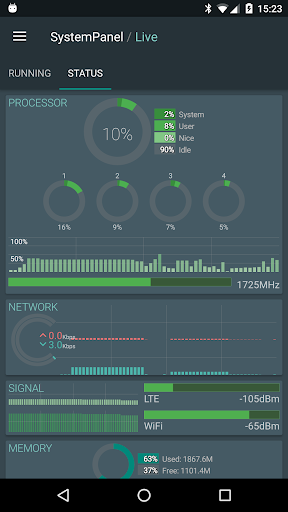
* Browse all the technical nitty-gritty about your phone
This app uses Accessibility services.
SystemPanel's "Usage" feature can optionally use an "accessibility service" to show you how much time you're spending in each app on your phone, and when you use them throughout the day.
This is useful for those with addiction disorders (and/or their parents or legal guardians) to avoid addictive use of the device/specific applications.
Use of this service is optional, and like the rest of SystemPanel, no collected data is sent from the device, it is only displayed to the user.

What's New with SystemPanel 2 2.0.b14

* Android 9 support.
NOTE:
on Android 9, Enhanced Statistics requires an additional permission, INTERACT_ACROSS_USERS, is required and must be set-up via ADB, root, or Windows utility app.
* Automatic guessing of system load baseline.
* Ad-supported version now has standard AdMob ads, because AdMob killed the nice-looking native ads.
:(

Information

  • Category:
    Tools
  • Latest Version:
    2.0.b14
  • Updated:
    2018-10-15
  • File size:
    3.5MB
  • Requirements:
    Android 4.0.3 or later
  • Developer:
    NextApp, Inc.
  • ID:
    nextapp.sp
  • Available on:
Reviews
  • avatar
    Great app! Provides dashboard operational overview of my device. I drill down into battery hog apps using the graphs to manage apps! I love this. This app is a "required & essential" top tier app on all of my devices.
    2020-12-12 05:10
  • avatar
    it's helpful in some ways, but not sure of its usefulness as new Android OS versions are released. Has the developer abandoned this project?
    2020-12-02 02:21
  • avatar
    The Unaccounted category is causing me distress. This is a paid app and it is ADB enabled, but not rooted. Currently this category has no details. - History.. Battery: 30.4%/825 mAh.. (followed by Display: 12.7%/343 mAh. This difference is huge and information is paramount. - Analysis section: "Unaccounted" is consuming resources.
    2020-11-27 12:04
  • avatar
    Permissions small but power still MIGHTY. The list of capabilities this program can do BY THE BOOK, is extradionary. But the multitude of different styles combined with vast growth of mobile development sometimes leave this user scratching his head. Still a TON of great tools to use and has taken awhile, but eventually added to my list of apps I can't be without. Thank you
    2020-11-07 06:10
  • avatar
    Does what it says on the tin. Just a few details need explanation: 1. Is shows when screen is on but not when/which app(s) are in 'foreground'; 2. Help talks about Ctl-keys to edit text (Ctl-C, etc) - not typical for Android - no clue on how to enter; 3.
    2020-10-04 01:56
  • avatar
    One of my favorite daily use apps. A must have for sure. Worth the initial payment in my opinion!
    2020-09-12 06:44