

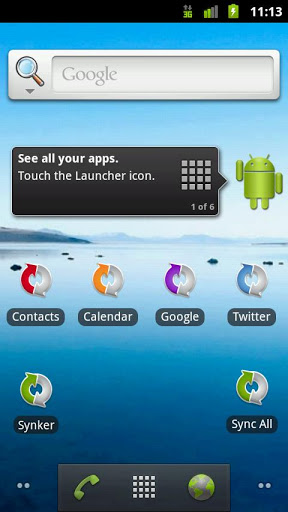
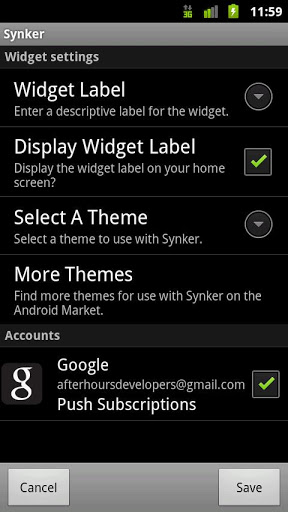
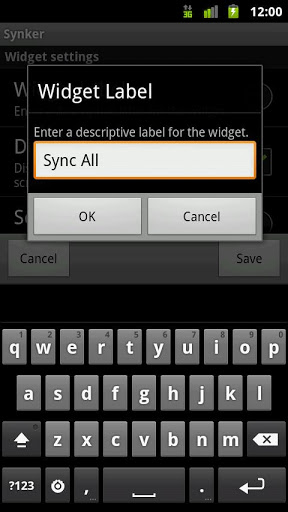
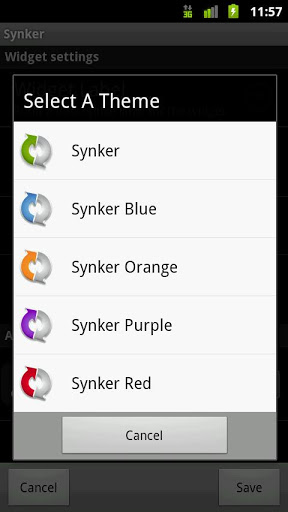
Synker, the Android account synchronization widget and Tasker/Locale plug-in, allows you to synchronize all registered sync providers on-demand or “Force Sync/Sync All/Manual Sync/Sync Now”. Synker will enumerate available sync-able accounts and allow you to create multiple widgets, or create one Sync All/Sync Now widget. Each widget is theme-able and configurable allowing for the selection of the accounts you want to sync.
Synker enables you to have separate widgets for contacts, calendar, social media, and more. Press the widget to synchronize the selected accounts independent of the current Android auto-sync setting; no need to toggle auto-sync on/off!
Synker also supports force synchronization of accounts by Tasker and Locale as a plug-in; create Tasker/Locale profiles to force sync specific accounts as desired or change the auto-sync setting on an account by account basis.
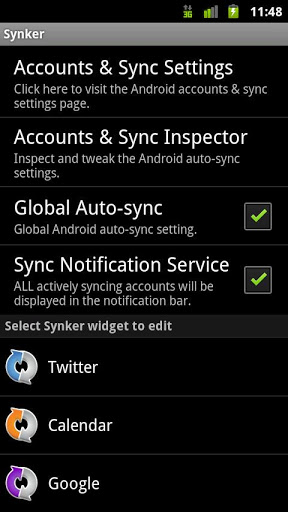
The sync notification service provides feedback about which accounts are actively syncing whether caused by Synker or some other mechanism.
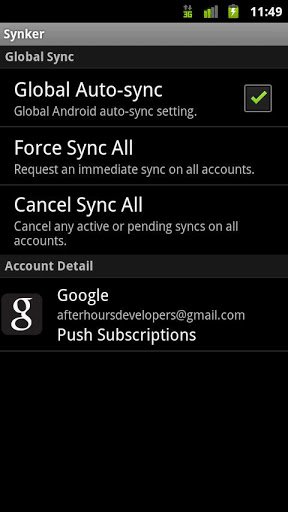
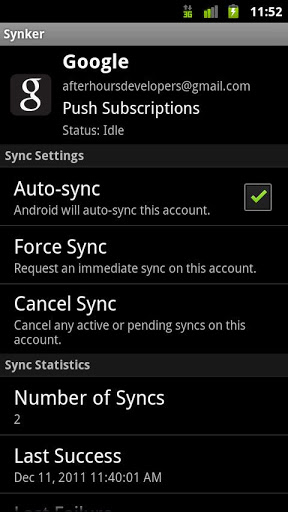
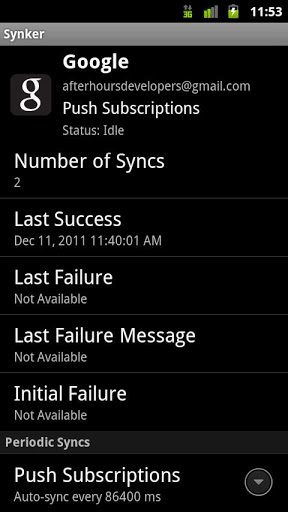
The Accounts and Sync Inspector provides additional information about the accounts on your Android device and their auto-sync properties and sync settings. The inspector overview screen will allow you to toggle the state of the Android global auto-sync setting, force sync all accounts, cancel all pending/active syncs, and display a list of all sync-able accounts available on the device including non-user facing sync adapters. The inspector account detail page provides detailed information about an individual account including some interesting statistics such as total number of sync attempts per sync source, last successful sync time, last sync failure time, last sync failure message, and initial failure time. Also, the inspector account detail page will allow you to toggle the state of the Android auto-sync setting for the specific account/authority, force sync the account, cancel any active/pending syncs on that account, and edit the auto-sync period.
Check out the Synker FAQ.
http://goo.gl/1s2YZ
Our YouTube channel with videos including Tasker and Synker as a plug-in.
http://goo.gl/3GxMT
Join the Synker beta tester community, for the latest and greatest!
http://goo.gl/qunzZ
Known Issues:
Force Close on Vizio VTAB1008
-- Initial accounts selected to mirrors Android settings (Prevent 'errors' from attempting to sync accounts that are not setup)
-- Updated notification icon
-- Update to support new unlock key versions
-- Key detection and key check in progress improvements
-- Updated AdMob SDK








9Apps 4.9














