

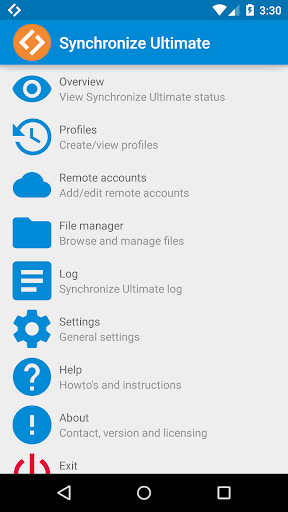
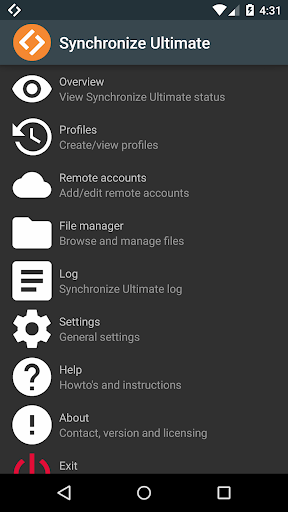
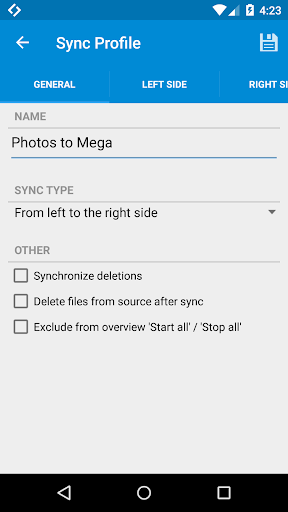
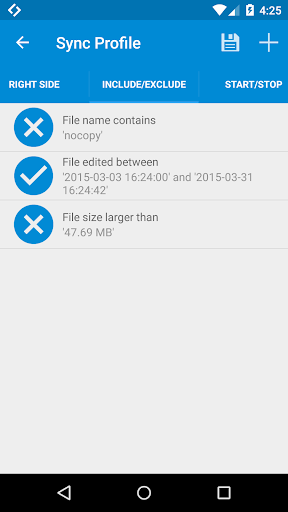
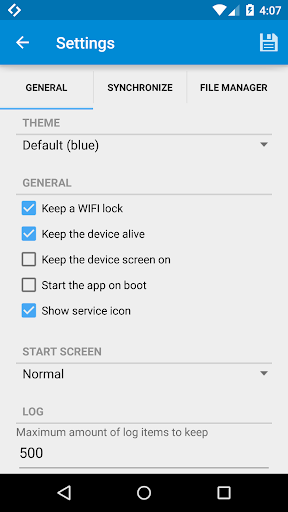
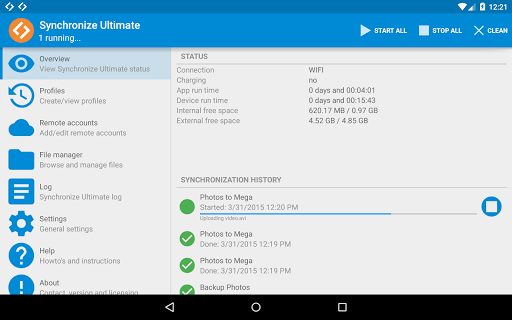
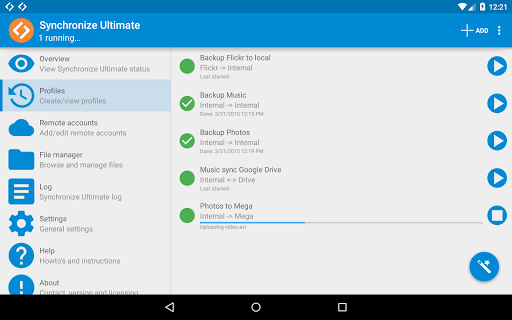
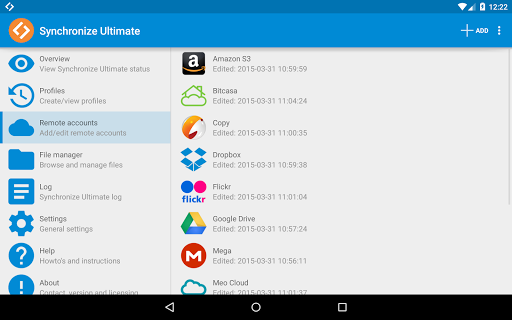
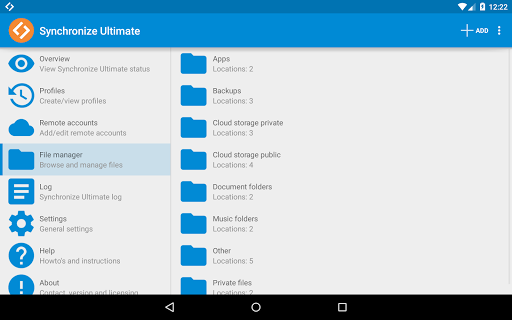
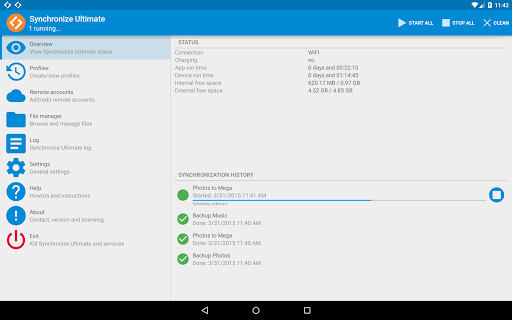
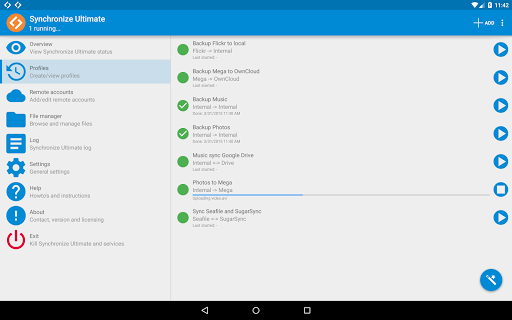
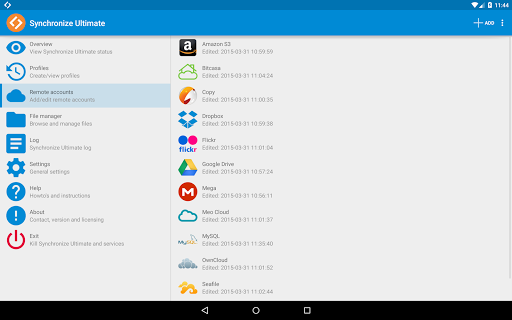
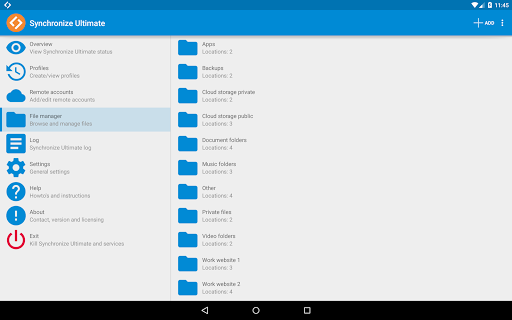
★★Synchronize between different clouds / protocols and use the best File Manager / File Explorer!★★
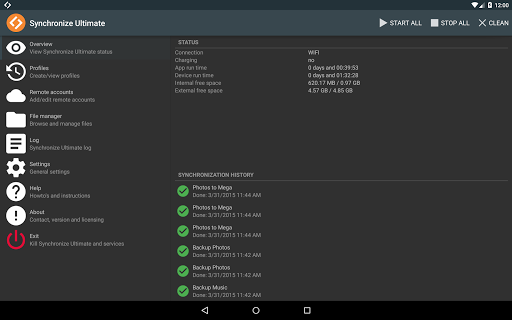
Now you can synchronize from, to and between over 100 different clouds! And that’s not all, the app also includes the most complete file manager, with multi cloud support, you have ever seen.
How to setup synchronizing:
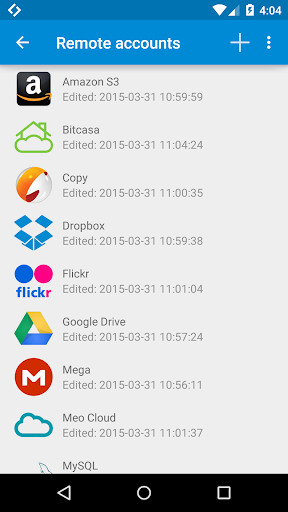
1. Add the required remote accounts inside the app
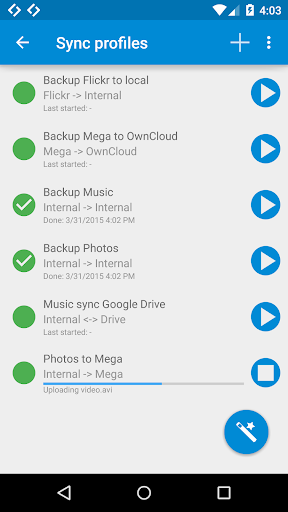
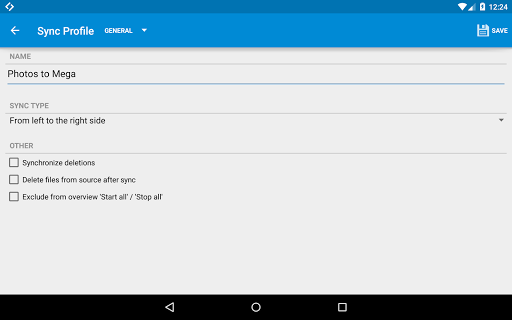
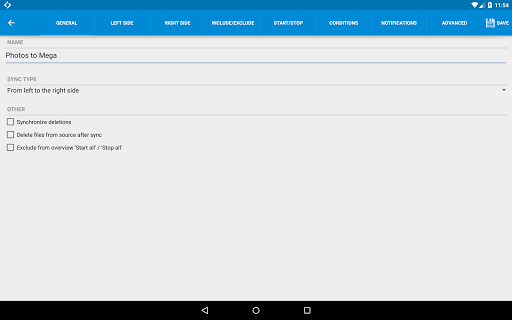
2. Add a Sync profile and set the left side and right side
3. Customize all the settings, save and run!
Synchronize features
- Synchronize from, to AND between over 100 different clouds
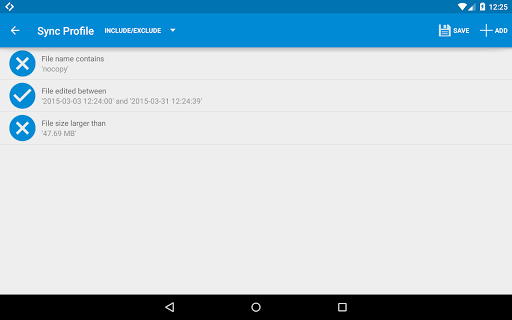
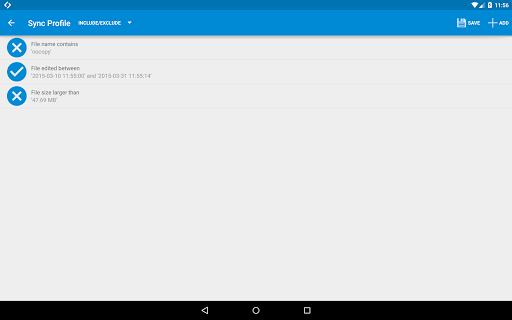
- Define include/exclude/start/stop/condition/notification rules
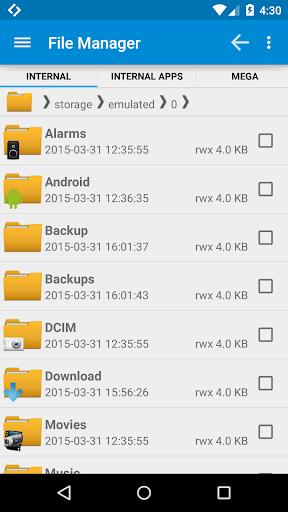
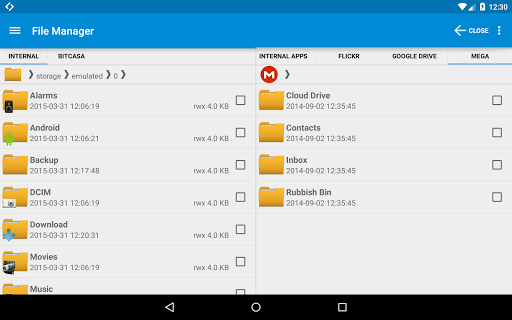
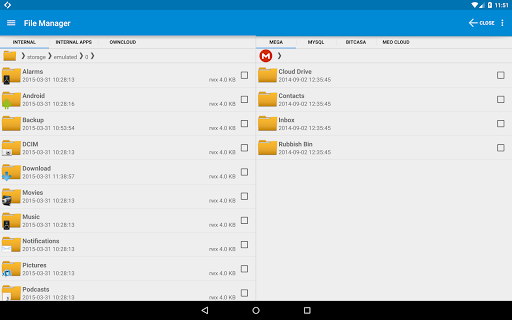
- Built-in advanced file manager
- Use the PHP Script / MySQL manager / server 2 server support
- One way or two way synchronization
- Tasker / Locale / Llama plugin (action, condition AND event plugins)
- Way more!
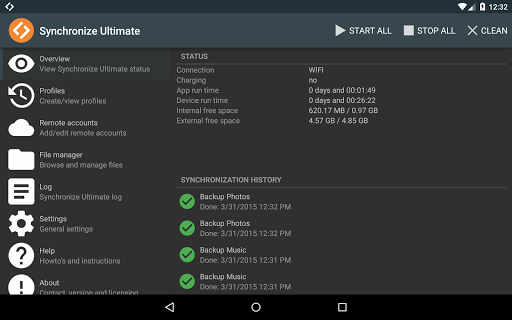
★★Different themes!★★
File Manager features
- On tablet / HD screen use multiple File Manager fragments
- Auto upload an edited file
- Create multiple File Manager sessions
- Copy, paste, cut, move, copy, etc
- Send, Share, Email
- Zip / Unzip files (compress / decompress)
- Rename, properties, open, open as, edit, edit as
- Hidden files, select multiple, sort, server status, manual change dir
- Way more!
★★Most complete sync app!★★
Extra functionality
- Browser
- SSH Client
- Terminal / Shell
- Apps
- Processes
- Root Explorer
- Android 5.0 (Lollipop) sdcard write support
- Android 6.0 (Marshmallow) permission support
Protocols supported
- Email Client (POP3/IMAP)
- FTP Client / FTP FXP Client
- FTPES Client (SSL/TLS explicit)
- FTPS Client (SSL/TLS implicit)
- Gopher Client
- NFS Client
- OpenStack Object Storage Swift Client
- PHP Client Script
- PHP MySQL Client Script
- S3 Client
- SCP Client (Secure Copy Protocol)
- SFTP Client (SSH File Transfer)
- SMB Client / Samba Client / CIFS Client / Windows Share Client
- Styx Client
- TFTP Client (Trivial File Transfer Protocol)
- WebDAV Client (HTTP/HTTPS)
Cloud services supported
- 4shared
- aDrive*
- Amazon Cloud Drive
- Amazon S3
- Amazon S3 Government
- AmpliData
- Aruba Cloud
- Bigcommerce
- Bix
- Box
- CleverSafe
- Clodo
- Cloud.ca
- Cloudian
- CloudMe
- CloudSafe
- Cloudwatt
- Connectria
- Constant Cloud
- Cubby
- DreamObjects
- DriveHQ*
- DriveOnWeb
- DropBox
- Dunkel Cloud Storage
- Egnyte*
- EMC Atmos
- Enter Cloud Suite
- Eucalyptus
- EVault LTS2
- eXist-db
- Exoscale
- Facebook
- FastMail
- FileCloud
- FileGenie
- FilesAnywhere
- Flickr
- GMX Mediacenter
- Folio Cloud
- GoDaddy
- Google Drive / Google Docs
- Google Sites
- Google Storage
- Green.ch
- GreenQloud Storage Qloud
- HiDrive*
- Hightail / YouSendIt
- Hitachi Content Platform
- Host Europe
- HostingSolutions.it
- HP
- HubiC
- IDrive
- IDriveSync
- iKeepinCloud
- Internap Aigfiles
- Iozeta Livedrive
- Jottacloud
- Jungle Disk
- Koofr
- Livedrive
- Lunacloud
- MediaFire
- Mediencenter
- Mega
- Memopal
- Memset Memstor
- MEO Cloud
- myDrive
- MyKolab.com
- MySQL Backup (PHP)
- NetDocuments
- Nextcloud
- Nifty Cloud
- Nomadesk
- Oktawave
- OneDrive / SkyDrive
- OneDrive Business
- OpenDrive
- Oracle Storage Cloud Service
- Otixo
- OwnCloud
- Oxygen Cloud
- pCloud
- Pogoplug
- PowerFolder
- Pydio
- QNAP
- Rackspace
- SafeCopy
- Scality
- Seafile
- Seeweb Cloud
- Softlayer
- SpiderOak**
- Stack storage
- Storage Made Easy
- Storegate
- Strongspace
- SugarSync
- SwiftStack
- SwissDisk
- Synology File Station
- TappIn
- Tiscali
- ThinkOn
- Tonido
- Trend Micro SafeSync
- Web.de
- Wikispaces
- Yandex Disk
- Zimbra Briefcase
* only for cloud paid plans
** read only
Visit us on: https://www.icecoldapps.com
Follow us on Twitter: https://twitter.com/IceColdApps
Like us on Facebook: https://www.facebook.com/IceColdApps
What are the permissions for?
- SMS: Start/stop profiles and/or send notifications
- INTERNET: Obvious right
- RECEIVE_BOOT_COMPLETED: Optionally auto start
- COARSE LOCATION: Listing WIFI for start/stop rules and conditions
- Support for latest Android improved
- Fixed storage bugs
- Fixed cloud providers
- Updated engine





9Apps 4.9














